

Natural wonders. By Tomislav Jagnjić.
iOS 16 is now out in the wild as part of Apple's Developer Preview channel.
And while everyone is raving about the gorgeous new lock screen and its customisability options, I'm excited about another small but helpful feature:
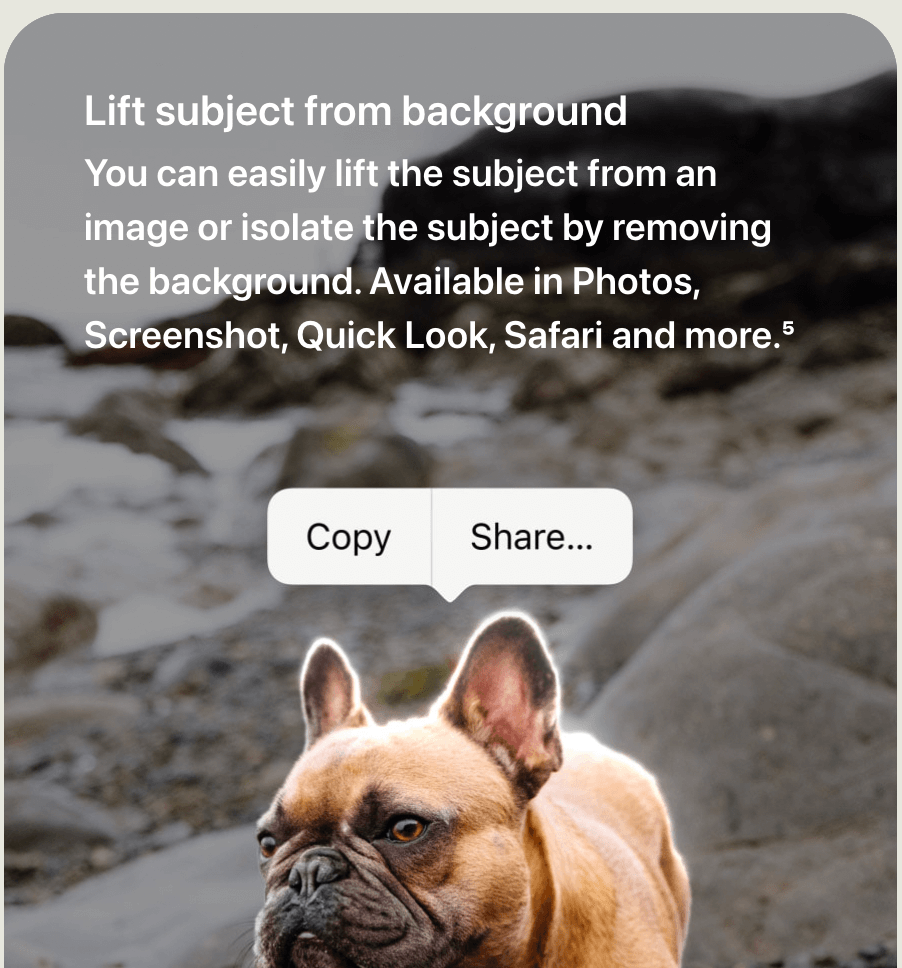
I've already used iOS's text recognition feature before to extract paragraphs from a physical book that I'm reading.
And it has been a quick and easy way to highlight passages from paper books without typing them up on my phone.
Now:
Apple is pushing this utility beyond boundaries with easy subject picking and the option to extract text from videos.
And I love how these features are tightly integrated into the system and are available across apps.
These little additions make the OS so much more enjoyable to use.
Do you use an Apple device? Which new feature are you excited about in iOS 16, iPadOS 16 or macOS Ventura?
Reply to this email and let me know.
P.S.:- I'm putting this newsletter on a 2-week break as I'll be travelling to a new country. ✈️ More on that in the next issue. Be back on 1st July.
Now, before you move on to the rest of the newsletter, here's something on remote work:
Screen sharing and collaboration are a no-brainer for online meetings these days.
It's how we work in the new age.
And recently, I came across an app that lets you embed a live document from Google Docs, Figma, and more right into your meeting.
No more screen share. Every participant can view and interact with the embedded document within the meeting window.
So, this week, I've partnered with Sessions to bring their wonderful meetings app to you.
Here are a few words from:
 This Week's Sponsor
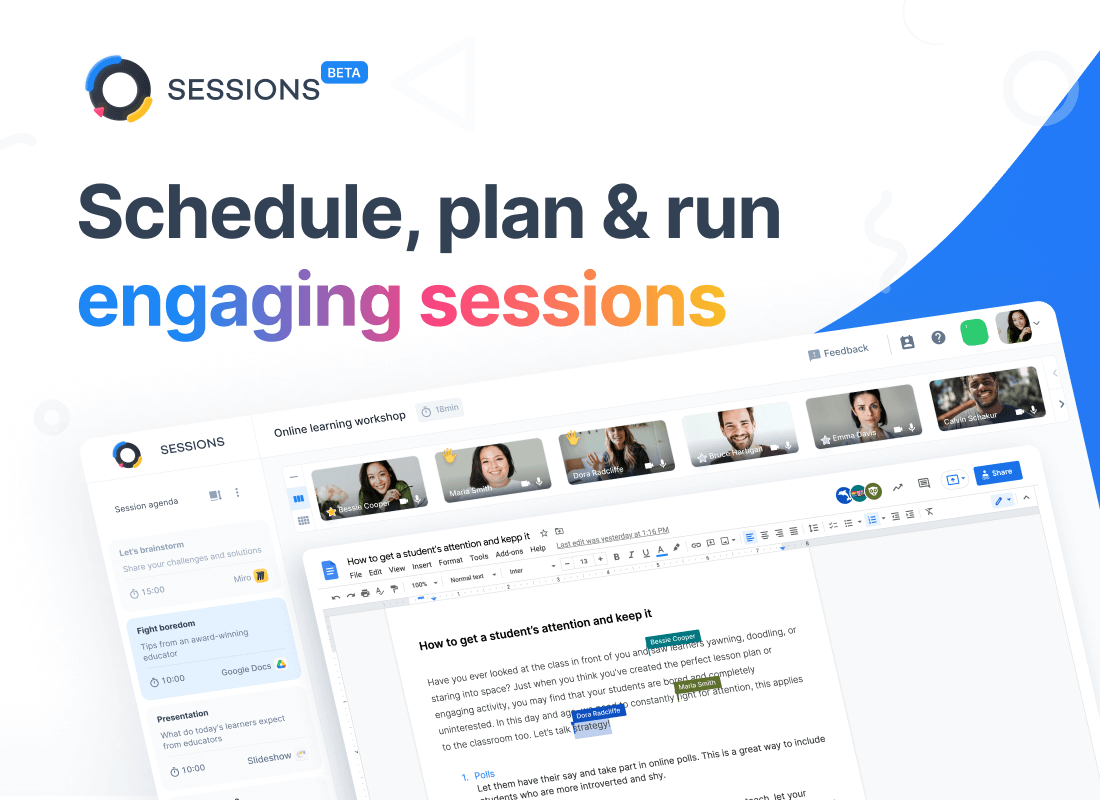
Superhuman revolutionized email, Calendly took the pain out of scheduling and now Sessions is doing the same thing for meetings.
Sessions is a new Product Hunt Award-winning platform that handles everything: pre-meeting, in-meeting and post-meeting. We say it’s the only tool one needs to have the most meaningful sessions.
Try it today: Sessions
Sponsorships are paid callouts that keep Hulry running and are seen by over 2,500 people each week. Sponsor an issue ➔
Book to Read
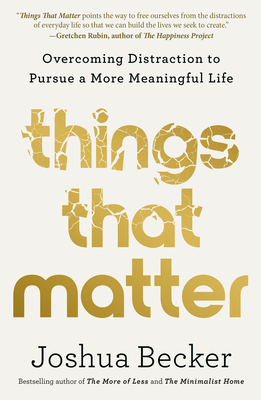
Things That Matter
Joshua Becker will teach you how to steer clear of distractions and live a well-intended life with minimal regrets.
View it on Goodreads
 Apps & Services
Focus and get through your to-do list
Capture & organise those fleeting ideas for later
Generate Twitter threads from a video
A modern journaling app for iOS
Taking the Shortcut
⌘
2
 Interesting Reads
10 min read
7 min read
19 min read
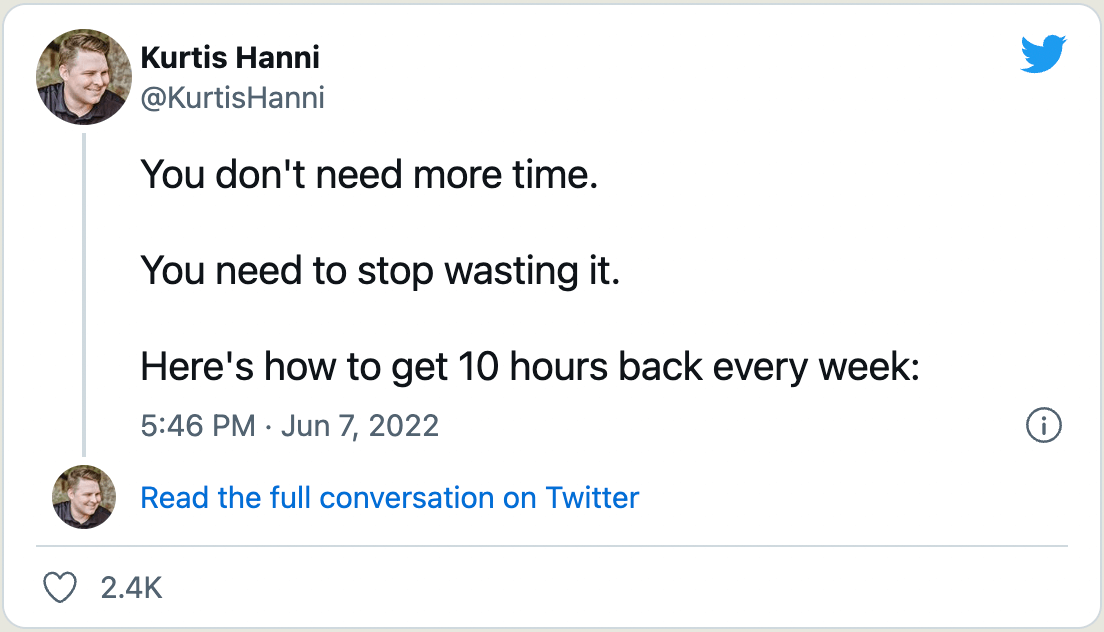
 Thread
 Quick Feedback
What do you think about this week's newsletter?
Loving the Hulry newsletter? Please forward this issue to a friend who might enjoy it too.
A significant amount of effort and time goes into bringing this newsletter and the articles over at hulry.com. Support me on this journey by buying me some coffee.
Buy me a Coffee187/1 Kudlu Road, Hosapalya, Bangalore, India — 560068
Were you forwarded this newsletter? Get your own subscription here.