

Fox shrine. By Sandara Tang.
Hey there,
Apple recently introduced App Privacy Report on iOS 15.2 and iPadOS 15.2, which lets you track how your device is being used by the apps installed.
I've been giving this feature a try, and it's interesting.
Turning on App Privacy Report via Settings → Privacy → App Privacy Report, you'll see a report like this:
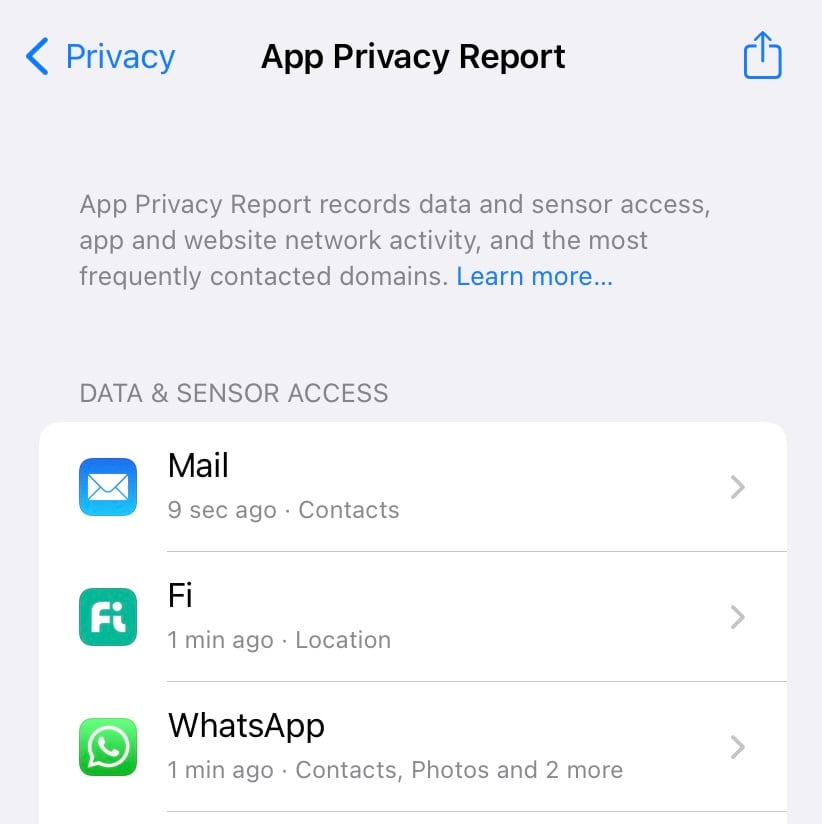
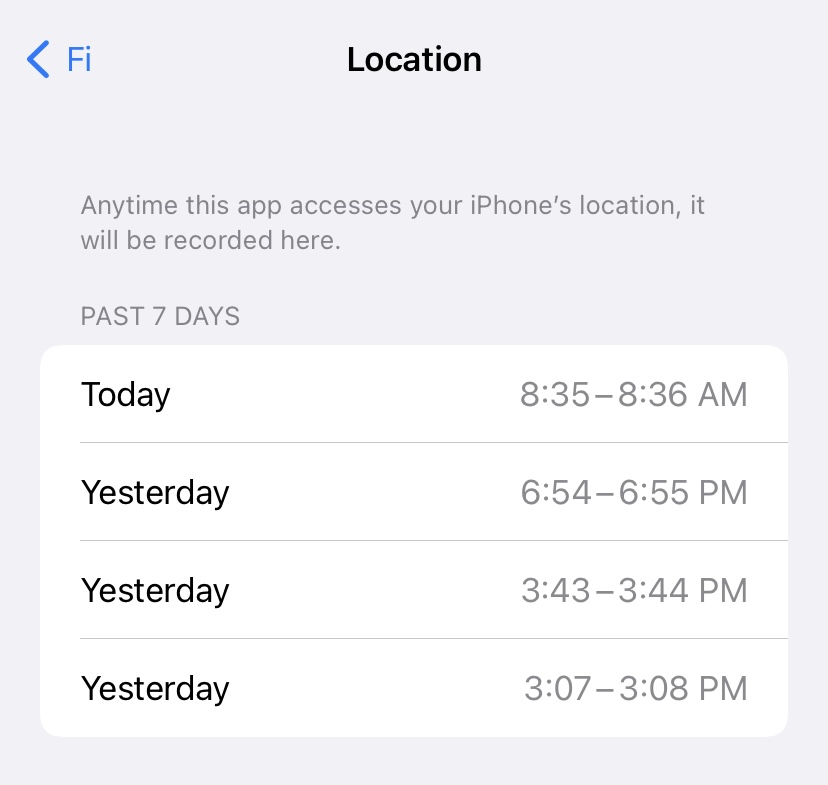
Tapping on an app in the report will get you details on how frequently the app has accessed your data.
For example, here's the Fi app accessing my location data multiple times:
And this privacy report doubles down as a DNS request tracker as well.
You can understand how frequently your usage data is being sent to advertising and monitoring services by the apps you use.
To access this information, scroll down to the App Network Activity section of the report and tap on a listed app.
Here are all the network requests made by Instapaper on my iPhone:
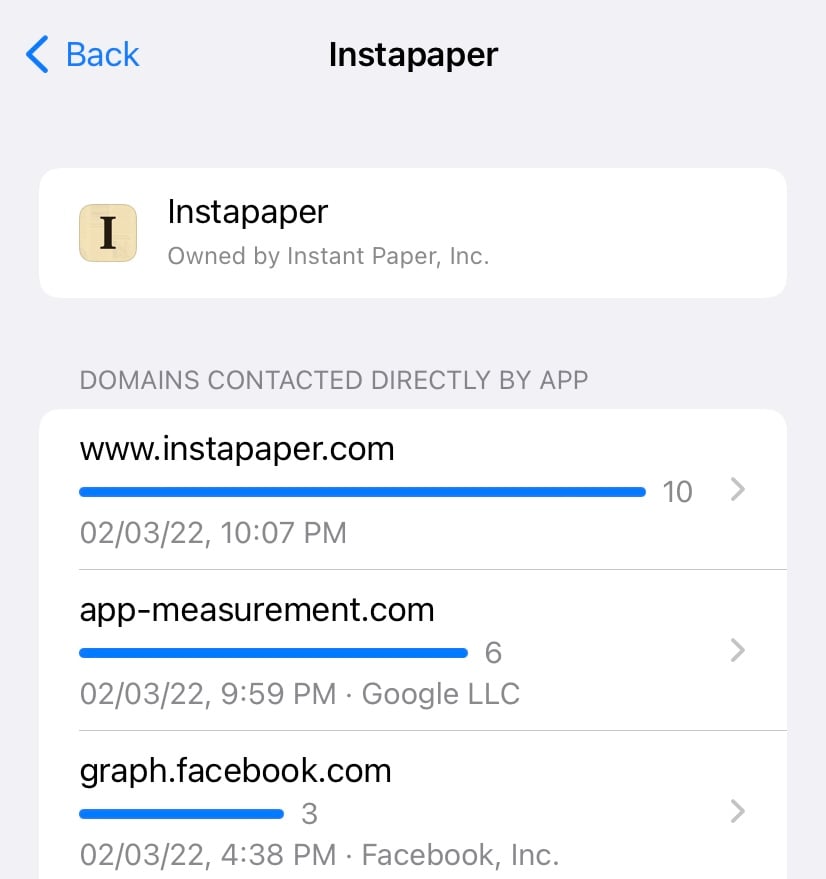
I can see plenty of calls to advertising and analytics services from the app.
And the best thing about this report is that your report data stays encrypted in your device. It never hits the Apple servers.
A small but handy feature for the privacy-conscious.
Now, grab a coffee, sit tight, and enjoy this week's issue:
Book to Read

The Automatic Millionaire
The best way to build a disciplined savings habit is not by exercising willpower. But, by setting a fail-safe automatic savings process.
View it on Goodreads Pre-order Summary
 Apps & Services
Customise your iOS home screen
AI-generated chapters for your favourite podcasts
Generate entire content from keywords
Create boards and timelines for anything
Taking the Shortcut
⌘
Click
 Interesting Reads
11 min read
15 min read
10 min read
 Classifieds
-
Reform is a no-code form builder that makes it easy to create beautiful, accessible, on-brand forms for your projects without knowing how to code.
-
We spoke with the founder of Thunk Notes recently. They make a modern daily thinking tool to help you get 1% better every day. Use code HULRY20 for 20% off your first 3 months.
-
RemNote is an All-in-One tool for thinking and learning that combines spaced repetition, PDFs, backlinks, and more! A Digital Second-Brain for all your needs! 🧠💻
Classifieds are paid sponsorships that keep Hulry running and are seen by over 1,500 people each week. Book a slot ➔
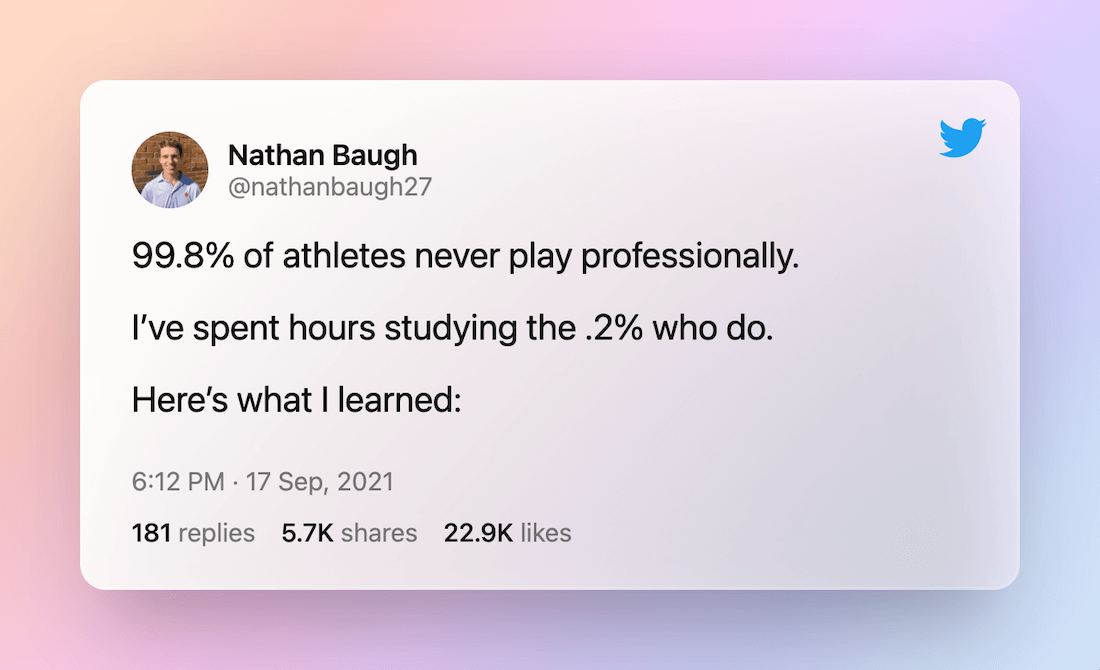
 Thread
 Quick Feedback
What do you think about this week's newsletter?
Loving the Hulry newsletter? Please forward this issue to a friend who might enjoy it too.

A significant amount of effort and time goes into bringing this newsletter and the articles over at hulry.com. Support me on this journey by buying me some coffee.
Buy me a Coffee187/1 Kudlu Road, Hosapalya, Bangalore, India — 560068
Were you forwarded this newsletter? Get your own subscription here.