Hey there,
I have an announcement. 📣
I'm working on a collection of book summaries and notes of the fantastic non-fiction books I've read and recommended over the years.
These summaries and notes help me learn more from each book, and it's time I make it available to you.
Here's an example of notes that I'll be enriching with more connected resources and sharing with you:
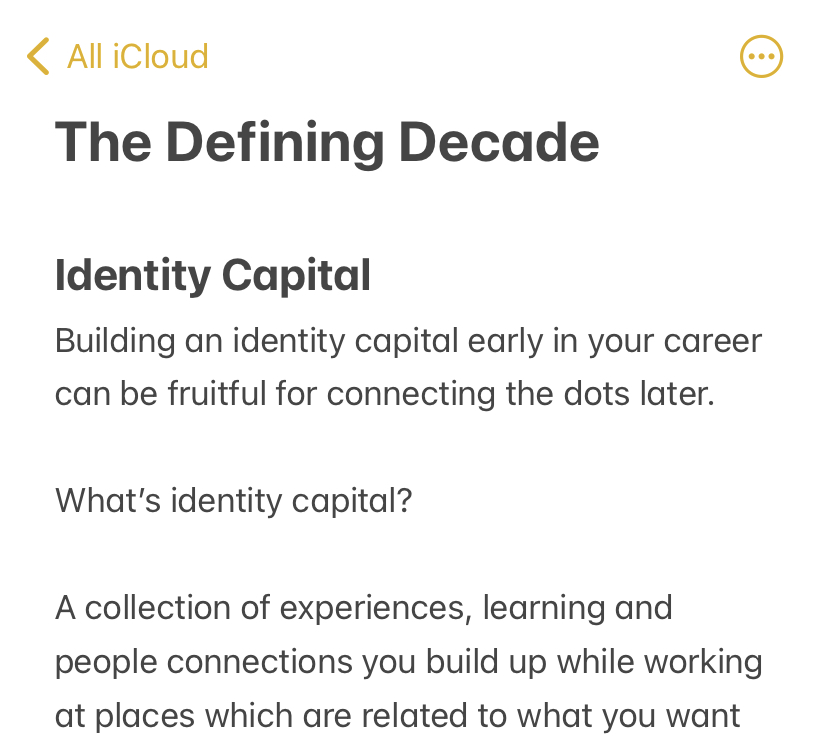
Although the product is not quite ready yet, I'll be opening it up for pre-orders at a heavily discounted price next week.
A one-time payment of a few dollars will give you lifetime access to my ever-growing collection of book summaries and notes.
Pay once, reap the benefits forever.
I'm starting with 15–20 book summaries, so if you have a book suggestion, respond to this email, and I'll see if I can include it in the first batch.
Excited to reveal more about this in next week's newsletter. 🤞
Now, grab a coffee, sit tight, and enjoy this week's issue:
Book to Read
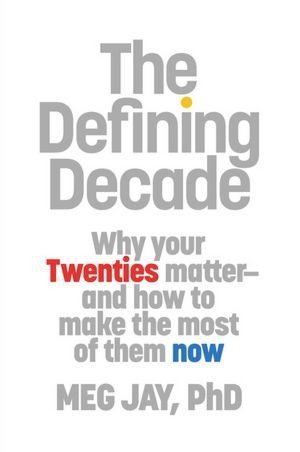
The Defining Decade
Your 20s is the prime time to shape your life. And the tips from this book will guide you in the right direction. But, even if you're not in your 20s anymore, you can still apply the valuable advice from the author.
View it on Goodreads
•••
 Apps & Services
Shottr is a free replacement for the renowned screenshot tool CleanShot X. Shottr has all the modern features of a screenshot utility like scrolling capture, editing and annotating screenshots, pixelate sensitive information, and more. Some added benefits
over CleanShot includes pixel measuring and an in-built colour picker.
Omni ➔
Spotlight like floating action bar for Chrome
Omni is a free Google Chrome extension that pops up a macOS Spotlight style floating action bar on Chrome. With this bar, you can swiftly search for open tabs and bookmarks, perform actions like mute a tab, close a tab, go back, and more. You can also
use this tool to create a Google Workspace document, make a tweet, and do lots more.
Lunacy ➔
Advanced design app with collaboration
Lunacy stacks up to popular design apps like Sketch and Figma but brings in additional features, all for free. Lunacy is deeply integrated with the vast
Icons8 graphic library and gets you 1-click access to stock photos, icons, and illustrations within the app. This app is available on macOS, Windows and Linux.
Pretty Progress lets you create beautiful progress or countdown widgets on your iPhone. You can choose a start and end date and display the current progress on your home screen. Great for holiday or event planning and being aware of the current month/year
progress. Upcoming features include reading goal tracker, money goal tracker, and more. This app is free to start with, but a one-time purchase of $4.99 unlocks all skins and features.
Taking the Shortcut
Move through your open desktops or fullscreen apps in macOS.
•••
 Interesting Reads
What if you could take actions now that would turn out to be incredibly beneficial for your future self? This is called Future Gifting. Example: Want to get the latest iPhone when it comes out this year? Start saving for it now. With future-gifting, you
anticipate your upcoming needs and take tiny actions starting today.
This is true for the food that we consume and for our daily information diet. The content and the medium through which you consume content affects our mind differently. For example, there's a stark difference between passively watching a tutorial or cat
video on YouTube and actively reading and interacting with a book or an article.
10,000 hours is a huge commitment. Especially when you're on the clock to learn something new at work or improve your life. Thankfully, you can pick up a skill to a decent level by investing only 45 minutes each day for a month. Read this blog post to
learn how to do it.
Technology advancements were meant to save us time and make things easy. Yet, while technology has made our lives easier and quicker, most of us still struggle to find time every day. This blog post goes into depth about what might be the problem here
and what we can take away from these theories to structure our routines better.
Most of us don't have the time or knowledge to tinker with the stock market every day to grow our money. And the good news is that you don't need to. Read Warren Buffet's tips on how to grow your money without having to micromanage your portfolio now
and then.
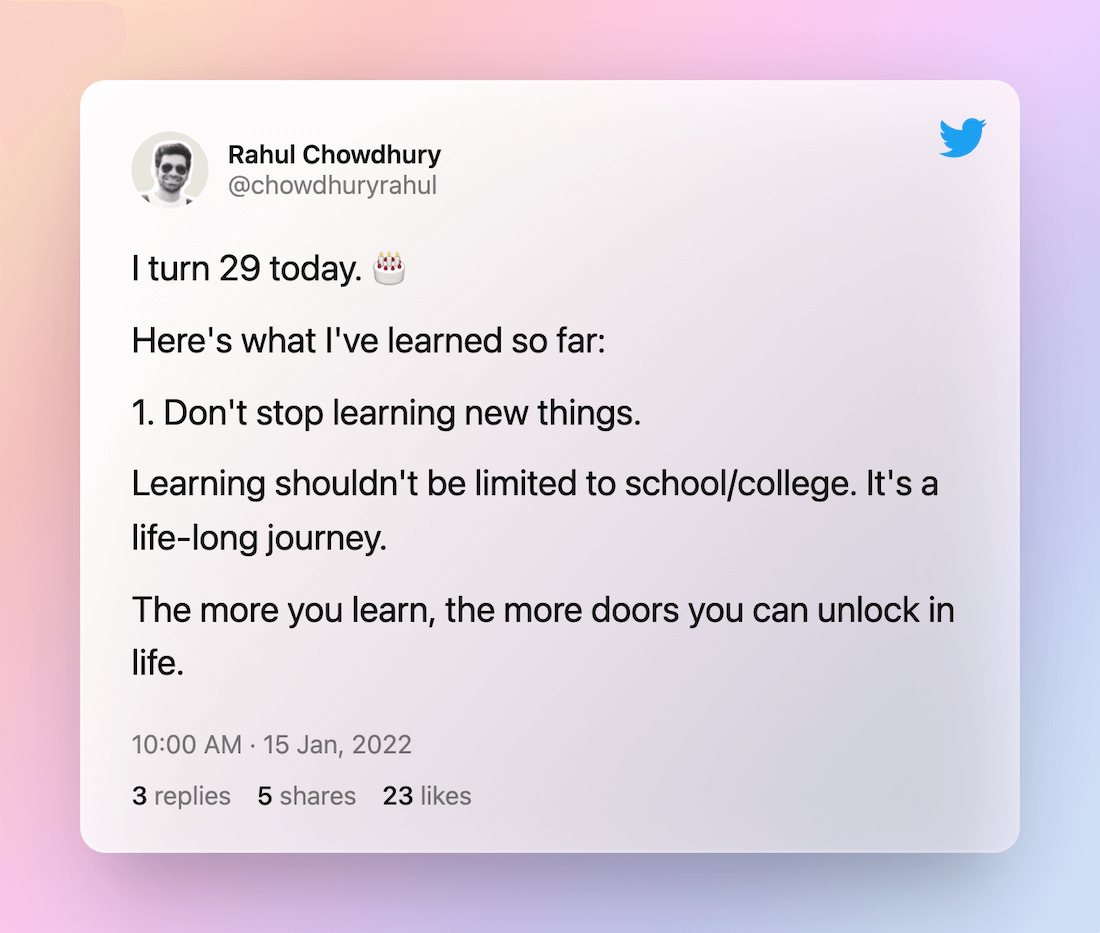
 Thread
 Quick Feedback
What do you think about this week's newsletter?
Loving the Hulry newsletter? Please forward this issue to a friend who might enjoy it too.