Hey there,
Email privacy is all the rage these days.
With major players like Apple and DuckDuckGo coming out with masked email services, we now have more options than we'll ever need.
Adding to this list is 1Password's new masked email feature.
1Password has collaborated with Fastmail to provide a masked email service right out of the box.

If you have a 1Password account and an active Fastmail account, you can connect these services to autofill random email addresses while signing up on a website or app.
Once signed up, 1Password connects your random email address to your Fastmail account so that you receive all emails sent to the random address in your Fastmail inbox.
As a long-time 1Password user, this feature is helpful.
Instead of installing another browser extension or logging into another app, I can generate masked email addresses right from the 1Password extension.
And, when you no longer want to receive emails on an address, you can block it right from the 1Password app:
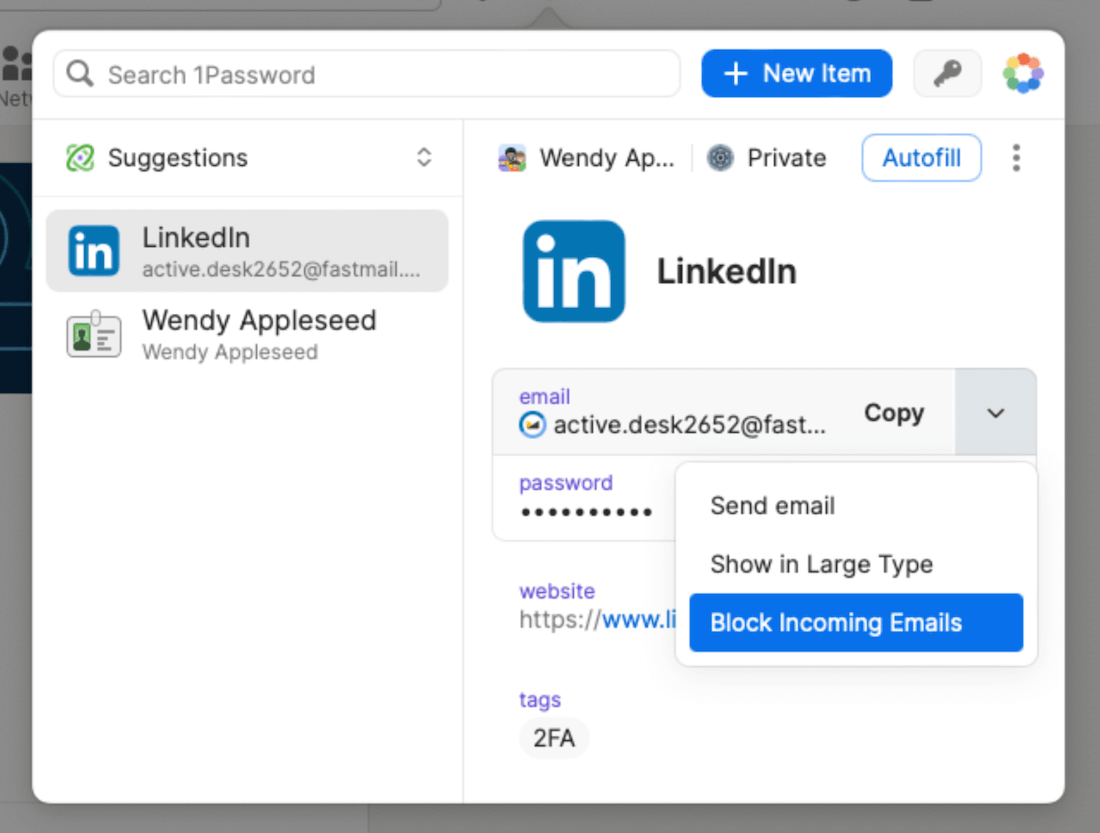
Pretty handy, right?
There are no additional charges for this service. As long as you have active 1Password and Fastmail accounts, you're good to go.
Before we move on, here's an announcement:
I've received 3 more invites to the Literal app. So if you weren't able to sign up last time, here's your chance to grab an invite.
Act fast because the last invites went away in a flash. ⚡️
Now, grab a coffee, sit tight, and enjoy this week's issue:
Book to Read
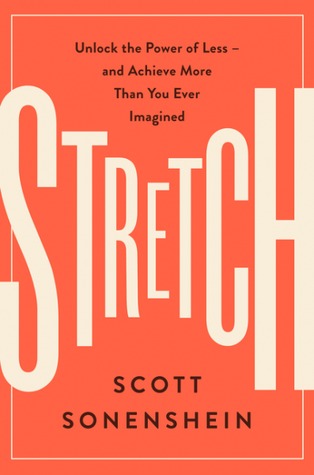
Stretch
Better results don't always demand more resources or tools at your disposal. And access to more tools doesn't always equate to better results. Learn how to make the most of what you have right now and excel.
View it on Goodreads
•••
 Apps & Services
WriteMapper makes the process of writing articles, scripts, and any form of content easy by breaking down the piece into an outline. You can use WriteMapper to jot down the outline of your blog post, documentation or video script into a map with nodes.
Each node in your outline map is a section of your content. You can pick a node and write the content for that section. When you're done, you can export your entire map into a finished piece of text. This app is available for macOS and
Windows for a $49.95 one-time fee. Use the code HULRY to get a 20% discount.
Scribe ➔
Create beautiful guides from your screen recordings
Scribe lets you create beautiful step-by-step guides by simply recording your actions on a website or any other app. This app is super helpful when you need to create guides for your team members or sharing online. Scribe takes away the pain of writing
up the guide, grabbing screenshots, and more by automating the process. Here's an
example guide I created. Scribe is free to use for web apps, but you need to upgrade to a paid plan for desktop apps.
Claquette ➔
Lightweight video recording and editing tool
Claquette is a lightweight video or screen recording and editing app for macOS. Unlike full-fledged video apps, Claquette focuses on video/screen recording and editing. You get crop presets for social media platforms like Twitter, Facebook, and Instagram,
making cropping your videos to proper aspect ratio simple and easy. If you prefer GIFs, you can export videos to optimised GIFs in a few clicks. Claquette is free to start with and costs $14.99 to upgrade.
Txtpaper is a free service that lets you convert any webpage into a clean and readable PDF, MOBI or EPUB format for reading later. This app is helpful for those occasional moments where you want to take away a long article or guide for later reference.
Before exporting, you can even edit the webpage content to have a multi-column layout or trim out unwanted parts. Txtpaper is a web app and is 100% free to use.
Taking the Shortcut
Raise or lower your hand in a Zoom meeting.
•••
 Interesting Reads
Todoist's priority levels can be confusing. For years, I struggled to understand which task is P1 and which is P2. Most tasks looked essential to get done. Finally, with the help of the MoSCoW technique, I was able to wrap my head around this concept
of priority levels and assign sensible priorities to my tasks. Read this post to learn how I did it and how you can start setting priorities better.
Social media platforms are addictive. To the point that you know you're wasting your time and your life comparing yourself to photoshopped images, but you still do it anyway. In this post, Ivaylo shares his experience of quitting social media years ago
and how it has affected his life so far. I can attest to this feeling that giving up on social media is liberating.
Life is unpredictable. And if you set unrealistic expectations from life and the people around you, you'll be doomed to a world of anxiety and disappointment. In this article, Nick summaries six habits that you can add to your life to stay cool as a cucumber
when everything seems to fall apart.
We don't live in a cookie-cutter world. What worked for someone else might not work for you. But, that doesn't mean you can't take an idea and tweak it to your liking. That is what Susan did with the famous Pomodoro technique. The classic advice is to
work for 25 minutes and then take a 5 mins break. Susan found it too short of a focus time, so she tweaked it to something that worked wonders for her. Read her observations in detail.
Credit cards are a fantastic tool when used correctly. But, if you think of credit cards as unlimited money, you'll quickly end up racking thousands of dollars in debt. In this post, Arthur shares a brilliant technique he used to get himself out of a
$12,000 debt without winning a lottery or amassing a fortune. If you have credit card debt, the snowball method can help you be debt-free.
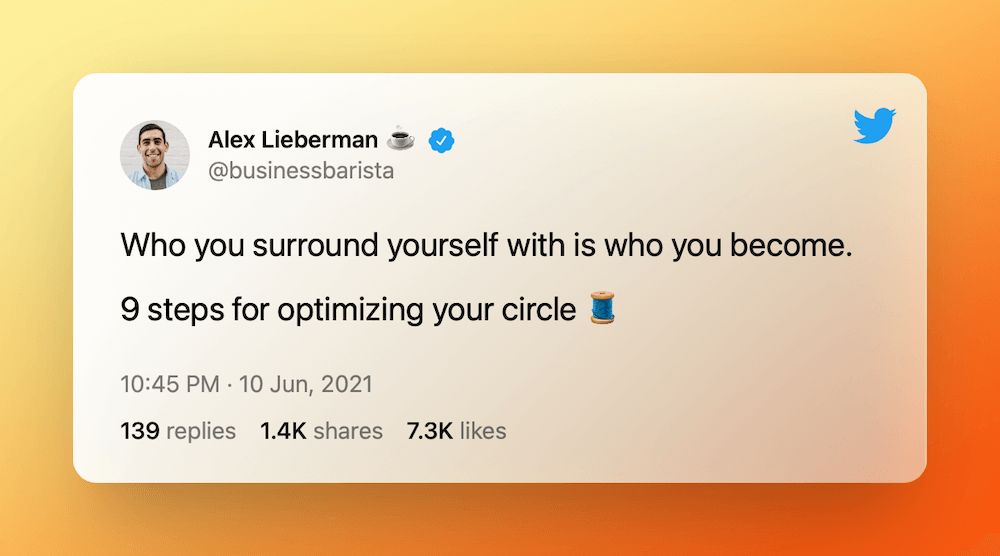
 Thread
 Quick Feedback
What do you think about this week's newsletter?
Loving the Hulry newsletter? Please forward this issue to a friend who might enjoy it too.