Hey there,
iOS 15 is finally out in the wild. And I love the update so far.
One of the biggest changes I'm enjoying is the Safari redesign. Safari on iOS now shows the address bar at the bottom of the screen, like this:
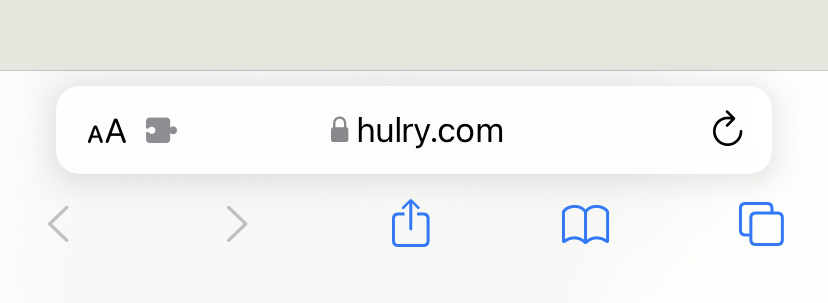
This one design change makes the app ten times easier to use. I don't have to stretch my finger to the top of the screen to type an URL or search query.
Neither do I have to keep using the Reachability gesture.
On top of this, extensions support sweetens the pot.
Yes, you can now use browser extensions on your iPhone and iPad.
And, one extension that caught my attention is Amplosion.
I hate seeing AMP pages on my phone. And Google Search mostly redirects me to AMP versions of websites
for faster load times.
Amplosion works in the background and redirects to the non-AMP version of the websites I visit automatically.
Here's The Verge redirected to their non-AMP version:
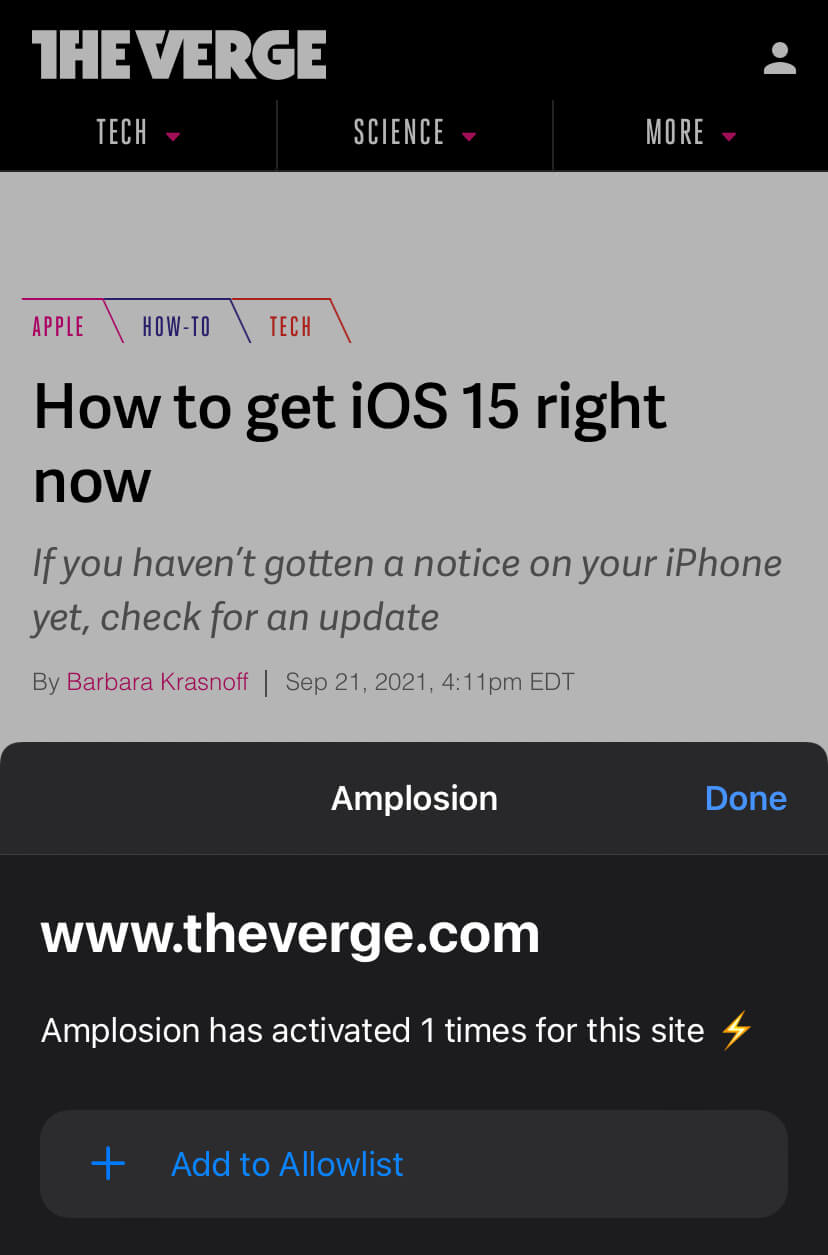
Amplosion costs $2.99, but if you're annoyed with seeing AMP pages, this is a Godsend.
Now, grab a coffee, sit tight, and enjoy this week's issue:
Book to Read
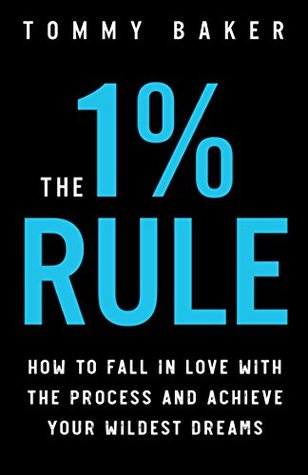
The 1% Rule
A tiny 1% progress every day is all it takes to make significant improvements in your life and move towards your long-term goals. This book will teach you how to get going through the tough times and achieve your dreams.
View it on Goodreads
•••
 Apps & Services
Feeds Mage helps you discover personal blogs from your Twitter follows. Sign in to this app with your Twitter account, and Feeds Mage will scour your Twitter follow list to find blogs and newsletters that might be interesting. You can then export their
RSS feeds into an OPML file that you can import into your favourite feed reader to subscribe to these sites instantly. Or, you can have posts from your selected blogs delivered to you via email. Feeds Mage is available on the Web and is free to use.
Tilde ➔
Superpowers for your online meetings
Tilde makes meetings fun again by giving you a collaborative whiteboard where you can take notes, chat with participants, have a private huddle, sketch your ideas and share files. It's like Zoom or Meet with superpowers. The best part of Tilde is that
you don't even need to log in to start or join a meeting. You can get started in seconds. Tilde is free to use and works on desktop browsers like Firefox, Edge and Chrome.
Hazel ➔
Automate your macOS file management
Hazel lets you automatically sort or clean up files in your macOS computer by creating rules that run every time there's a change in your file system. For example, you can create a rule to automatically move files in your Downloads folder to trash if
they're over a month old. Or, you can set a rule to organise your screenshots into a specific folder automatically. The possibilities are limitless. Hazel is available only for macOS for a one-time fee of $42.
Wallet ➔
Get hold of your money management
Wallet lets you track your income and daily expenses in an easy to use app. You can create multiple bank or credit card accounts in the Wallet app and add your expenses as they happen to have a detailed view of how your money is flowing. Features like
labelling expenses, creating planned payments and setting up budgets make this app an all-in-one tool for personal finance. You can use bank sync to import your income and expenses into the app automatically, but I prefer to input everything
manually. That way, I can stay informed of my cash flow. Wallet is free to start with and available on all major platforms.
Taking the Shortcut
Present slides from the beginning on Google Slides.
•••
 Interesting Reads
Tracking your daily water consumption doesn't have to be another chore. At least, that is what it felt to me before. In this post, I'll show you how I built a semi-automatic daily water consumption tracking system using my iPhone and a cheap NFC sticker.
I've been using this system for around two weeks, and it has been fun and easy to stick to this habit. Read this post to learn more about my approach.
VPNs promise to protect our privacy when we go online by scrambling our identification through various processes. However, when The Markup investigated 14 of the most recommended VPN services, they found these services to be littered with activity trackers.
Quite ironic, right? Some services even collect your device identifiers for marketing purposes. Read this post to find out if your VPN service is sneakily tracking you.
This is a fantastic comic from The Oatmeal, which will breathe new life into your creativity engine. Matthew talks about his experience of expanding his creative ideas once he embraced the unknown and picked up skills that made him a reputed name in the
online comics industry. The more you explore, the more you'll broaden your mind and skillset. This fun comic is a beautiful reminder to keep doing the uncomfortable but rewarding work.
Polina shares 11 incredible life lessons she had learned before her 30th birthday in one of her newsletter issues. Life lesson lists are always fun to read and contain advice that you can take away from the list and apply to your life. This one is no
different. Here's an example from the list: "Put on your goggles, and face the wind".
Investment tips can seem like the shortcut to getting rich quickly. However, tips seldom don't hold up in the stock market. Read Bernard's story where he goes from pocketing over $100K to going broke in a matter of weeks.
In a connected world, it's easy to come across stock market tips, especially from people who don't know what they're doing. Be mindful of how these tips impact your investment decisions.
 Thread

 Quick Feedback
What do you think about this week's newsletter?
Loving the Hulry newsletter? Please forward this issue to a friend who might enjoy it too.