Hey there,
If you use an iPhone or an iPad, you might be familiar with the pulldown control center.
But did you know that most of these control center shortcuts reveal quick options on a long-press?
Here's what I mean:
If you use timers a lot, you can quickly set up a timer by long-pressing the timer button on the control center:
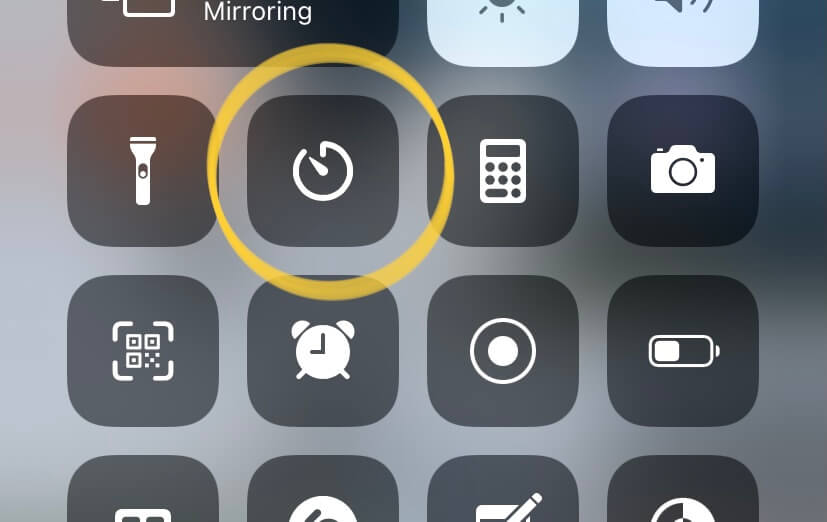
Long-pressing this button reveals a slider to choose your timer duration, like this:
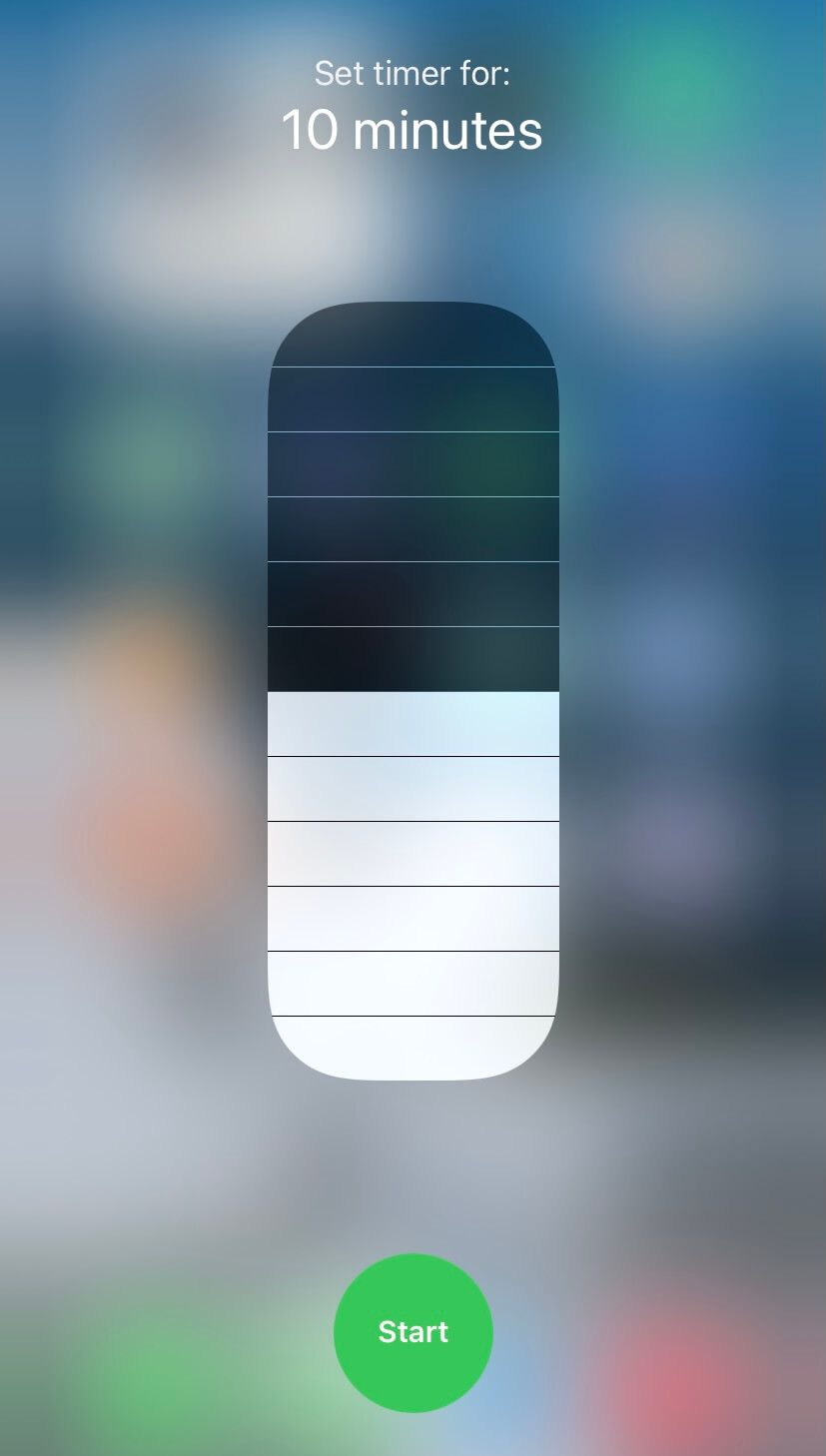
I've been using this shortcut quite a lot lately, and it's far more convenient than going to the clock app and setting a timer.
And the list goes on:
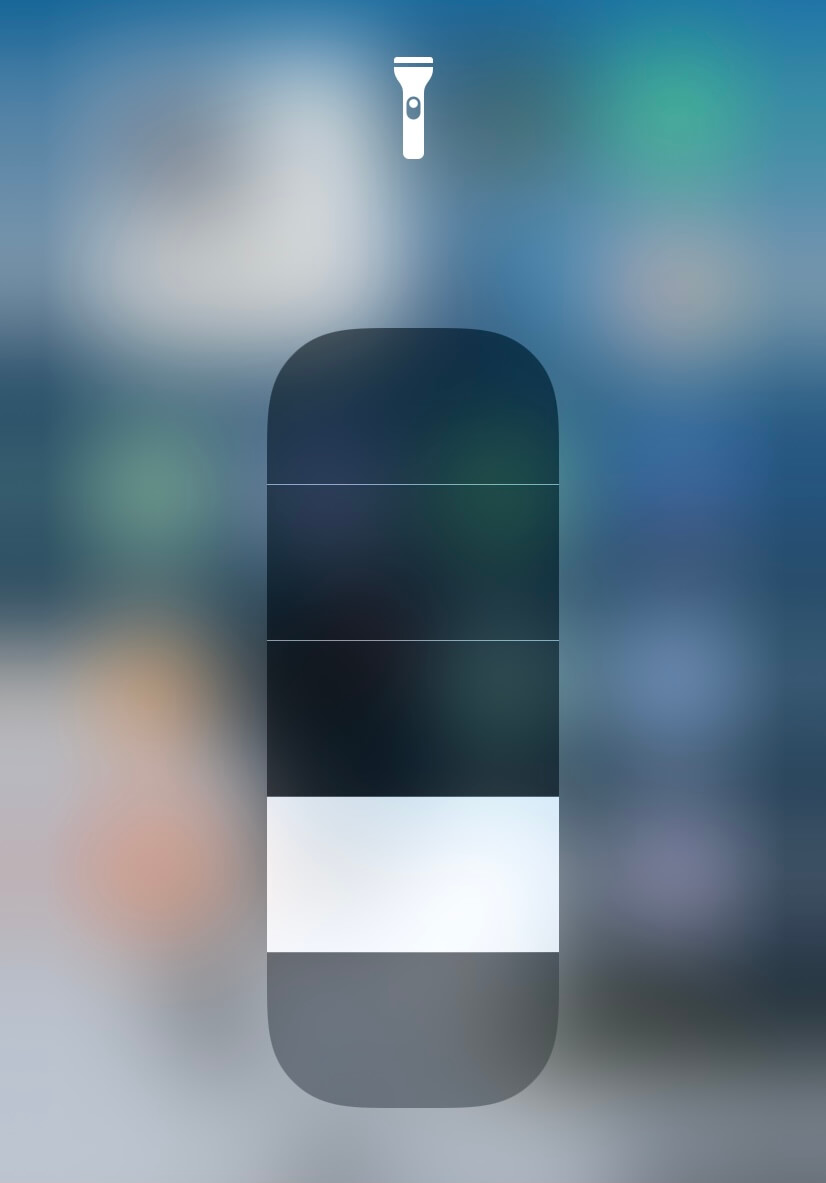
You can even control your flashlight brightness by long-pressing the flashlight button on the control center:
Even the camera shortcut has quick launch options:
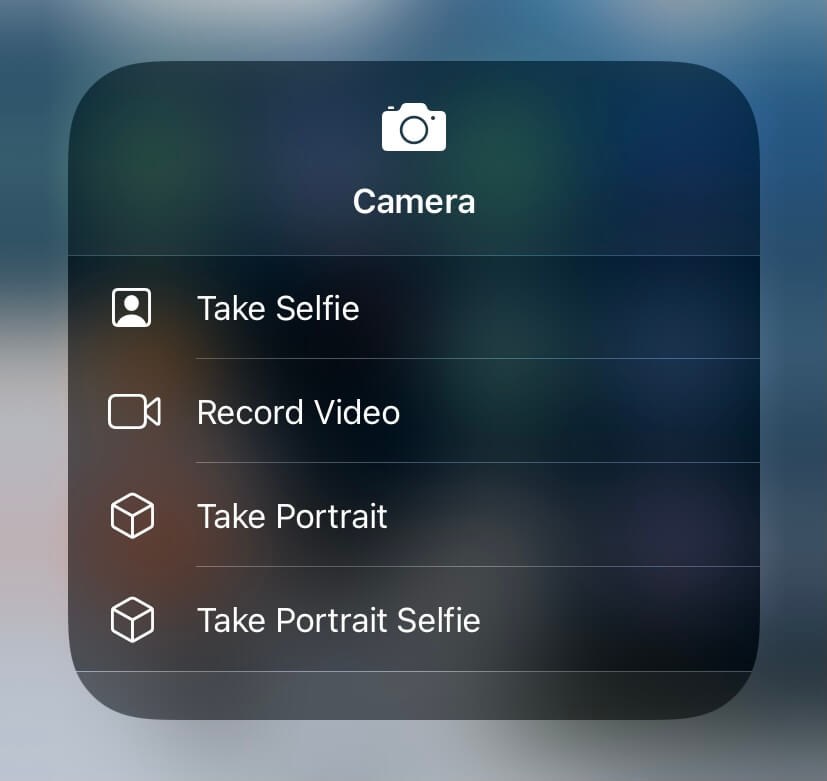
I've been using an iPhone for around two years, and I can't believe I didn't find these time-saving shortcuts before. 🤯
If you use an iPhone or an iPad, go on and long press on all the shortcuts that you see on your control center.
You might end up finding a shortcut that saves you time every day.
Now, grab a coffee, sit tight, and enjoy this week's issue:
Book to Read
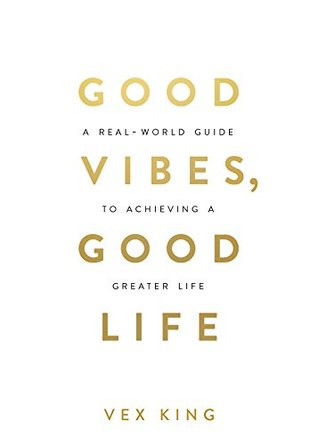
Good Vibes, Good Life
Living a good life is a result of doing things that raises your body's vibrational frequency. In this book, Vex King teaches various ways you can improve your life through self-love.
View it on Goodreads
•••
 Apps & Services
Raycast is a modern replacement for the age-old macOS Spotlight bar. Unlike Spotlight, Raycast integrates with third-party services like Google Drive, JIRA, Asana, Zoom, and more to bring you combined search results in
a zap. For example, you can search for your files on Google Drive, edit a JIRA ticket status, or see your Zoom meetings right from the Raycast bar. Raycast also integrates deeply with macOS to let you control your system via the keyboard.
It's free to use and available for macOS.
VidEarth ➔
Zoom to your favourite city in a minute
VidEarth is a beautiful collection of actual footage from cities across the world. Within a minute, you can transport yourself to the busy streets of Singapore or take a stroll around the charming corners of Portugal. All videos are from a first-person
view with real street noise and make you feel like you're there. It's the perfect app to take a micro vacation during your everyday work. VidEarth is entirely free to use.
MarkUp ➔
Get visual feedback on anything
Ever had a hard time understanding which part of your website or image someone is trying to give feedback on? MarkUp solves this problem by letting you or anyone else annotate websites, PDFs and images to get accurate feedback. I was blown away by the
feature where you can enter a website URL, load it on MarkUp and then comment visually on each portion of the website. Also, you can share a MarkUp project with others to collaborate on it. Quite a handy tool. MarkUp is free to use.
Mist ➔
Mindfulness within your browser
Mist brings guided meditation exercises, ambient noises and relaxing LoFi music right within your browser. Since we spend a significant amount of time within our browsers, this extension fits into the right place to remind us to take a break and relax
with calming exercises. Mist is only available on Google Chrome, with no plans to support Firefox or Safari. While you can use Mist for free, you need to pay $4.99/month for Mist Premium
to access the entire catalogue of mindfulness exercises.
Taking the Shortcut
Mute or unmute your microphone in a Google Meet meeting.
•••
 Interesting Reads
Habits forming approaches are controversial. There are a bazillion ways on the internet on how to form a habit and how long it takes for your mind to transform an activity into a routine. In this post, Darius highlights a recent conversation with his
grandfather about his long-standing habit-forming approach. There's nothing groundbreaking in this article, but it's a good brush-up of the core techniques behind habit formation.
Tim Ferriss will take you through a guided approach to defining your fears rather than your goals to make decisions that positively impact your life. Tim talks about his decision to travel the world for 15 months, which completely changed his life. It
was a scary decision and a risky move, but once he evaluated the risks properly, they didn't seem that life-threatening. And most situations are similar. If you prepare yourself for the worst, you can take on any challenge and overcome
your worst nightmare.
We all work in beer and coffee modes throughout our day. Beer mode is when you don't have a particular focus on something and let your ideas roam freely and take shape. Coffee mode is what we usually stay on, focused on the task at hand. For significant
progress, both modes are necessary. I've noticed that none of my ideas emerged when I sat down trying to come up with ideas for Hulry or anything else. They all came to me unexpected when I let my mind wander freely.
People say that our environment shapes our mood. If we're in a depressing environment, it's hard to feel happy or content. And it's true. Whenever I'm in an uplifting environment, with ample sunlight and fresh air, I'm more energised to get things done.
In this post, Ingrid will teach you how to organise your home to uplift your mood and live a happy life. Small changes can make big impacts.
Spreadsheet apps are the most popular choice for laying down a financial plan. To make it easy for you to set up your financial independence or retirement plans, Bouke gives out several formulas for standard finance calculations like Future Value, Annuity
calculation, NPER, and more that you can apply on a spreadsheet app like Google Sheets and get calculations done in seconds. This list will help you explore various angles of your financial planning without breaking your head.
 Thread

 Quick Feedback
What do you think about this week's newsletter?
Loving the Hulry newsletter? Please forward this issue to a friend who might enjoy it too.