Hey there,
Lately, I've had a few "crash and burn" situations.
Working from home, I tried to optimise my entire day to work on as many tasks as possible.
While this was sustainable for a few months, I eventually had to pay the debt I had been building with significant downtime.
At one point, I was drowning in anxiety, thinking about all the tasks I have to get done in my day.
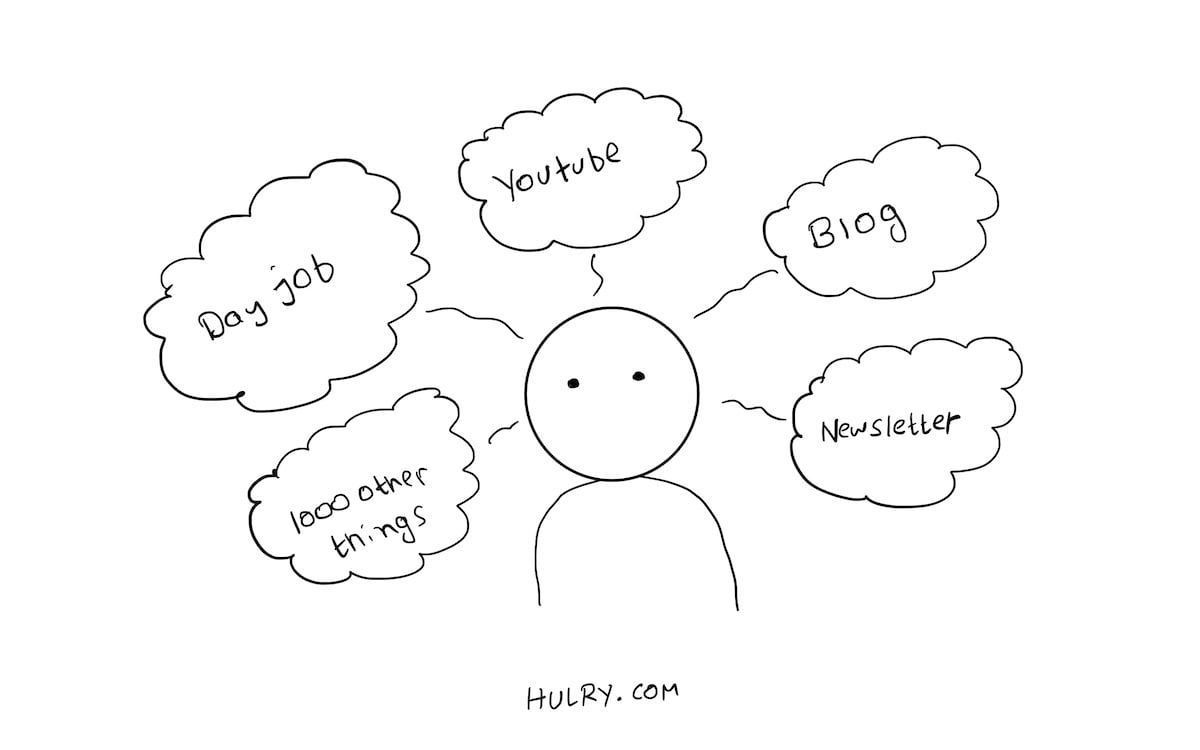
Experiencing a complete meltdown, I decided to cut back on the pressure I was putting on myself and focus on the essentials.
Instead of focusing on 9–5 work, this newsletter, the blog, the Twitter account, the YouTube account, and a load of other ad-hoc tasks, I cut back to the essentials.
For the last few weeks, I've only been focusing on my 9–5 work, this newsletter and reading books.
And what about all the other hours when I'm not doing these tasks?
I try to relax, maybe listen to some music, go out to the balcony and enjoy a cup of tea with my wife surrounded by nature. This relaxes me.
With time, I'll start picking up writing on my blog again and then stay at a limited amount of tasks for some time.
I'm rebuilding my routine, one step at a time, for the better.
If you've been experiencing a similar situation, take some time to identify what's essential.
Remember this; you don't have to do everything.
Shorten your to-do list and take ample breaks during the day. Staying home and working all day is no fun.
Add activities that relax you to your schedule. That's the only way you can keep up with a routine for the long term.
Now, grab a coffee, sit tight, and enjoy this week's issue:
Book to Read
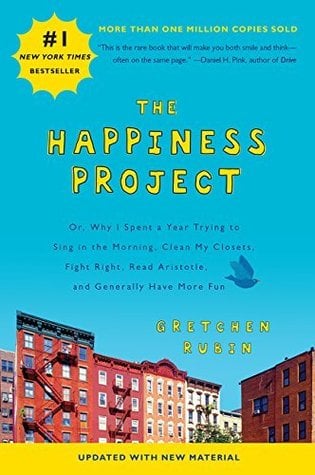
The Happiness Project
Gretchen Rubin spent a year trying out new things that promised happiness in her life. This book is a month-by-month journal of her yearlong experience.
Get it from Amazon
•••
 Apps & Services
Ever since I got an iPad Pro, I've enjoyed taking handwritten notes on GoodNotes. The app works fantastic with the Apple Pencil and has everything you need to make digital notes or even sketches. GoodNotes has excellent customisation options ranging from
choosing paper types, marker sizes, and highlighter colours. Every note is synced across all of your devices using iCloud. No account is needed. I primarily use this app for creating sketches for Hulry. If you've got an iPad and you haven't
tried GoodNotes yet, try it now. You'll love it. GoodNotes is available on macOS, iPadOS and iOS and is a $7.99 one-time purchase.
I've been searching for a decent system-wide colour picker for macOS for ages. And then, I stumbled upon this fantastic app. System Colour Picker lets you pick a colour from anywhere on your screen in macOS. Once picked, the app displays the colour in
popular colour coding formats like HEX, RGB and HSL. And you can copy the colour codes with a single click. It's a small utility app but comes in handy if you're designing some graphics or UI and need to pick colours from a sample area.
This app is completely free to use.
If you're subscribed to a ton of newsletters, they can quickly clutter your email inbox every week or day depending on the newsletter frequency. Newsletterss is an app that you can use to decouple your newsletter subscriptions from your email inbox. With
this app, you get an email address that you can use to subscribe to your newsletters. And then, every time a newsletter rolls in, it'll arrive in your Newsletterss inbox instead of your email inbox. I love how this app generates an RSS
feed out of my newsletter subscriptions. So, I can use my favourite RSS feed reader to read my newsletters instead of opening another app. Newsletterss costs $10/year for each email address you generate.
Ever since I started using my personal VPN server, I've been using Passepartout as my OpenVPN client to connect to my VPN server. This app is beautiful and offers plenty of options to customise my VPN connection according to my needs. For example, instead
of using my VPN's DNS service, I use NextDNS. I have it configured with Passepartout so that my VPN connection uses my NextDNS configuration. Even if you don't have your custom VPN server, you can use Passepartout with multiple providers
like NordVPN, Surfshark and your office VPN server. Passepartout is available for free on macOS, iPadOS and iOS.
Taking the Shortcut
Copy the selected song's title and artist name on Apple Music.
•••
 Interesting Reads
Reading books and articles can add tremendous value to your life by giving you a front seat to someone's years of experience in a matter of hours. However, not all books and articles offer value. Some books are filled with fluff and made marketable to
print money. This article will help you identify how to find and read life-changing books and extract the most knowledge out of them. It'll also help you identify useless books and instil a mindset of skimming for content and quitting
books that don't add value to your life. I had fallen prey to a vanity metric called "yearly reading goals" at one point in my life. As a result, I wasted time reading through bad books to increase my reading count for the year. Read this
article to make sure you're not making the same mistake.
Would you rather have 100,000 visitors to your website generating $100/month in revenue or 1000 true fans generating $10,000/month in revenue for you? Would you rather skim through 50 books in a year or read 5 books in depth that ultimately shapes you?
Most often, we take a bell curve approach to life. Optimising for the average number. In this article, Taylor will teach you how to identify the fat tail or the top 1% in anything and get lucky in almost any field.
I love these life lessons listicles. One medium-sized article can compress and provide years of wisdom in a matter of minutes. And this article is no different. In this article, David shares 50 simple ideas that shaped his life and thought process over
the years. Here's an example, "Preference Falsification: People lie about their true opinions and conform to socially acceptable preferences instead."
Our screen times are at an all-time high these days. But with increased screen time comes problems such as dry eyes, fatigue and headache. In this article, Dr Kara talks about what causes eye fatigue and gives out 8 straightforward yet practical tips
to maintain your eye health in this screen time heavy world. I've had frequent eye fatigue and dry eyes syndrome before, and I can confirm that these techniques help big time.
If you have trouble sticking to your budgets and often go overboard on spending on takeouts, gadgets and general shopping, envelope budgeting can help tighten the leash on your spending. During my initial budgeting days, I followed a similar approach
to keep my spending in check and make savings grow. Although this article talks about keeping cash in actual paper envelopes, you can apply this technique with the help of any budgeting app and having a little discipline on your spending.
Make a mindset of not going over your spending limits set by your budgets, and you'll be fine.
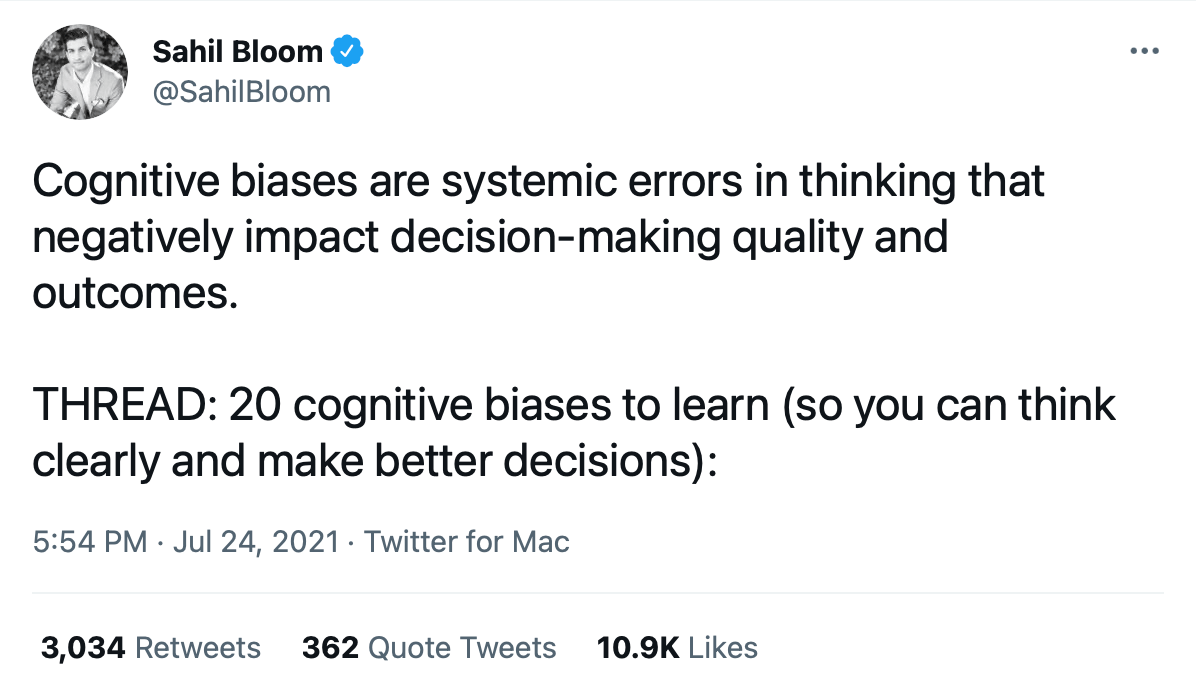
 Thread
 Quick Feedback
What do you think about this week's newsletter?
Loving the Hulry newsletter? Please forward this issue to a friend who might enjoy it too.