Hey there,
First of all, apologies for missing out on sending this newsletter last week. I had to call in for a sick day. 🤒
Now:
Spatial Audio is here for Apple Music users in India, and I got to try it out the hyped experience:
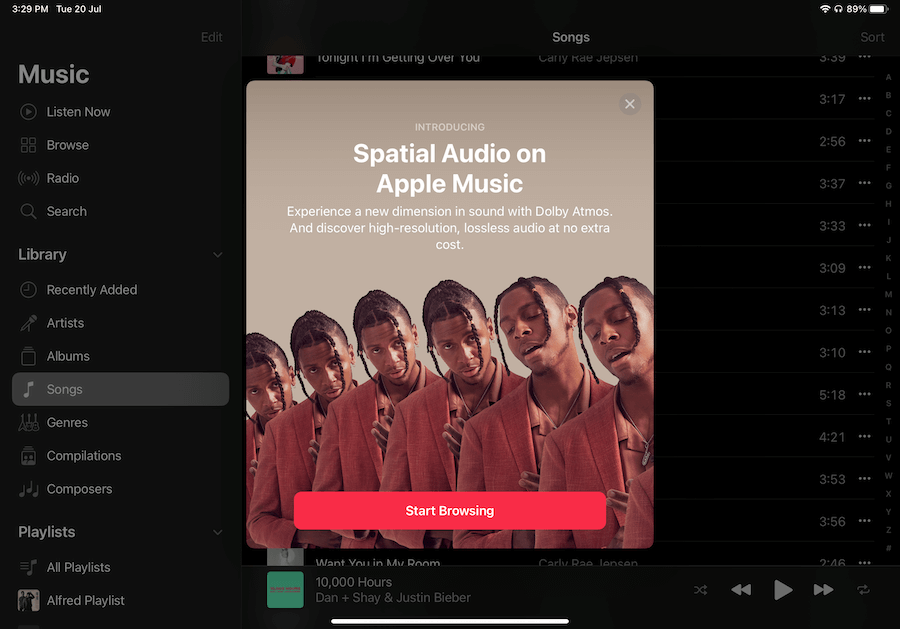
And it is mindblowing. 🤯
Vocals shift as you move your head around. Music surrounds you from every direction, and beats and instruments feel much more immersive.
Now:
Not all songs are made for Spatial Audio, but I found many songs on my playlist to have this feature.
If you're an Apple Music user and wondering which songs make the cut, look for this label on a song:

Also, you'll need a Spatial Audio compatible set of earphones to tune in to this experience — like the AirPods or the AirPods Pro.
Here's an official guide on Spatial Audio for all Apple devices.
If you haven't tried out Spatial Audio, try it out now. It's an entirely different listening experience.
Now, grab a coffee, sit tight, and enjoy this week's issue:
Book to Read
Sleep Smarter
Sleeping well is like investing money in the stock market. No matter how much you sleep, it won't matter if you don't time it right. This book will show you how to optimise your sleep to improve your overall health.
Get it from Amazon
•••
 Apps & Services
Unclutter lets you keep files, clipboard content and notes in an easy to access pull down bar on macOS. Think of it as your work tray where you keep all of your working items for easy access. You can move your cursor to the top of the screen and pull
down to reveal the Unclutter bar where you can store or access your tucked away content. It's pretty helpful when you need to quickly jot down a note or keep some files handy for uploading. Available on macOS for a $19.99 one-time fee.
Unlike regular prioritisation and project management tools, Wayplan lets you prioritise tasks or features based on the value of the outcome and the effort involved. This is helpful because you can tackle high-value but low-effort tasks first to continue
shipping out good features for your app or projects and keep the momentum going. If you assign a time frame to your tasks, you can visualise them in a beautiful milestones calendar in the app. Wayplan is completely free to use as long
as it's in beta.
Gestimer ➔
Drag to create reminders from the menu bar
Gestimer is a macOS menu bar app that lets you quickly create reminders by dragging your cursor from the menu bar. The longer you pull, the later will be your reminder. This is pretty handy if you keep checking your clock while working because you need
to stop the work and take a break or go somewhere or attend a call. Gestimer will remind you when it's time. And the whole gesture-based reminder creation is pretty fun and intuitive. This app is available for macOS for a $3.99 one-time fee.
Pixelhunter is a web app that lets you crop your image to various social media image sizes with a single click. You upload the image, and Pixelhunter will use its AI system to intelligently crop your photo into sizes for Twitter, Instagram, TikTok, Facebook
and more. What's great is that Pixelhunter tracks the main subject in your image and crops accordingly. This means that you won't end up with an image where the subject is cropped out of the frame. No sign-up is required, and this app
is free to use.
Taking the Shortcut
View a PDF in presentation mode in Firefox.
•••
 Interesting Reads
In a world where content is abundant, we often jump from one idea to another, binge-consuming articles, podcasts and videos without exploring a concept in detail. While the pursuit of knowledge is beneficial, scratching the surface of every topic bears
no fruit. You need to go deep into an idea you truly buy into. This article highlights a couple of real-life examples where people have made it big by following one big idea without being distracted by the next shiny thing.
Time blocking is a popular productivity technique of carving out chunks of time in your schedule to work uninterruptedly on your tasks. While blocking 30 mins out of your calendar to work on your project can be beneficial, dedicating an entire day takes
the benefits to a cosmic level. You can get a week worth of tasks done in a single day if you time block a whole day to do deep work on your project. Read this article to know how.
When we say that we don't have the time to work on our goals or dreams, it's not that we lack time. The problem is a general lack of direction we want to move towards. Fantasizing about launching a blog for years? Once you have figured the steps to create
your blog, the topics you're going to write on, and your publishing frequency, it gets pretty easy from there. And even your schedule is jam-packed, you'll be able to carve out time to work on your blog because you don't need to work 5
hours every day to maintain a blog. This article explains this theory in detail.
Over the years, society has conditioned us to chase goals or metrics that only positions us in a meaningless race. How many books you read in a year or how many likes you get on your latest Instagram photo are not the correct numbers to focus on when
you're concerned about achieving a meaningful goal. Julian talks about how to extract the right metric from the haze of a popularity contest and work on things that'll leave a mark on your life or business.
Whether you're a money management newbie or a seasoned personal finance manager, this article has advice for all. For example, I loved the concept of deciding your dinner at the start of the day so that you don't end up ordering takeout from the restaurant
nearby because you're too exhausted to decide what to eat at the end of the day. Moms always give the best advice, and this article is no different.
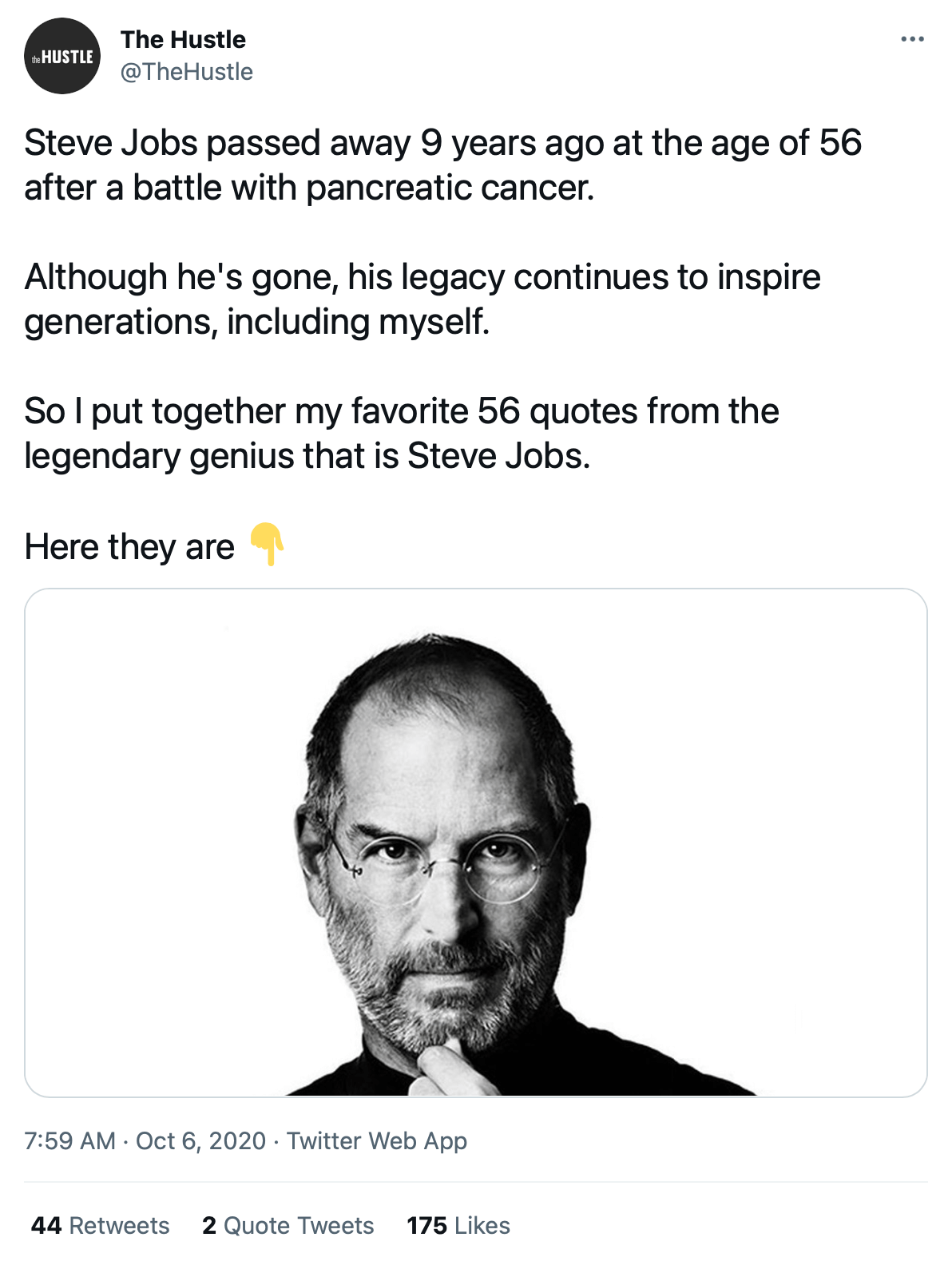
 Thread
 Quick Feedback
What do you think about this week's newsletter?
Loving the Hulry newsletter? Please forward this issue to a friend who might enjoy it too.