
I’ve mentioned my weekly goal-planning system a few times before, in this newsletter and on the blog.
While I used a physical notepad for this weekly planning before, I recently made an iOS app that makes the process better and more convenient while keeping some of that pen-and-paper feel.
It’s called Foreweek, and it’s now available on the App Store.
The app closely resembles the original system, where we get a fresh notepad page every week to list the tiny goals that would make this week successful:
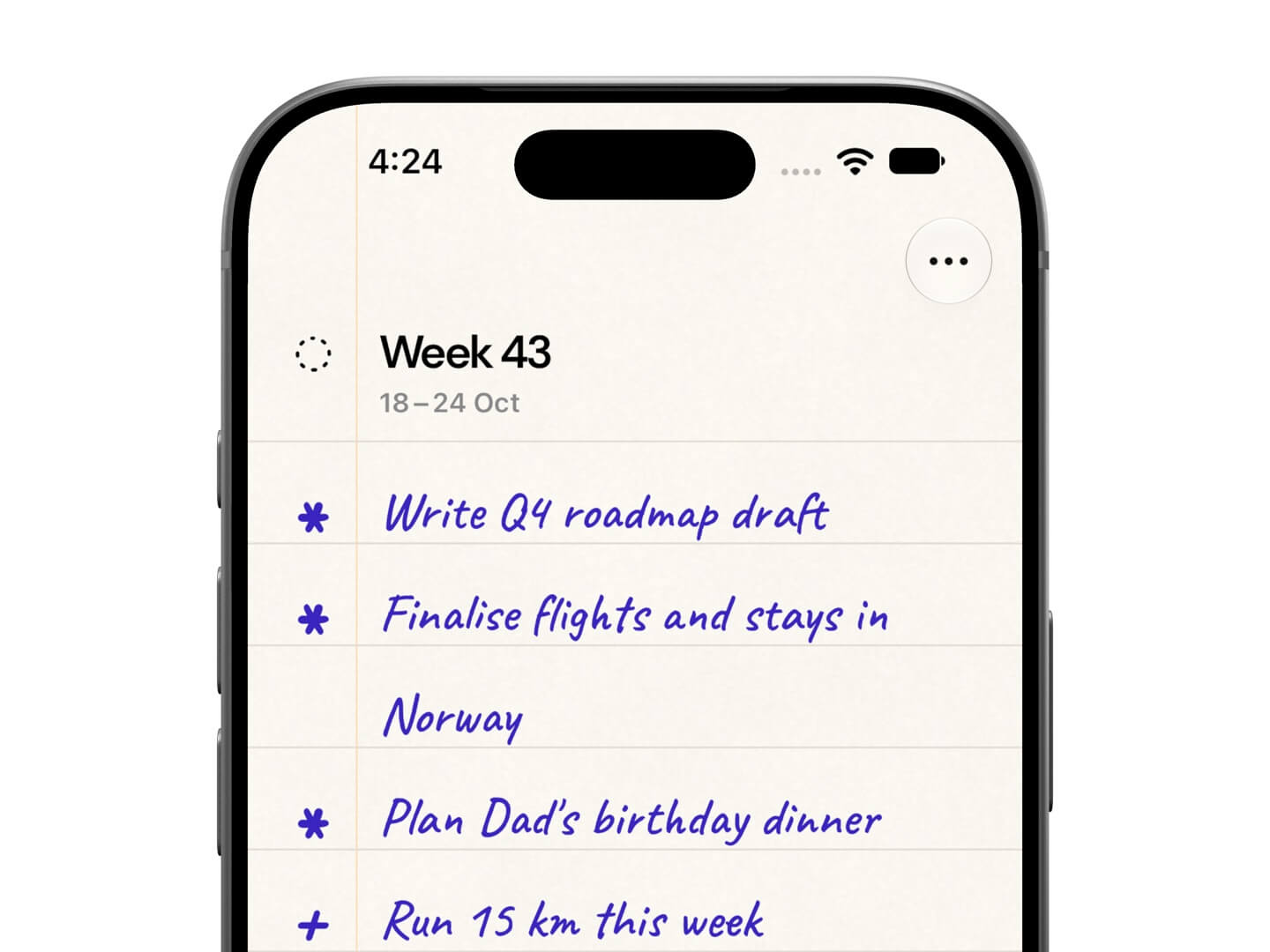
Once listed, we can triage the goals into must-do and should-do by tapping the symbol beside each goal:
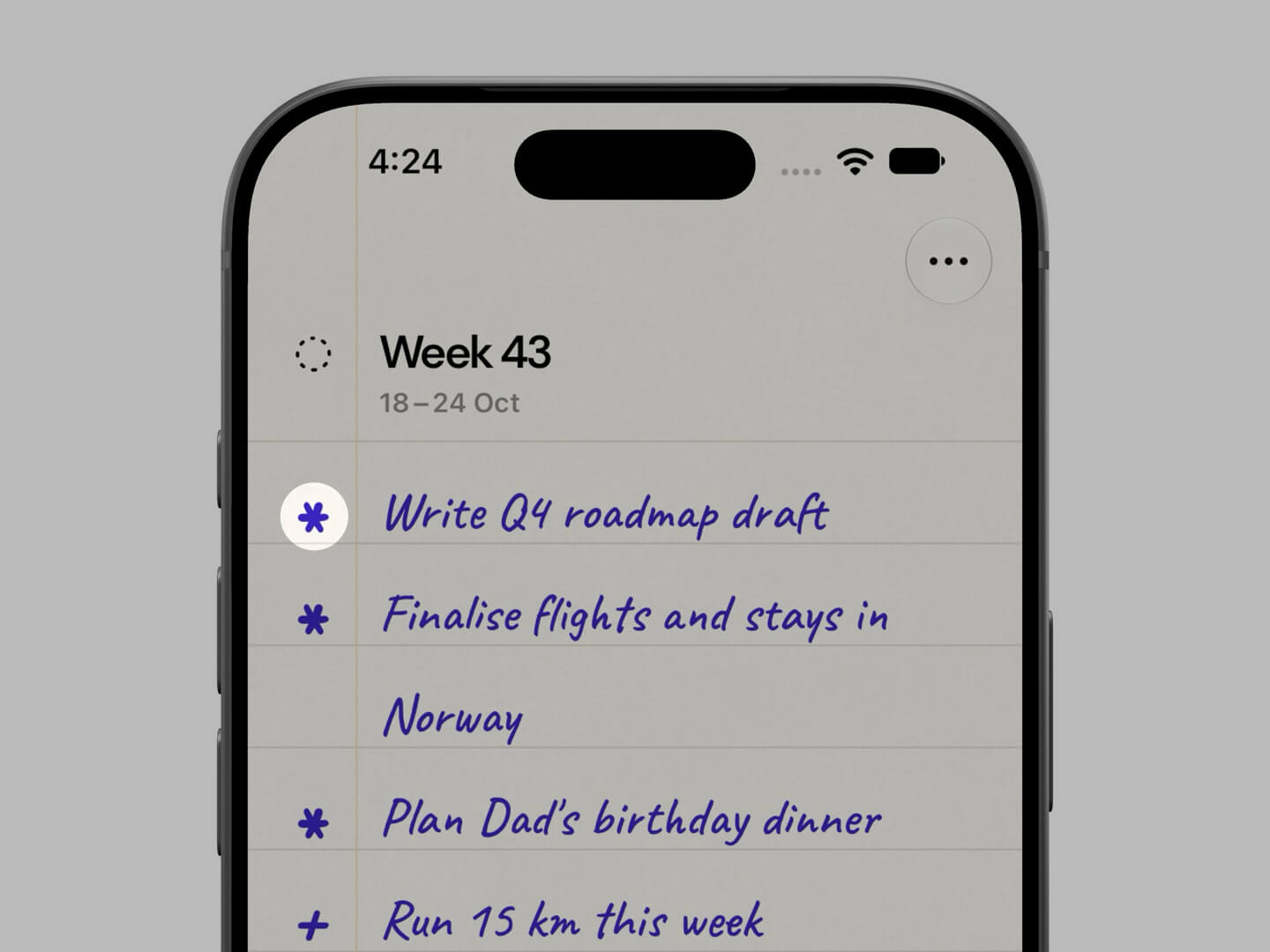
An asterisk (*) for the goals we must complete this week, and a plus (+) for the ones that we aim to achieve in the week, but it’s okay if they roll over to the next one.
Unfinished goals from the current week are automatically moved to an Inbox at the end of the week, and we can choose to move them back to a new week when we are ready:
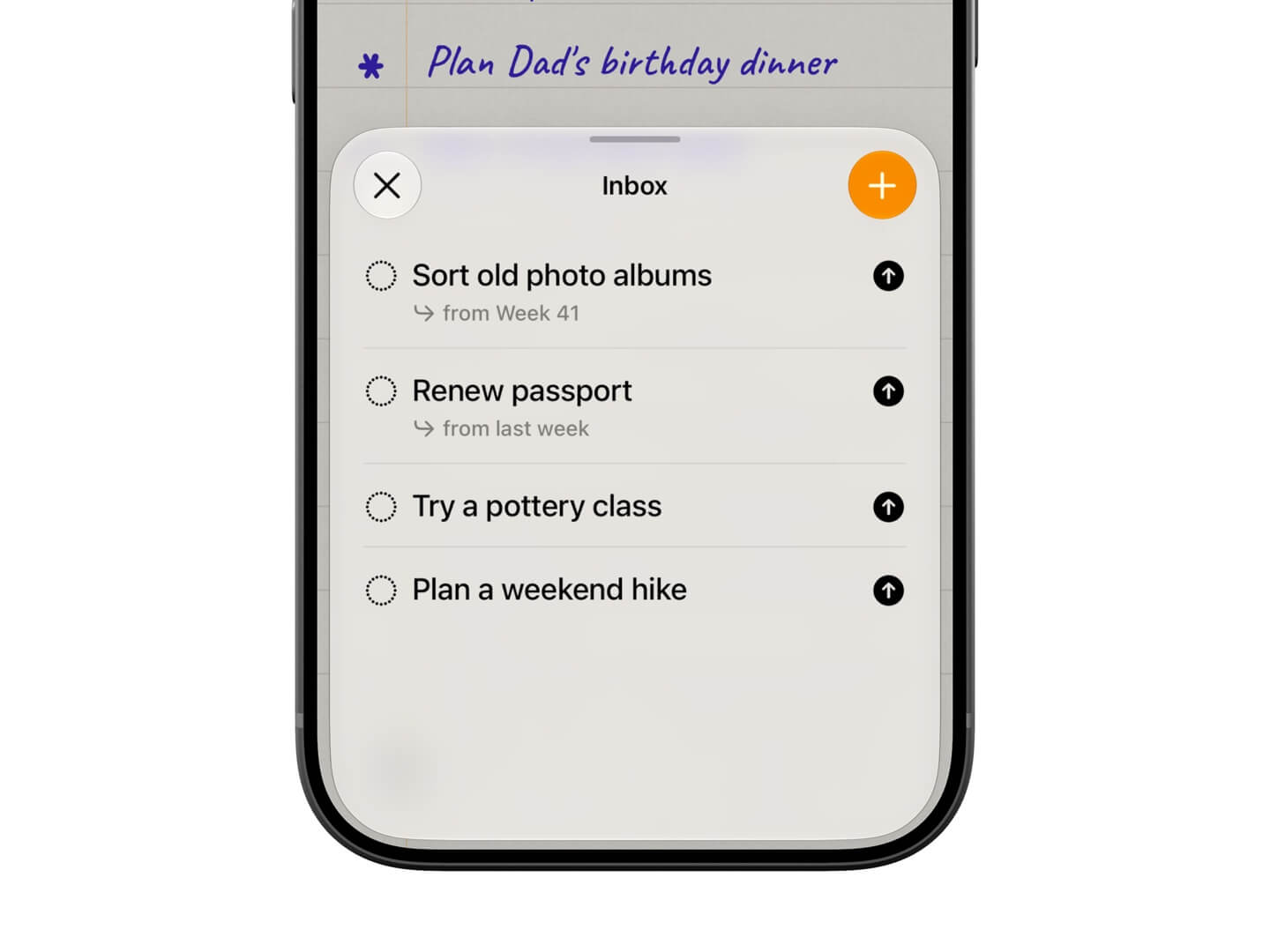
The Inbox is also where you capture and keep goals you plan to achieve in the future.
I do this whenever I have an idea that can be translated into a tiny goal for later.
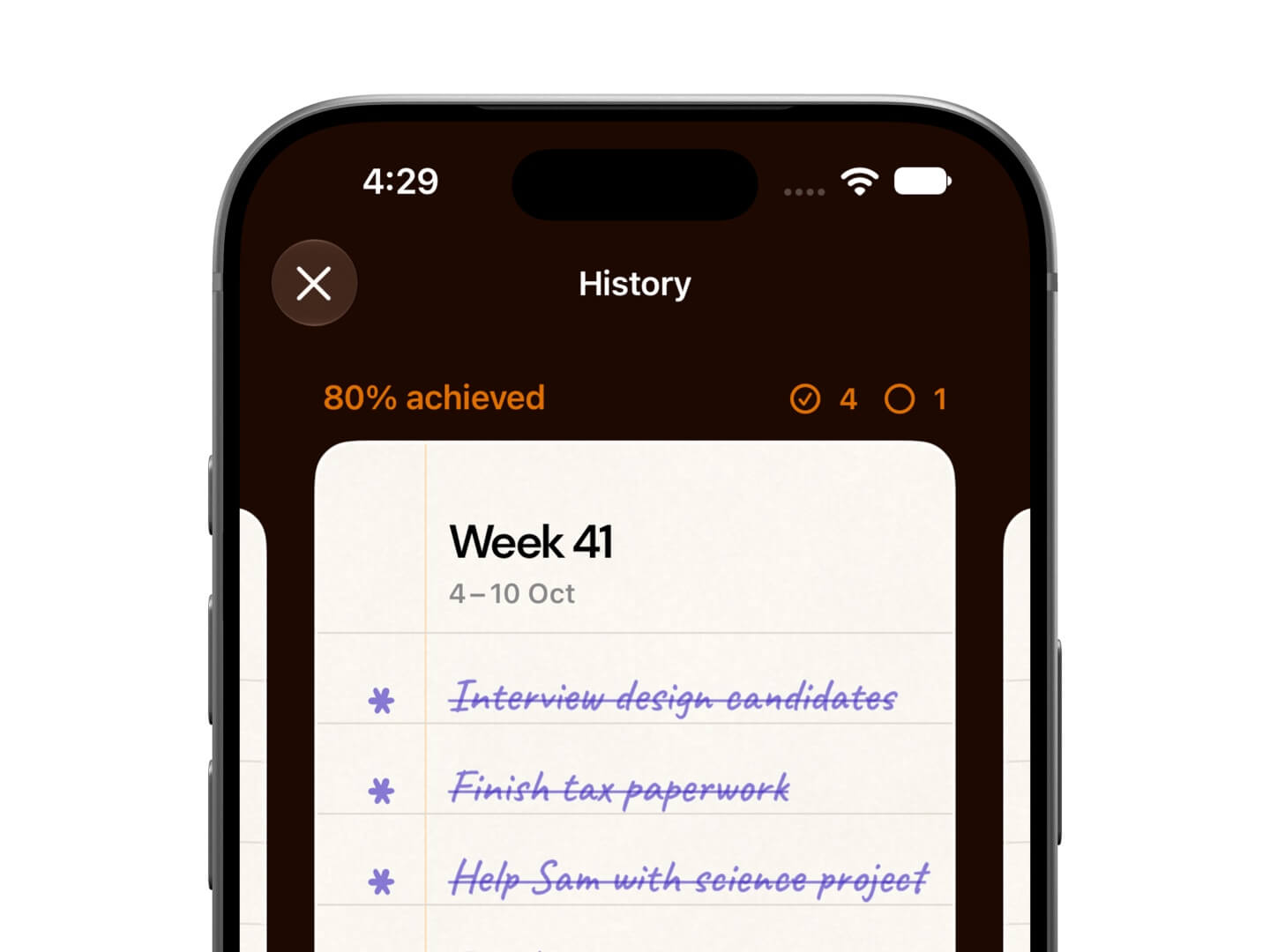
As we complete goals over a few weeks, we can see how we’ve been doing and whether we need to scale up or down in the History screen:
Now, Foreweek isn’t a to-do app. However, it complements one.
We first visualise our weeks into tiny goals or objectives in Foreweek, and then break them into granular tasks in our favourite to-do app.
The app is available for iPhone in 10 languages: English, Spanish, French, German, Dutch, Portuguese, Italian, Traditional Chinese, Japanese and Korean.
The app costs $2.99 one-time (or local equivalent) for early adopters. I’ll bump the price as I add more elements, like widgets, in the next updates.
I can’t wait for you to try this app.
In Today's Cover: The iconic Mount Rushmore National Memorial was completed around this time in 1941.
Now, before you move on to the rest of this newsletter issue, here are a few words from:
 This Week's Sponsor
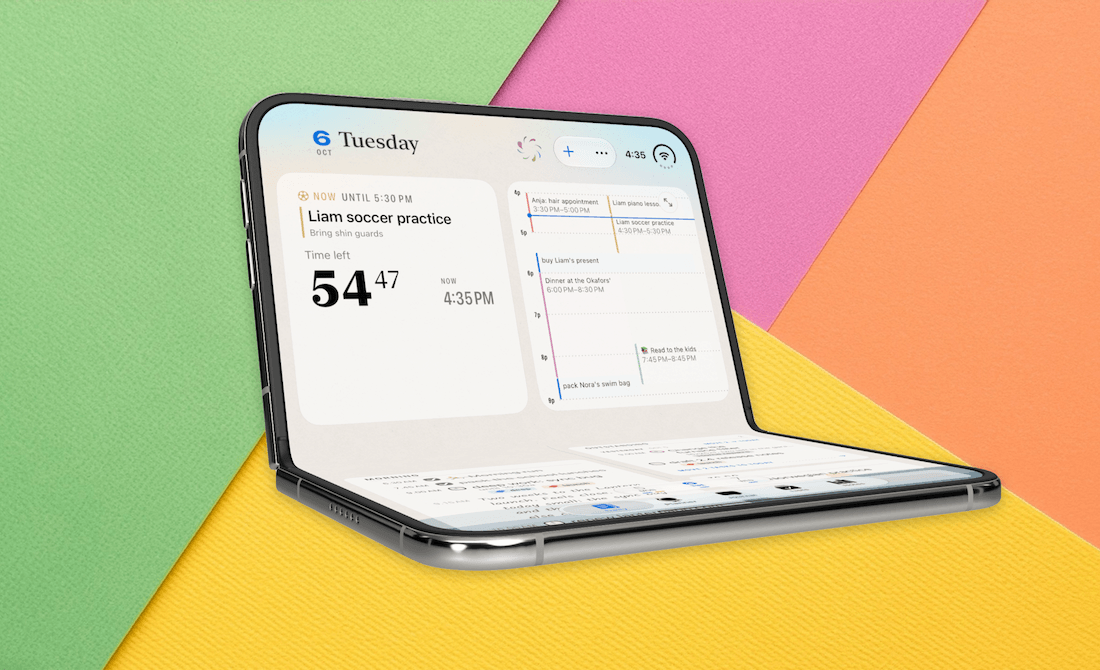
Finalist 4.2 is out: a paper-inspired daily planner, comes to iOS 27 and macOS 27, with complete support for iPhone Duo.
Lots new, with Siri AI, powered up Tags, Pencil support, full page widgets, a reimagined layout for larger displays, and tons more.
Sponsorships are paid callouts seen by over 4,817 people every Friday. Promote your product or service.
 Your Next Read
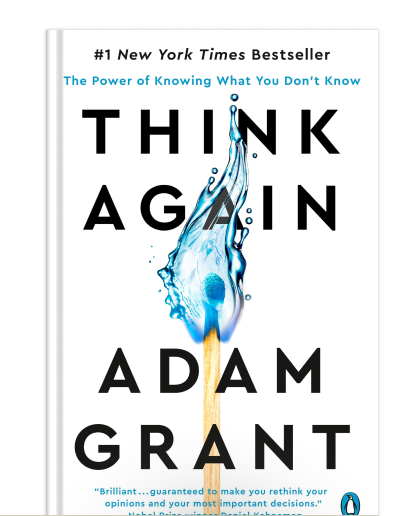
Thriving
We can widen our perspectives and improve our decision-making if we stop to rethink our viewpoints now and then. This book will give you frameworks and examples of how to do just that.
 Apps & Services
Turn family photos into beautiful memories
Make every week a success
Free up space on your Mac
 Handy Shortcut
⌘
3
 Interesting Reads
12 min read
2 min read
12 min read
 Watch Next
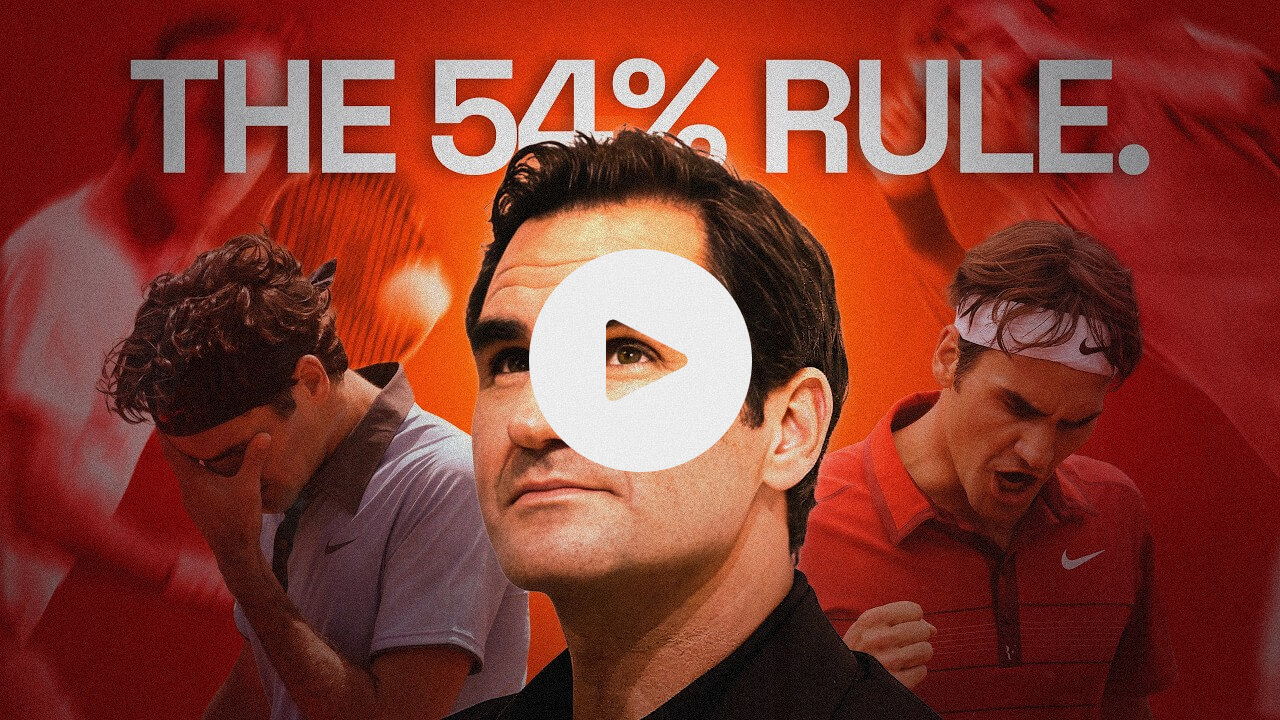
This brief story about Roger Federer shows that most traits for success are learnable.
 Want to join my inner circle?

Join a club that pays you back handsomely through knowledge and skills that help you get 1% better every day.
For a modest yearly fee, you get:
- A growing collection of member-only series and guides
- 23 highly actionable book summaries
- Invite to a member-only Discord community
- 27 hand-picked app deals that save you over $328
- Flat 50% off on other Hulry products like apps, books and more
- My eternal gratitude for funding my work ❤️

Hi! 👋 I'm Rahul, the person behind Hulry and the one who sent you this newsletter.
Thank you for reading this issue.
Cover illustration by Sukriti Sharma.
MADE WHILE LISTENING TO
 LA Night by Morgan Wallen
Kudlu Road, Hosapalya, Bangalore, India — 560068
Were you forwarded this newsletter? Get your own subscription here.