
I knew we could easily edit pages in a PDF opened in macOS Preview by deleting or adding pages, then saving the final PDF.
But sometimes we only need a single page from a long PDF, such as the details page from a travel insurance policy, and can safely discard the rest.
We can, of course, select and delete the pages we don't need and save the edited file, but I recently found a better way.
We can drag a single page from a PDF opened in the Preview app and drop it onto the Desktop or any other location, and Preview will create a new PDF from that page:
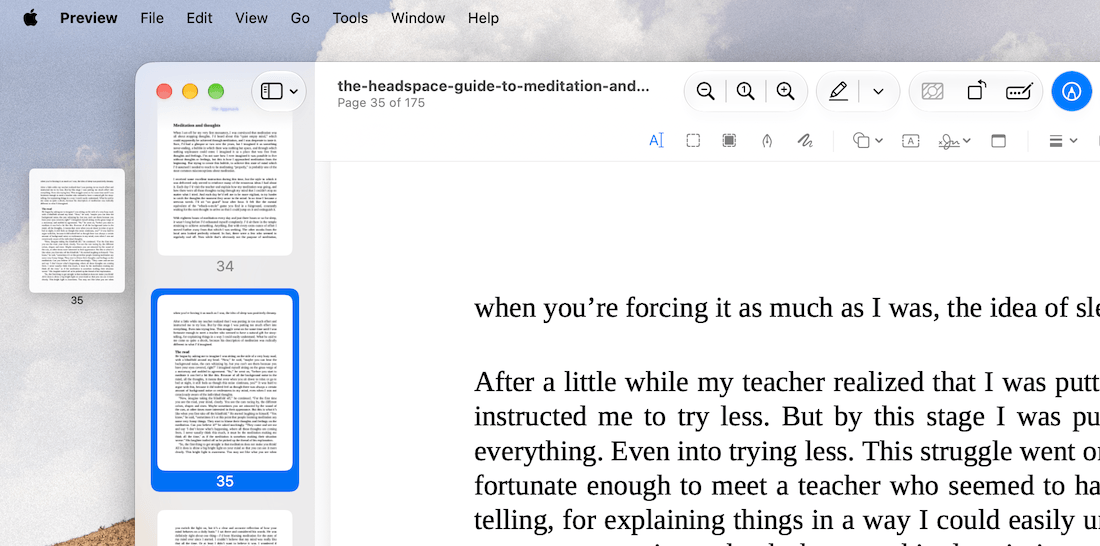
This is one of those tiny, hidden features in stock macOS apps that can sometimes make things easier and more intuitive for us.
So, the next time you need only a single page from a long PDF document, just drag and drop that page to a folder, and you're good to go.
P.S.: I have two updates to share. First, the crowdsourced productivity tips article didn't happen due to a lack of submissions.
Second, the Ducat iOS app is now available in 6 languages other than English: French, German, Italian, Japanese, Korean and Spanish. Try out the app if you haven't already.
In Today's Cover: Yosemite National Park in the US, home to the stunning Horsetail Fall, was officially established on October 1, 1890.
Now, speaking of helpful workflows in macOS, have you tried the Trace app?
Before you move on to the rest of this newsletter issue, here are a few words from:
 This Week's Sponsor
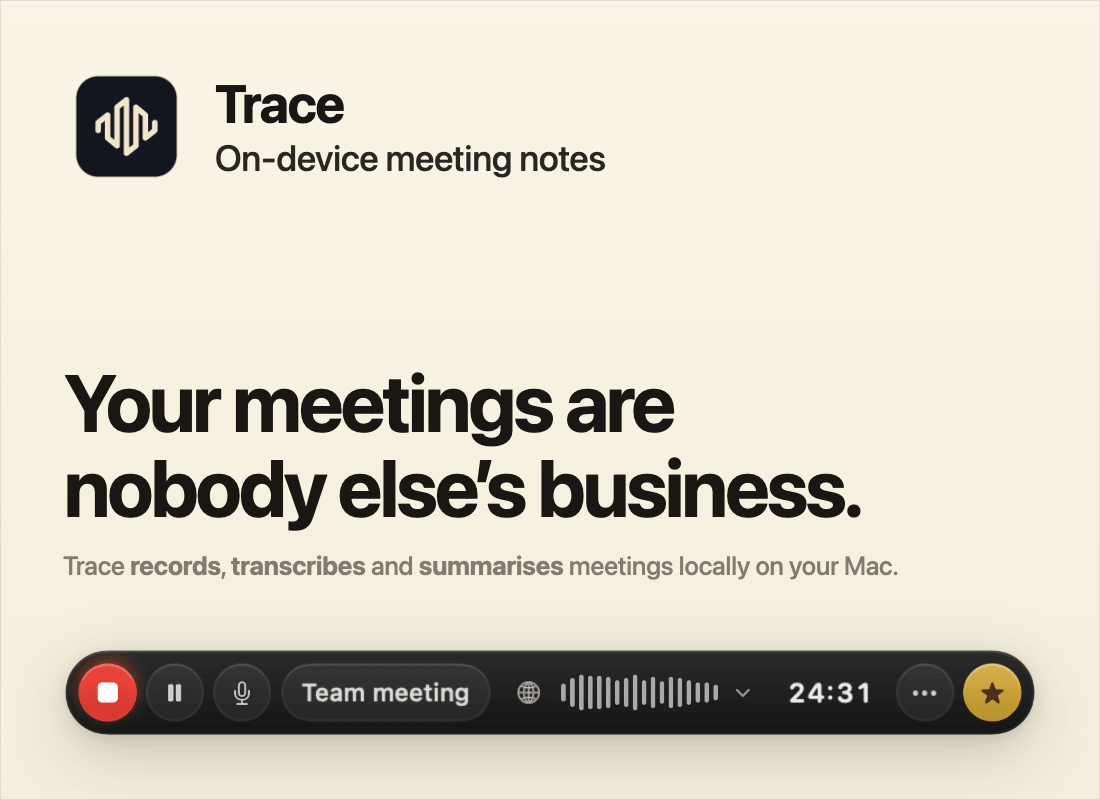
Your meeting notes are some of the most sensitive documents you own, but most AI notetakers send every word to a server you do not control.
Trace is a meeting-aware note taker that runs entirely on your Mac. Global hotkeys to record, star a moment and see a live transcript. Read, search and chat with the summary when you hang up.
Try Trace free for 7 days then a one-off purchase (no subscription).
Sponsorships are paid callouts seen by over 4,142 people every Friday. Promote your product or service.
 Your Next Read
Business
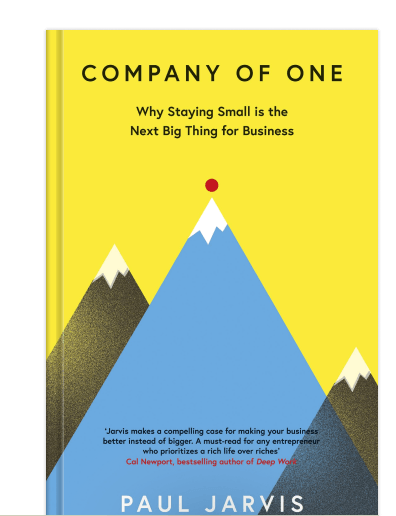
With AI agents at our disposal, running a one-person company now is more feasible than ever. I've always been a fan of one-person companies, and this book might convince you, too.
 Apps & Services
An iPhone Duo-like status indicator on Mac
Browse open-source fonts on the go
A different layout to track habits
 Handy Shortcut
⌘
⌥
F
 Interesting Reads
17 min read
6 min read
10 min read
 Watch Next

If you constantly deal with messy files on your system, this auto-organising setup will help.
 Want to join my inner circle?

Join a club that pays you back handsomely through knowledge and skills that help you get 1% better every day.
For a modest yearly fee, you get:
- A growing collection of member-only series and guides
- 23 highly actionable book summaries
- Invite to a member-only Discord community
- 27 hand-picked app deals that save you over $328
- Flat 50% off on other Hulry products like apps, books and more
- My eternal gratitude for funding my work ❤️

Hi! 👋 I'm Rahul, the person behind Hulry and the one who sent you this newsletter.
Thank you for reading this issue.
Cover illustration by Sukriti Sharma.
MADE WHILE LISTENING TO
 Don't Know You Anymore by Jordana Bryant
Kudlu Road, Hosapalya, Bangalore, India — 560068
Were you forwarded this newsletter? Get your own subscription here.