
macOS 27 is now available for download, and here are my top 3 features from the list:
1. New Siri & Spotlight
This is, of course, the star feature of this update, and I'm finding real, helpful use cases for it.
For example, I can describe my search query in natural language, and Siri will find what I'm looking for, such as this note:

This will help when we don't remember the full context or title of notes, emails, files, etc.
2) File name suggestions in Finder
Start renaming a file, wait a few seconds, and Finder will suggest relevant names based on the content:
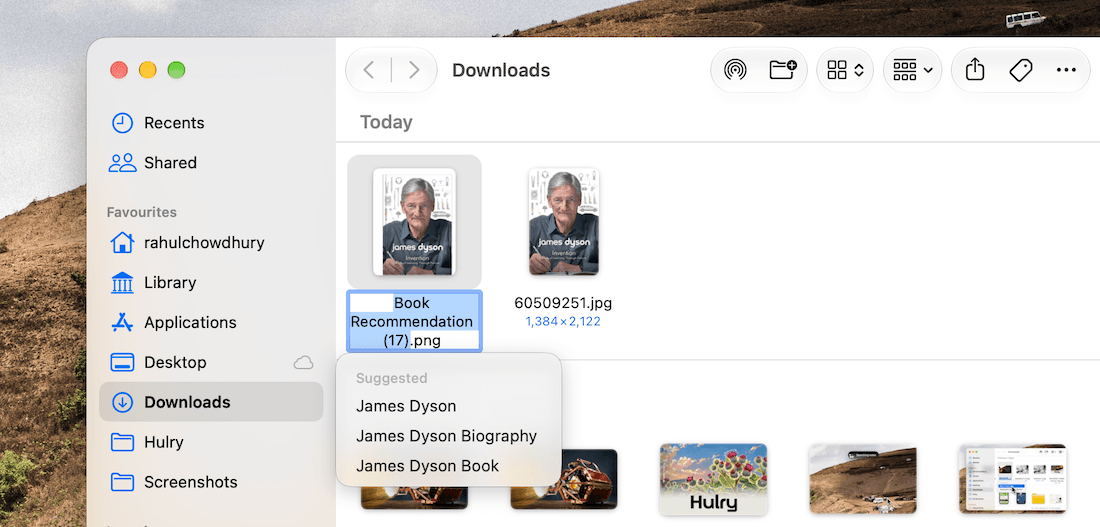
This tiny quality-of-life addition will help organise files better without 3rd-party software.
We can't select multiple files and generate suggestions for them yet, but you can create a shortcut for that.
3) Automatic tab grouping in Safari
Another AI addition I like is how Safari observes the tabs I open and automatically creates named tab groups for them:
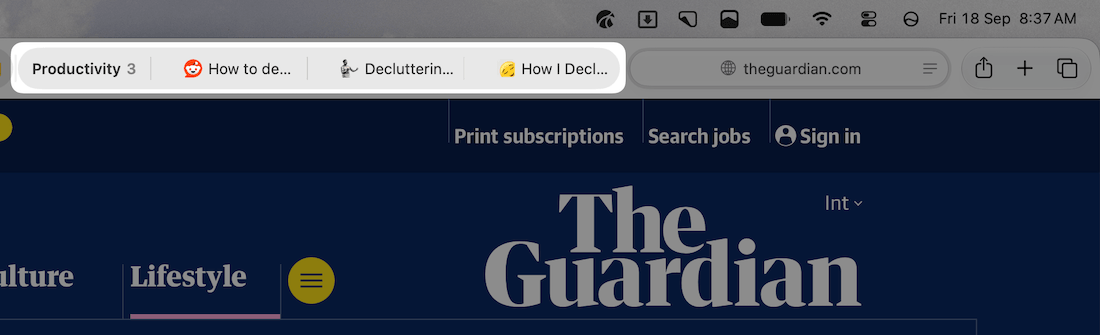
Now, the group names aren't always perfect, but this will be handy for any sort of research.
In Today's Cover: Burdock burrs inspired the creation of a product everyone uses today: velcro straps.
P.S.: I've been receiving emails for a while asking whether the early member pricing for the Hulry Plus membership is still available.
While I moved away from the original lifetime membership pricing early this year, I've decided to make the lifetime plan available at a reduced price of $89 one-time instead of the regular $147 through a limited offer.
If you've missed the opportunity to lock in a lifetime membership before, you can use this link to buy the membership at this special price. This discount is valid only for the first 10 people.
Now, if you're in the market for a new note-taking app, have you tried Octarine?
Before you move on to the rest of this newsletter issue, here are a few words from:
 This Week's Sponsor
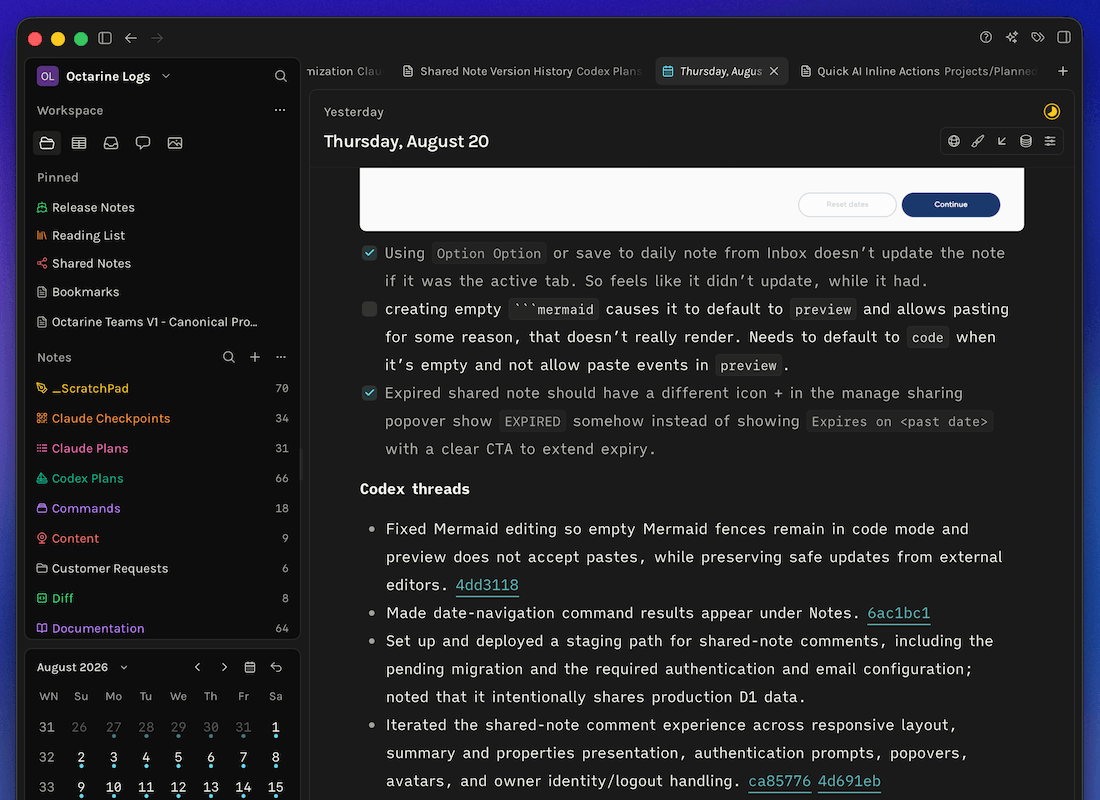
Octarine — Writing, without friction.
Want the flexibility of Markdown without turning your notes app into a project?
Octarine is a fast, private workspace for capturing ideas, organizing knowledge, planning your day, and writing with AI. Every note stays on your device as a plain file you control — no lock-in, no subscription.
Available on macOS, Windows, Linux, and iOS. Try it free →
Sponsorships are paid callouts seen by over 4,126 people every Friday. Promote your product or service.
 Your Next Read

Business
Dyson products have been at the cutting edge of technology for decades. This autobiography from its founder, James Dyson, shares the story behind the scenes, dropping life lessons along the way.
 Apps & Services
A paper-like minimal weekly planner
Make your special folders beautiful
Clip and organise visuals inside Obsidian
 Handy Shortcut
⌃
Shift
=
 Interesting Reads
 Longform
2 min read
25 min read
27 min read
 Watch Next
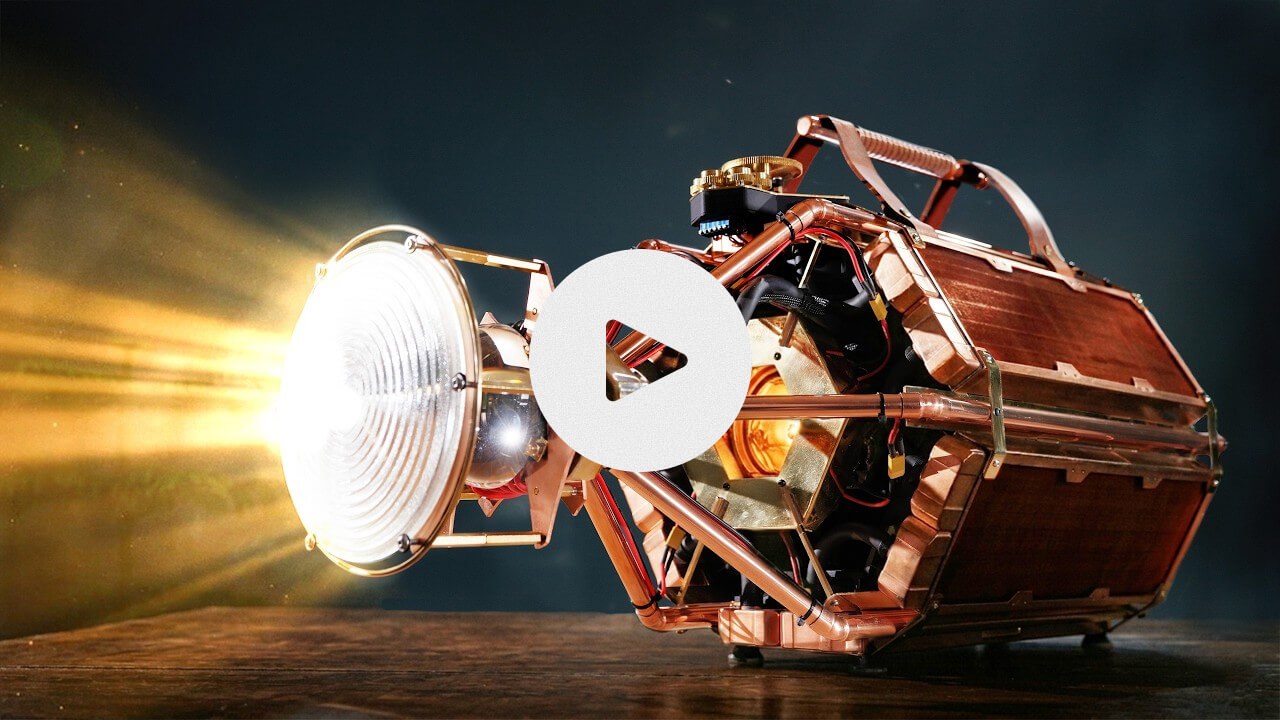
This DIY project is a fine example of the ridiculously fun things we can build at home.
 Want to join my inner circle?

Join a club that pays you back handsomely through knowledge and skills that help you get 1% better every day.
For a modest yearly fee, you get:
- A growing collection of member-only series and guides
- 23 highly actionable book summaries
- Invite to a member-only Discord community
- 27 hand-picked app deals that save you over $328
- Flat 50% off on other Hulry products like apps, books and more
- My eternal gratitude for funding my work ❤️

Hi! 👋 I'm Rahul, the person behind Hulry and the one who sent you this newsletter.
Thank you for reading this issue.
Cover illustration by Sukriti Sharma.
MADE WHILE LISTENING TO
 If I Know You by Tanner Grigoli & Jordana Bryant
Kudlu Road, Hosapalya, Bangalore, India — 560068
Were you forwarded this newsletter? Get your own subscription here.