In Issue #186, I shared a video tutorial that shows us how to create customised map posters for our home or city in a few steps.
And last week, I found a free Web app that makes the process even easier and faster.
It's called TerraInk, and it lets you create stunning city map posters and wallpapers, like this one:
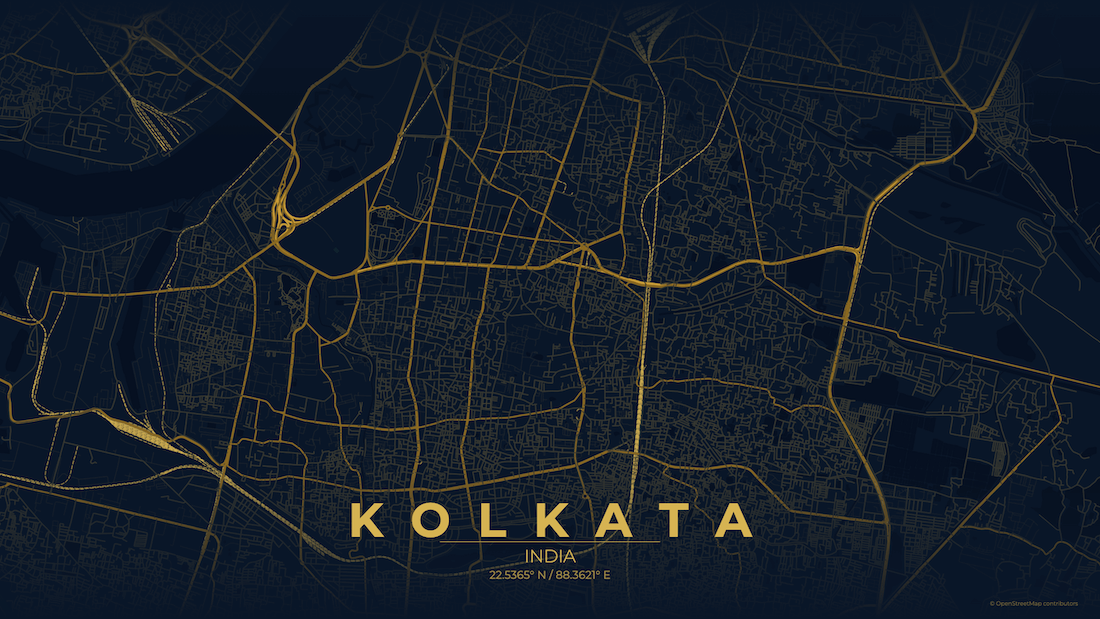
The process is simple.
Enter a location, pick a theme (or customise), and select output size like A4 print, desktop wallpaper, or Instagram post.
You can then fine-tune the zoom level and panning in the poster preview and export the finished result as an image or high-quality PDF.
I'll be creating a few of these to use as wallpapers on my phone and laptop, and maybe print one, too.
Try it out. It's free.
P.S.:- I'm finishing work on shifting the Hulry Plus membership to a subscription pricing, and I'm aiming to make the subscription model live in the next 1–2 weeks.
You can still become a member at the current $49 one-time payment pricing before the change happens.
Now, let's move on to the rest of this newsletter issue:
 Your Next Read
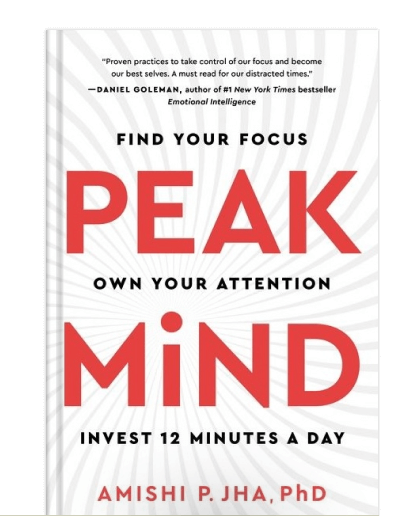
Thriving
Attention is a prized asset. But it's also the one that's hard to hold on to. This book details how our attention system works and how we can get a hold of it by investing a few minutes every day.
 Apps & Services
Slide into deep work through simulated flights
A New Tab page that's actually useful
A minimal journaling app
 Handy Shortcut
⌘
K
 Interesting Reads
 Shortcuts
4 min read
15 min read
 Watch Next
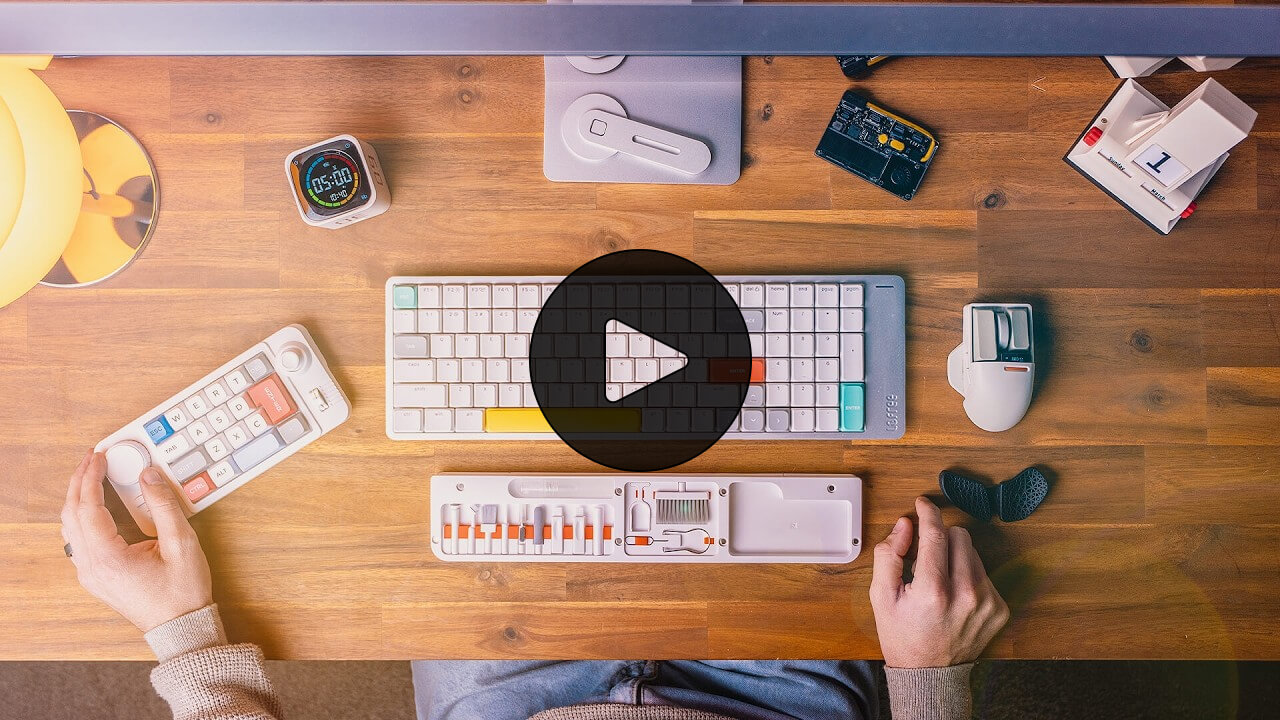
If you’re looking to add cool and useful items to your desk, here are 12 such options.
 Want to join my inner circle?

Join a club that pays you back handsomely through knowledge and skills that help you get 1% better every day.
For a one-time fee, yes, not a subscription, you get:
- A growing collection of member-only series and guides
- 23 highly actionable book summaries
- Invite to a member-only Discord community
- 26 hand-picked app deals that save you over $342
- Flat 50% off on other Hulry products like apps, books and more
- My eternal gratitude for funding my work ❤️

Hi! 👋 I'm Rahul, the person behind Hulry and the one who sent you this newsletter.
Thank you for reading this issue.
Cover illustration by Sukriti Sharma.
MADE WHILE LISTENING TO
 Love At First Fight by LANY
Kudlu Road, Hosapalya, Bangalore, India — 560068
Were you forwarded this newsletter? Get your own subscription here.