
With ChatGPT Atlas in the scene, there's been a steady number of AI browsers popping up recently.
I've tried most of these major browsers — Atlas, Comet, and Dia — but none of them have stuck, particularly for two reasons:
First, I like browsing the Web, and a browser automating that for me doesn't sit well with me.
Sure, there are cases where automating a few steps with these browsers could be helpful and time-saving, but I haven't had a considerable list of such cases yet.
Secondly — and it's the most important one — is safety and privacy.
Last month, Brave released a report showing how easily these browsers can be tricked into farming sensitive user information via an attack called prompt injection.
With this approach, hackers can embed hidden instructions for the LLM operating the browser, effectively tricking it into stealing sensitive information and uploading the collected data on a hacker's website.
These instructions are often visually unrecognisable to us, but easily detected by LLMs via character recognition.
Now, if you have the browser opened in front of you, you can spot any unauthorised activities and intervene, but the entire point of these browsers is that you can offload a task to them, switch apps, and do your work while the browser does what it's told.
Situations like these make it challenging to spot such attacks before it's too late.
Therefore, here's how I would go about using these browsers:
For the rare occasions when I need automated browsing, I would prefer tasks that don't require logging into any of my accounts and are primarily for research or other anonymous browsing.
If I need to automate a task that requires login, I'd only automate stuff where any damage done is minimal, and never use these browsers on bank websites, email, etc.
If you've been using these browsers for your work, think about whether you're giving them too broad a peek into your sensitive information.
Sometimes, convenience now can lead to pain later on.
Now, before you move on to the rest of this newsletter issue, here are a few words from:
 This Week's Sponsor
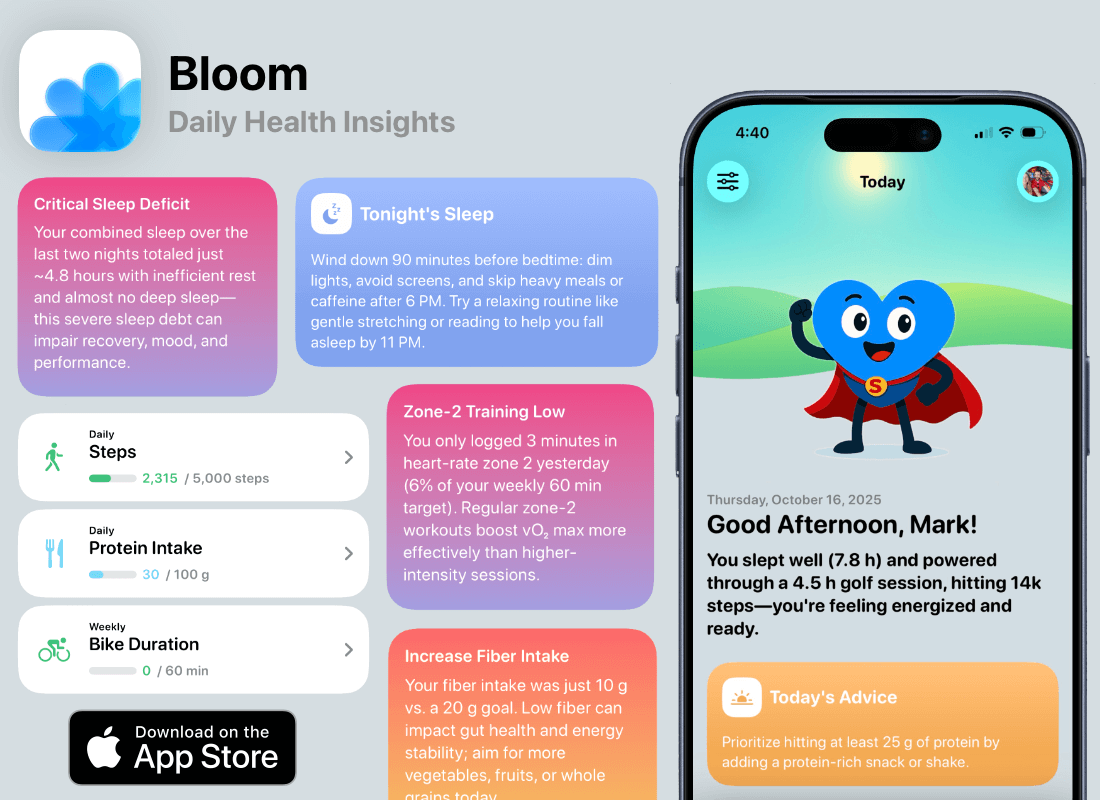
Too much health data, not enough time? I’ve got you.
I’m Bud—the coach inside Bloom. I sort through your Apple Health data, find what actually matters, and give you clear tips every day.
You do the living, I’ll do the analyzing.
Sponsorships are paid callouts seen by over 4,302 people every Friday. Promote your product or service.
 Your Next Read
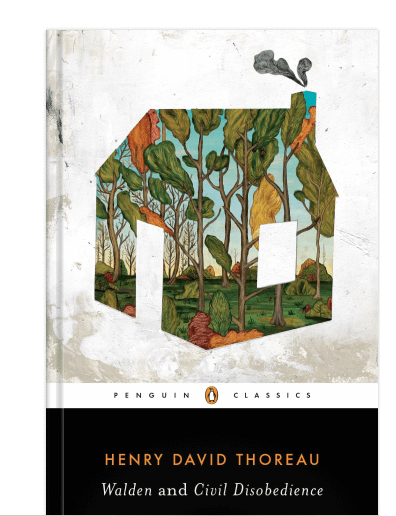
Thriving
Thoreau's simple lifestyle in 1845 can still serve as an inspiration for us to question what we truly value and live a calmer life.
 Apps & Services
Virtually hike the Pacific Crest Trail
A fast browser with modern features
Decorate your phone with beautiful widgets
 Handy Shortcut
⌘
⇧
P
 Interesting Reads
25 min read
11 min read
5 min read
 Watch Next
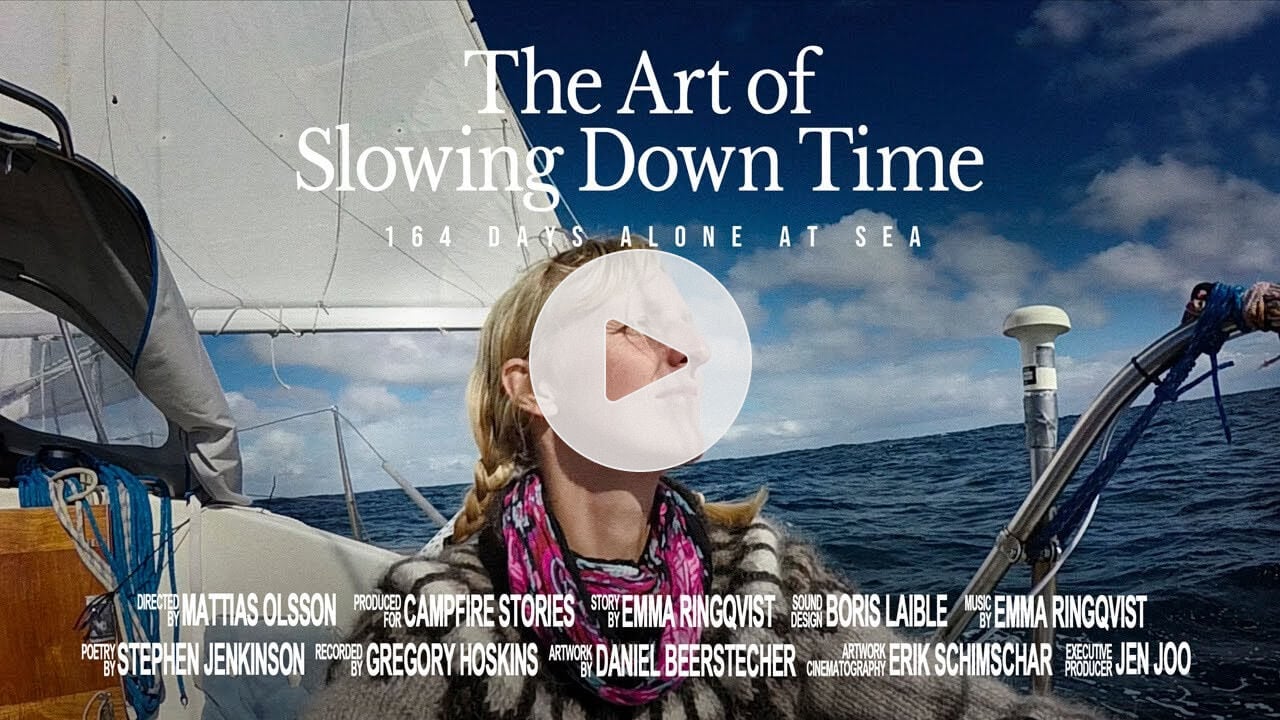
This short film about a woman sailing alone for 164 days on the Atlantic is one of the best things I’ve watched recently.
 Other Good Newsletters
 Want to join my inner
circle?
Want to join my inner
circle?

Join a club that pays you back handsomely through knowledge and skills that help you get 1% better every day.
For a one-time fee, yes, not a subscription, you get:
- A growing collection of member-only series and guides
- 23 highly actionable book summaries
- Invite to a member-only Discord community
- 24 hand-picked app deals that save you good money
- Flat 50% off on other Hulry products like apps, books and more
- My eternal gratitude for funding my work ❤️

Hi! 👋 I'm Rahul, the person behind Hulry and the one who sent you this newsletter.
Thank you for reading this issue.
Cover illustration by Sukriti Sharma.
MADE WHILE LISTENING TO
 Messy by ROSÉ
Kudlu Road, Hosapalya, Bangalore, India — 560068
Were you forwarded this newsletter? Get your own subscription here.