
A while ago, I came across an interesting theory called the Lindy effect.
According to this theory, the longer something has survived and stayed relevant, the greater its chances of staying relevant in the coming years.
While this litmus test is useful in many cases, such as deciding between two brands when purchasing something for the long run, or gauging future stability between two job offers by looking at the company's past, I find this an interesting tool for managing information overload.
Unlike hundreds of years ago, when information reached us in scarce quantities, information today is abundant and often overwhelming at times.
And in the busyness of our days, there's only so much information we can consume and handle. This is where the Lindy effect comes in handy.
When choosing between information sources, I emphasise sources and ideas that will be relevant to me in the long run over short-term, expiring knowledge.
It's one of the primary reasons why I spend most of my reading time on good articles and books and very little on the news.
Here's an example to illustrate this point:
Say you have to pick between two bestselling books on the same topic — personal growth.
On the surface, both options look appealing. Both books are quite popular and well-recommended, but one has been in print for the last four years, and the other came out three months ago.
In such cases, I'll more likely choose the older book that has stayed relevant all these years over the newcomer, although the new book tempts me with the allure of newly surfaced information.
But I'm not dismissive of new ideas and technologies, so I would keep the newer book in my wishlist for the time when I can adequately measure its usefulness and relevance.
If you've been finding yourself drowning in information like many of us, try this simple litmus test to figure out what could be the next item on your reading list.
Now, speaking of time-tested ideas, Popt can be a great place to capture and work on your collected notes as you read more stuff.
Before you move on to the rest of this newsletter issue, here are a few words from:
 This Week's Sponsor
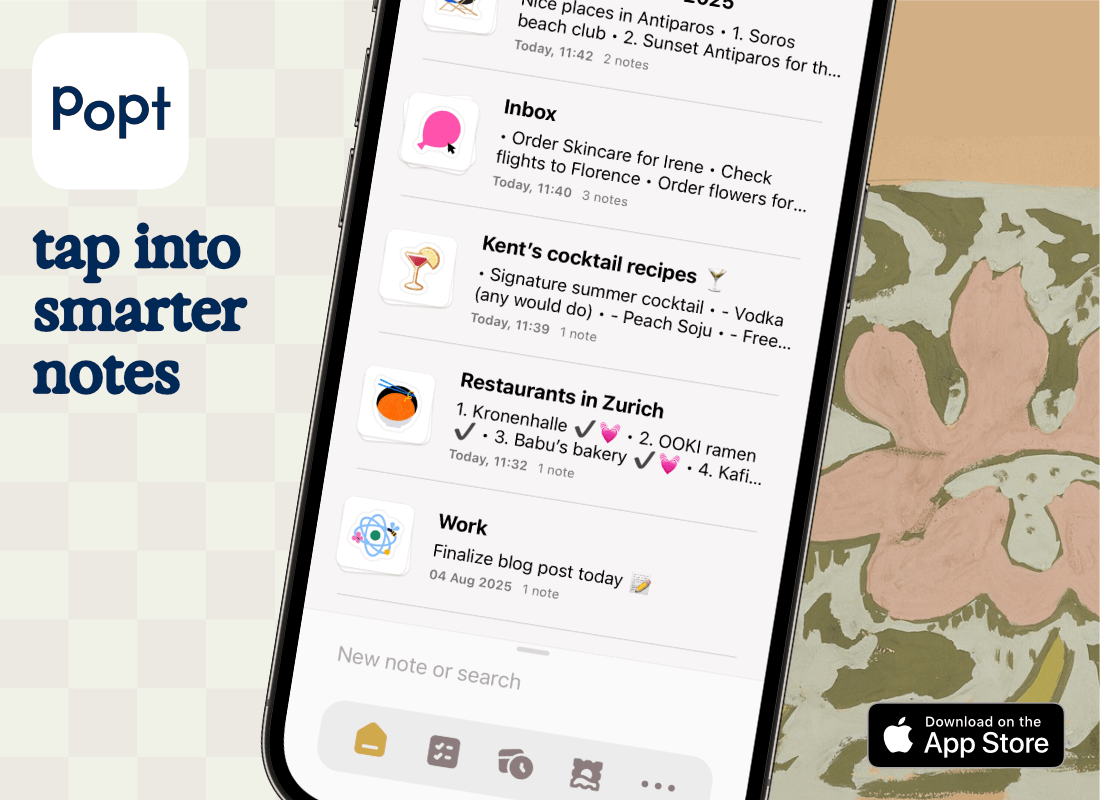
Discover a fresh take on iPhone note-taking – Popt is private, fast and fun, yet packs more smarts than meets the eye. As you type, it quietly suggests tags for dates, contacts, places and even movies & TV shows. 🍿
Just a tap and words become reminders, show up on a timeline, or pop to life with beautiful movie cards.
Free for early adopters: no sign-up, no ads, just Popt!
Sponsorships are paid callouts seen by over 4,322 people every Friday. Promote your product or service.
 Your Next Read
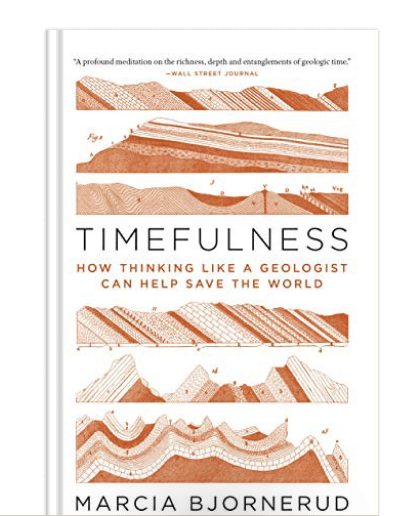
Science
Apart from being an excellent crash course on how geology works and how Earth has developed over millions of years, this book made me more conscious of the impact of my actions on the planet.
 Apps & Services
A fantastic journaling app for Apple devices
Track your daily coffee consumption
Turn emails into structured data in Sheets or Notion
 Handy Shortcut
⌘
Shift
A
 Interesting Reads
 Back to Basics
28 min read
7 min read
 Watch Next
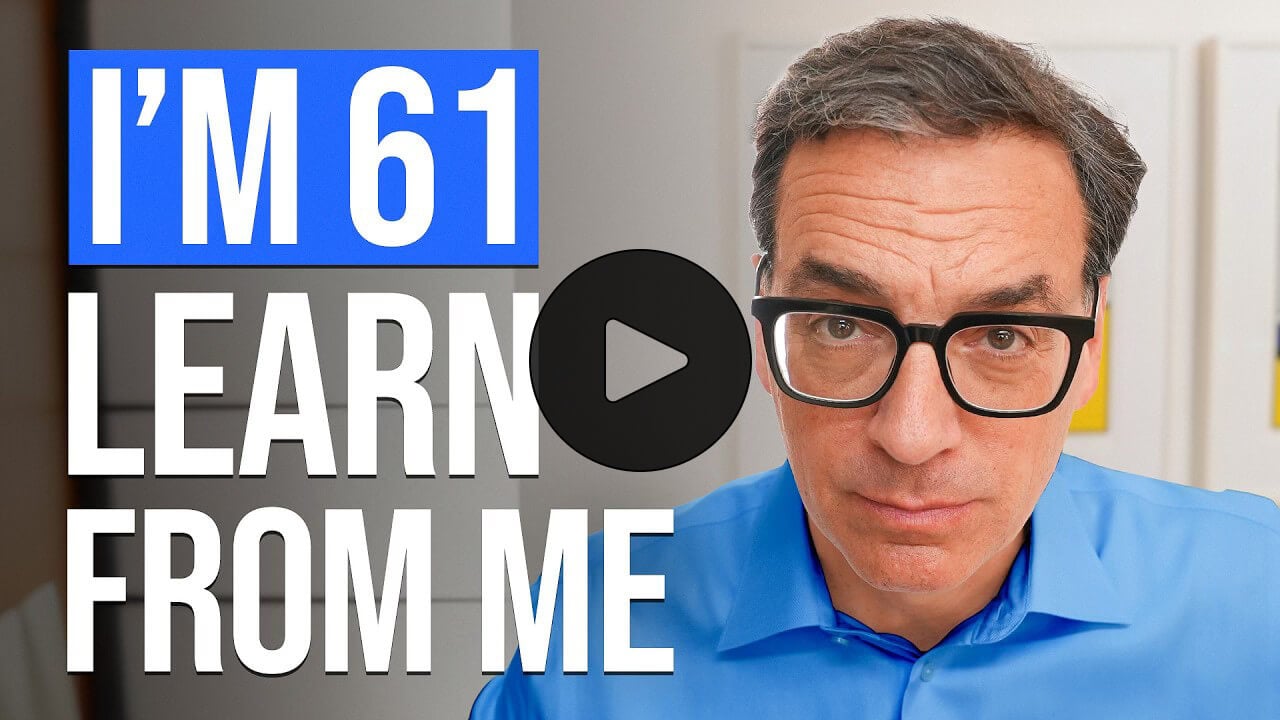
A compact video where author Daniel Pink shares 40 harsh truths he has learned in his lifetime.
 Want to join my inner
circle?
Want to join my inner
circle?

Join a club that pays you back handsomely through knowledge and skills that help you get 1% better every day.
For a one-time fee, yes, not a subscription, you get:
- A growing collection of member-only series and guides
- 23 highly actionable book summaries
- Invite to a member-only Discord community
- 23 hand-picked app deals that save you good money
- Flat 50% off on other Hulry products like apps, books and more
- My eternal gratitude for funding my work ❤️

Hi! 👋 I'm Rahul, the person behind Hulry and the one who sent you this newsletter.
Thank you for reading this issue.
Cover illustration by Sukriti Sharma.
MADE WHILE LISTENING TO
 Just Friends by Virginia To Vegas
Kudlu Road, Hosapalya, Bangalore, India — 560068
Were you forwarded this newsletter? Get your own subscription here.