
As I'm working on updating the Back to Basics guide on Apple Reminders, I'm finding quality of life improvements that are actually helpful.
For example, on a device with Apple Intelligence support, such as a Mac with an Apple Silicon chip, the Reminders app can now suggest tasks from shared content.
To try this out, I shared an article on home cleaning tips for Diwali, and Reminders pulled the article content, analysed it and suggested tasks from the article inside the share popup:
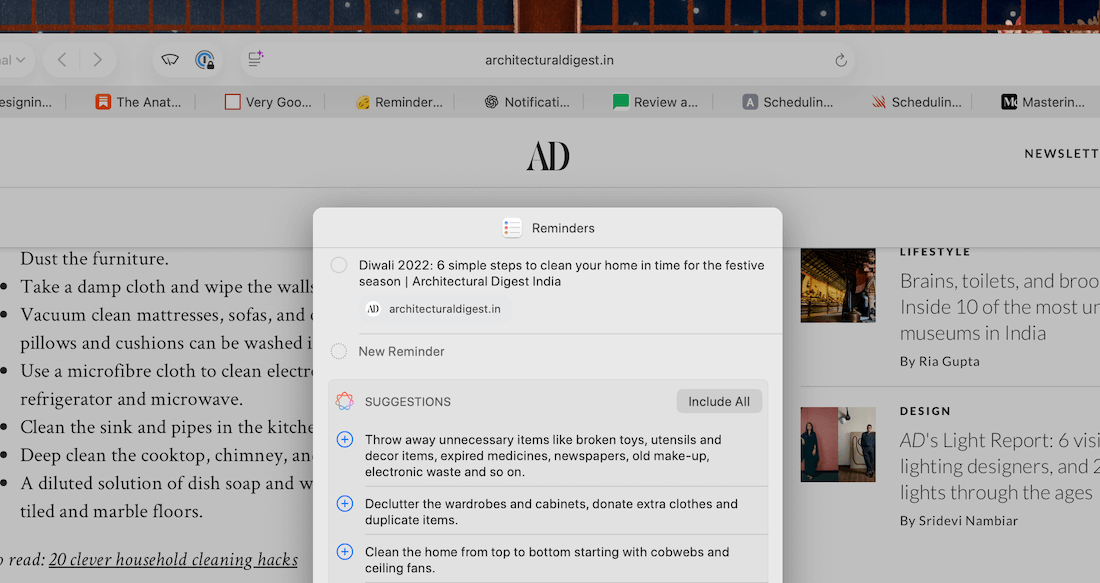
Clicking on the plus icon beside each task added them to the list of tasks to be created alongside the link we're saving to Reminders:
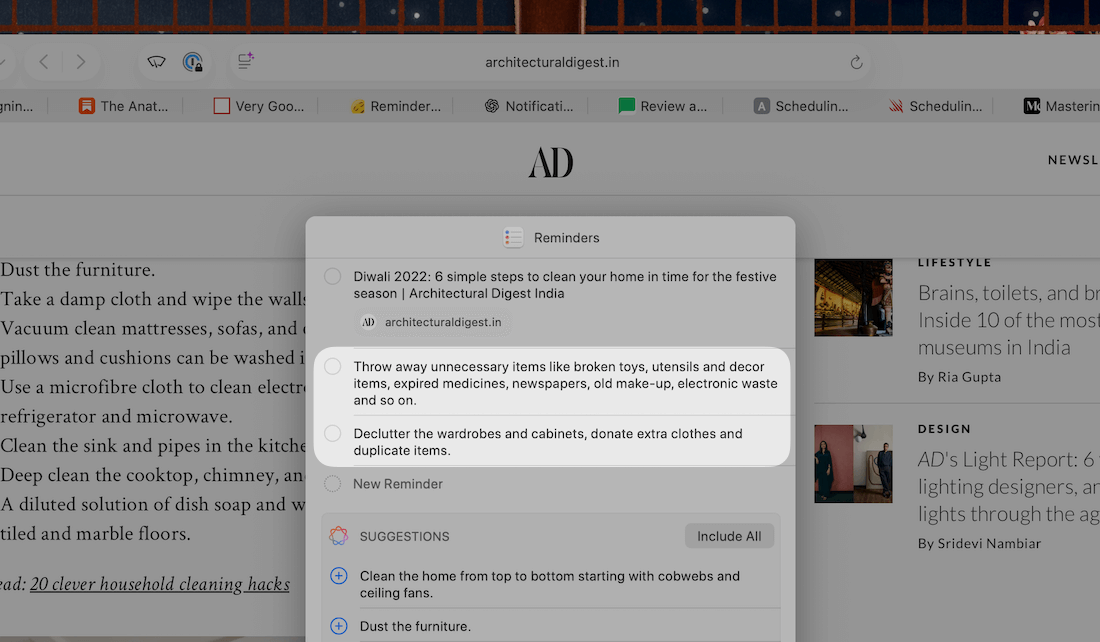
This is helpful because we can now share unstructured text, links and more with Reminders and have it extract and suggest relevant tasks from the shared material.
These tasks get added to a list of our choice with a link back to the source (if available):
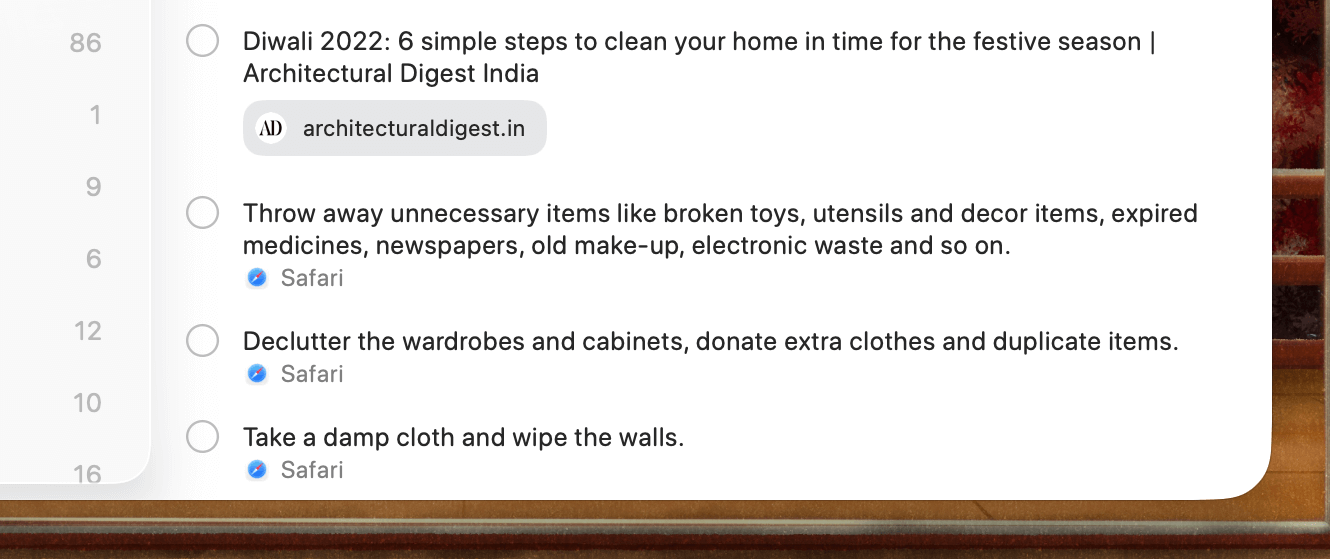
The Reminders app is rapidly shaping up to be a no-brainer choice for to-do management on Apple devices, and there are more new helpful updates that I'm fitting into everyday workflows.
I'll share the new changes and how they're helpful in daily work in the updated guide next week.
Now, let's move on to the rest of this newsletter issue:
 Your Next Read
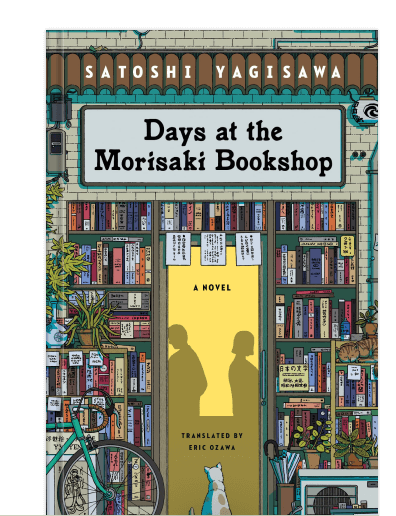
Light Fiction
I wish I had read this book before I stayed in Tokyo's Jimbōchō neighbourhood. Nevertheless, if you love books and are looking for a short read, this is a good choice.
 Apps & Services
Pro tools for browsing Wikipedia
Take bulk screenshots on autopilot
Turn PDFs and articles into podcast episodes on the go
 Handy Shortcut
⌃
T
 Interesting Reads
8 min read
15 min read
11 min read
 Watch Next
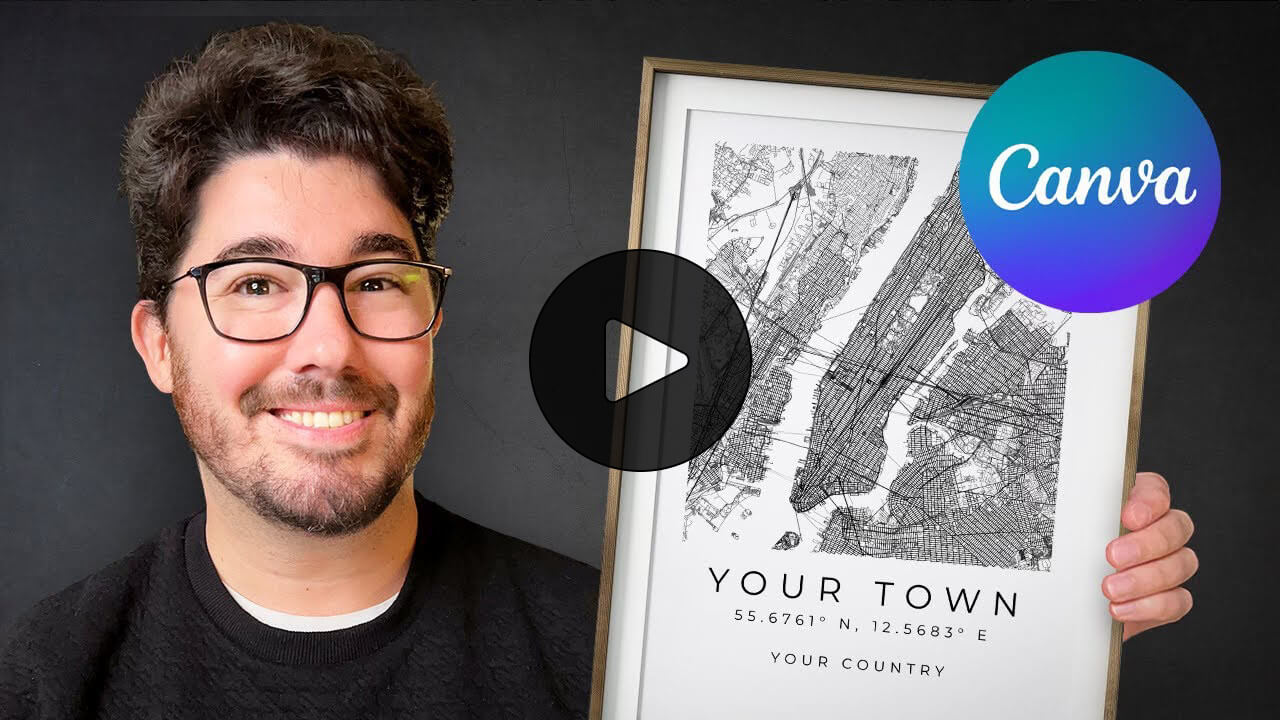
If you’ve ever seen those minimal city or home location map posters on sale, this is how you can create your customised version.
 Want to join my inner
circle?
Want to join my inner
circle?

Join a club that pays you back handsomely through knowledge and skills that help you get 1% better every day.
For a one-time fee, yes, not a subscription, you get:
- A growing collection of member-only series and guides
- 23 highly actionable book summaries
- Invite to a member-only Discord community
- 23 hand-picked app deals that save you good money
- Flat 50% off on other Hulry products like apps, books and more
- My eternal gratitude for funding my work ❤️

Hi! 👋 I'm Rahul, the person behind Hulry and the one who sent you this newsletter.
Thank you for reading this issue.
MADE WHILE LISTENING TO
 All My Exes (feat. Chase Matthew) by Lauren Alaina
Kudlu Road, Hosapalya, Bangalore, India — 560068
Were you forwarded this newsletter? Get your own subscription here.