
Last week, I tried something new.
I swapped out Google Search from my laptop and phone's browser with a relatively lesser-known counterpart called Ecosia.
For as long as I can remember, I've used Google Search as my primary search tool, occasionally dipping my toes into other engines, such as Bing and DuckDuckGo. I thought it was time to explore what's on the other side of the fence.
I've been seeing people find my blog through this search engine called Ecosia, and it seemed like a good option to experiment with.
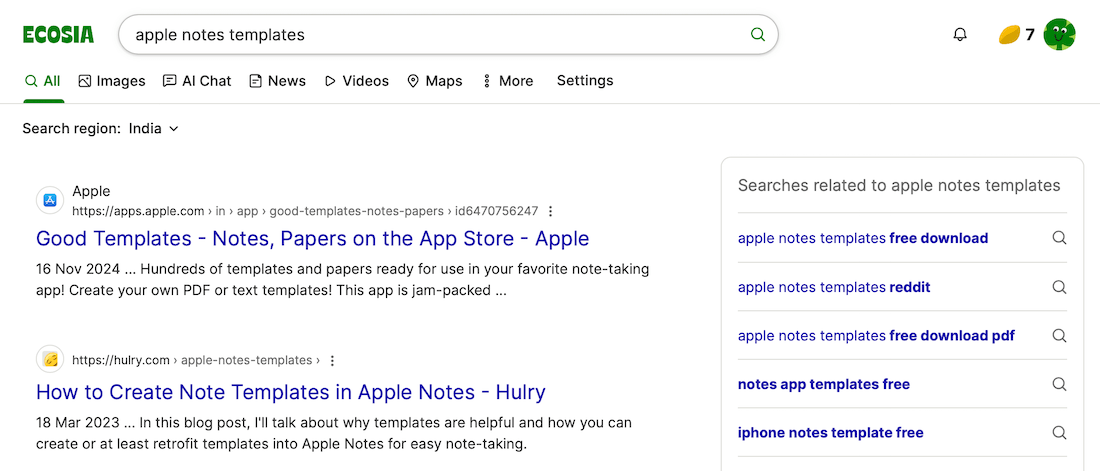
At first glance, the search results page is much cleaner than Google and is quite similar to what Google Search used to be before all the AI summaries, questions, tweets, etc. on the results page:
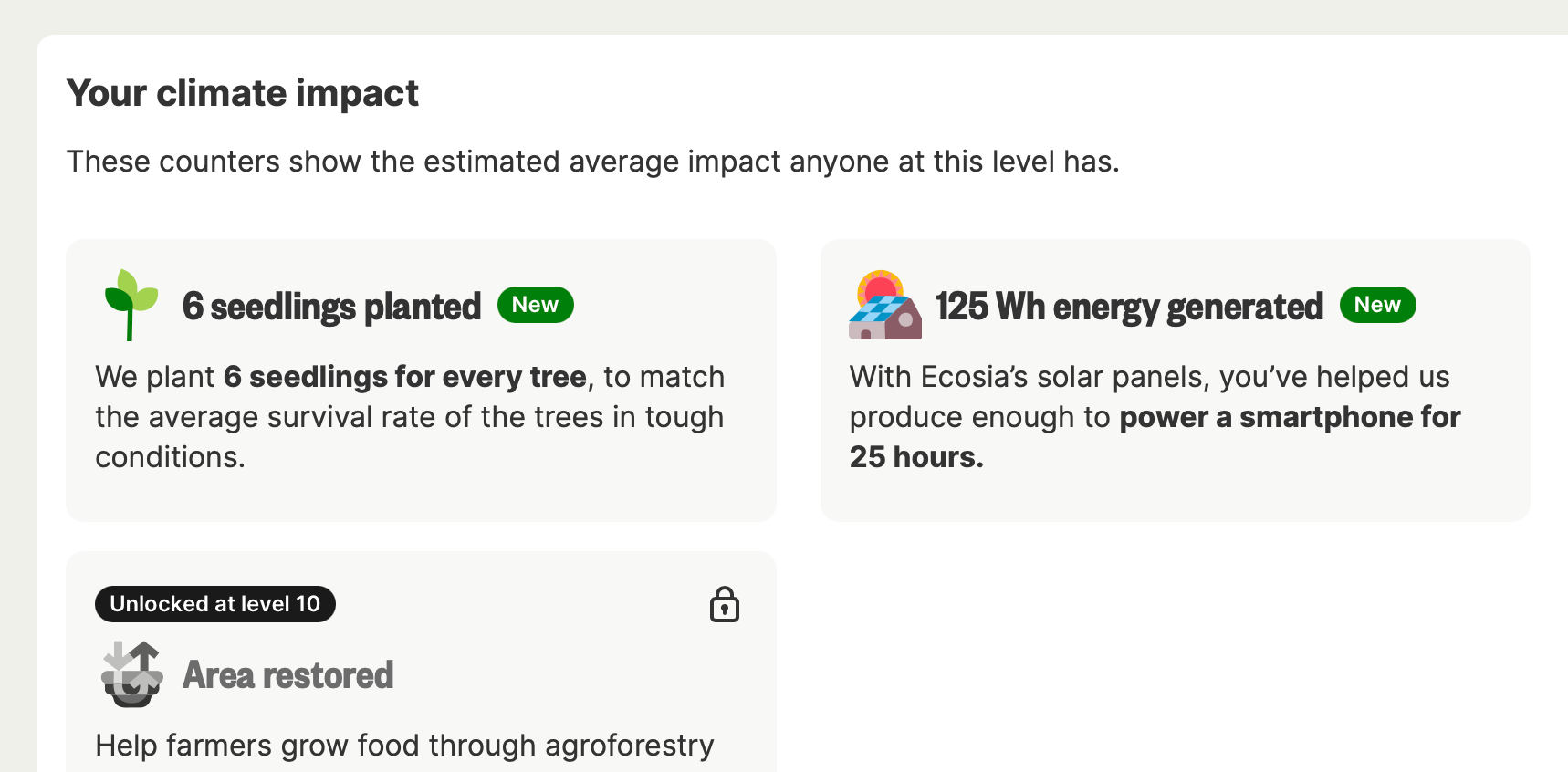
Then, there's the feel-good factor, because Ecosia is a non-profit organisation that uses its proceeds from ads to plant trees and install solar panels around the world.
Therefore, every time I search here and see sponsored results, a part of that ad revenue is spent towards restoring balance in our ecosystem, which is a nice little incentive:
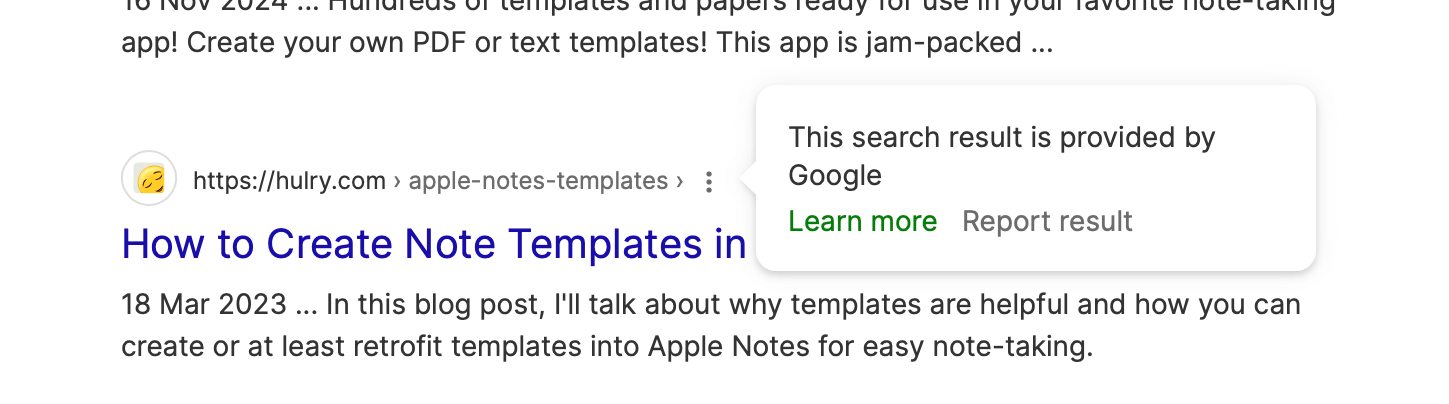
Regarding the search results quality, I haven't noticed much of a difference from Google Search because Ecosia serves results from either Google, Bing or European Search Perspective based on location and other factors.
You can check which search index served the results by clicking the options menu beside a search result, like this:
In the short time I've used Ecosia, I haven't missed much apart from Google's rich knowledge card feature.
I often look up movies and books to see their streaming availability, cast and similar movies and books at a glance:
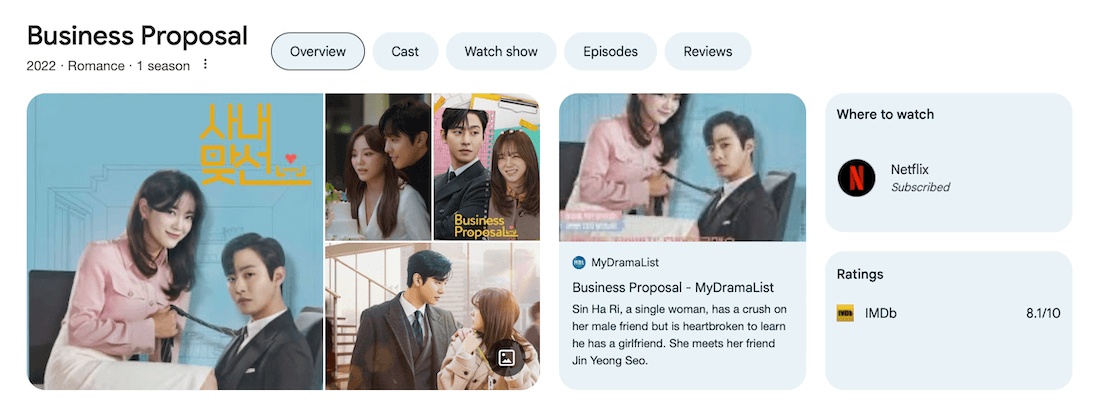
While Ecosia does have a knowledge card, it's nowhere near what Google shows. But that hasn't been a blocker, because I could navigate to the IMDb or Goodreads link from the search results and find what I was looking for.
I'll be trying Ecosia for another week, and then move on to DuckDuckGo or Brave Search for further comparison.
Let's see how that goes.
By the way, which search engine do you use for your everyday search queries?
Last week, I added a new scene to the Shakkei app called Icelandic Falls:
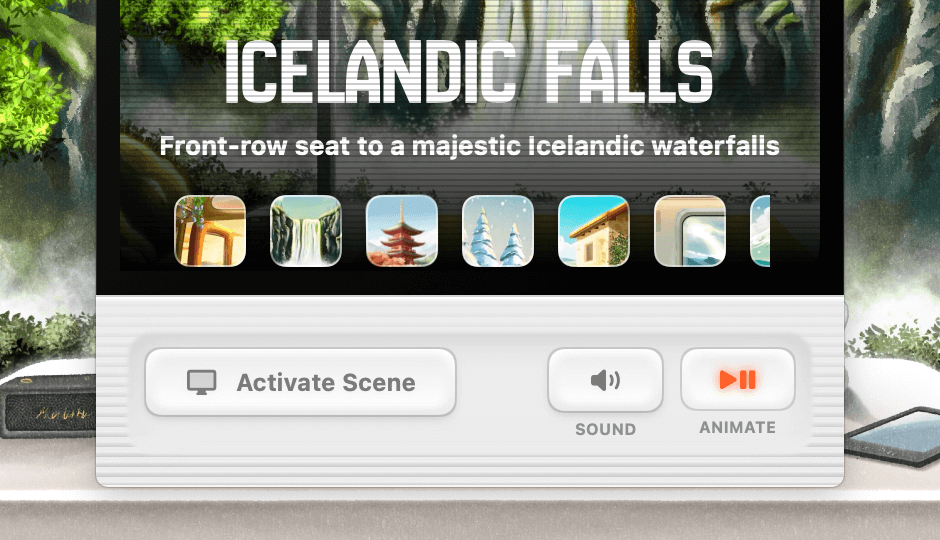
You can try this new scene in the latest version of the app.
Now, speaking of trying new things, have you tried the Focus app, yet?
Before you move on to the rest of this newsletter issue, here are a few words from:
 This Week's Sponsor
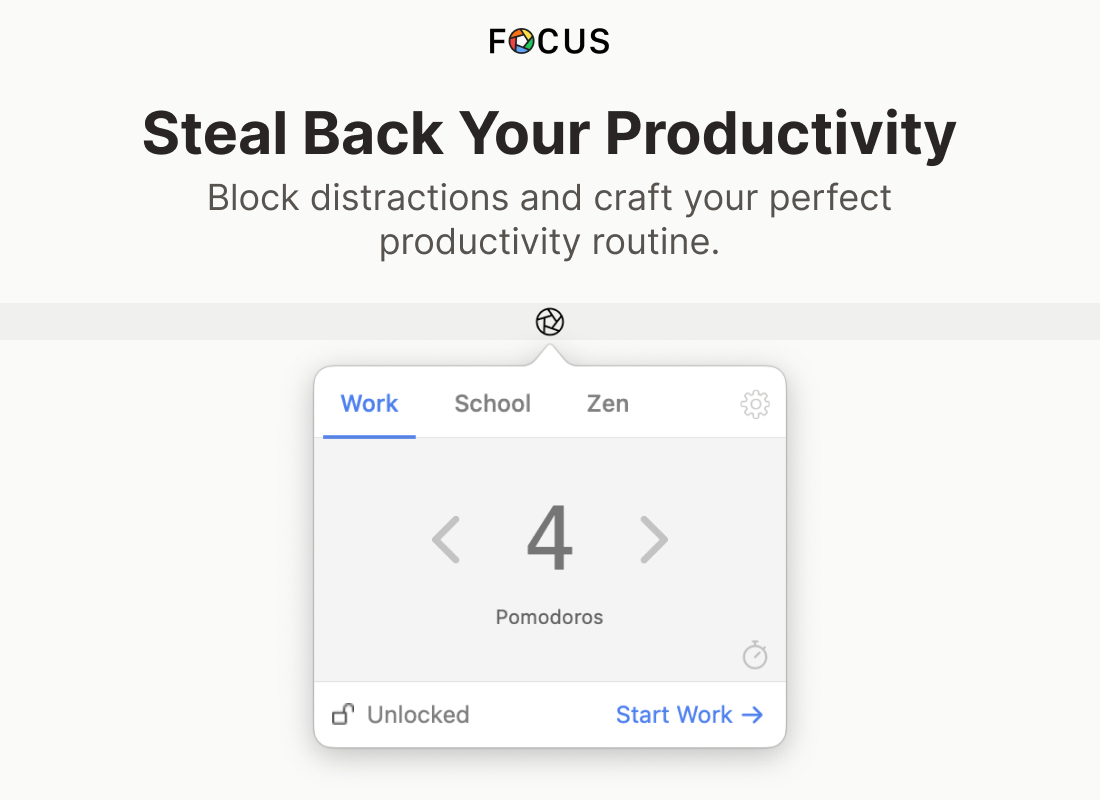
Struggling to stay focused with endless digital distractions?
Focus is a Mac app that blocks distracting websites across all your browsers.
Built-in Pomodoro timers, flexible schedules, and different profiles let you craft your perfect productivity routine.
Lock your sessions to stay committed, and use scripting to integrate seamlessly with your workflow.
Try it free for 7 days with a 30-day money back guarantee.
Sponsorships are paid callouts seen by over 4,362 people every Friday. Promote your product or service.
 Your Next Read

Thriving
Human memory is seldom perfect. And with every recollection, our memories distil and mutate, forming new memories based on older ones. This book explains how that works to our advantage.
 Apps & Services
A beautiful dream journaling app
A better distraction for you
Set up redirect rules for pages in Safari
 Handy Shortcut
⌘
;
 Interesting Reads
 Longform
6 min read
9 min read
9 min read
 Watch Next
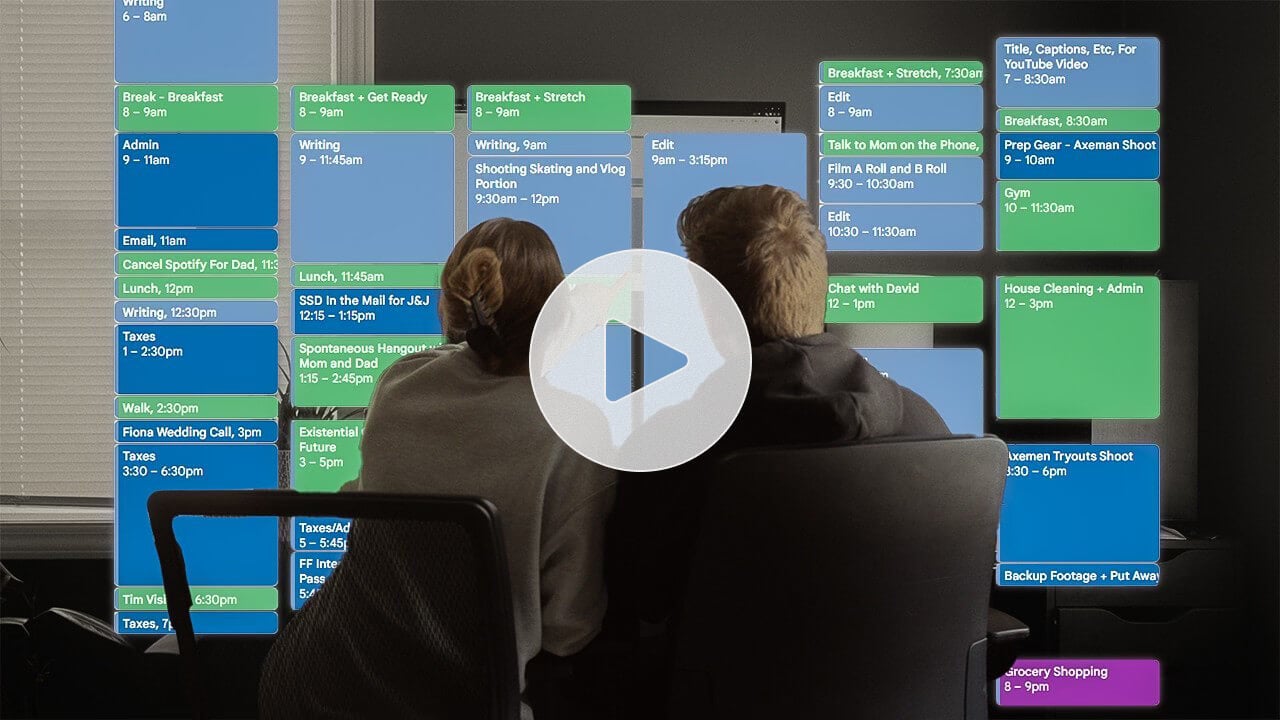
Sometimes, a third-person view is what we need to understand where we were going wrong. This video is an example of that.
 Want to join my inner
circle?
Want to join my inner
circle?

Join a club that pays you back handsomely through knowledge and skills that help you get 1% better every day.
For a one-time fee, yes, not a subscription, you get:
- A growing collection of member-only series and guides
- 23 highly actionable book summaries
- Invite to a member-only Discord community
- 23 hand-picked app deals that save you good money
- Flat 50% off on other Hulry products like apps, books and more
- My eternal gratitude for funding my work ❤️

Hi! 👋 I'm Rahul, the person behind Hulry and the one who sent you this newsletter.
Thank you for reading this issue.
MADE WHILE LISTENING TO
 1985 by Hotel Apache
Kudlu Road, Hosapalya, Bangalore, India — 560068
Were you forwarded this newsletter? Get your own subscription here.