
In Issue #138, I talked about my experience in Japan, and in the last few issues, I've been hinting at building a macOS app.
Now, it's finally time to share what I've been working on:
For a while, I've been fascinated by a Japanese principle called Shakkei or “borrowed scenery”, used to design gardens and other exterior aesthetics.
Using this principle, designers incorporate or "borrow" a distant element or landscape into the overall scene of a garden to make the area more harmonious with the natural surroundings.
You can see this kind of design in today's newsletter cover, where the distant Mt. Fuji completes the aesthetics of the ryokan.
I wanted to bring this essence into my digital workspace, where I spend most of my days, and make it feel more expansive, alive and fun. Maybe you, too.
So, I made a macOS app, called Shakkei, that employs this principle to make your Mac workspace a bit livelier by letting you have an artistically hand-drawn first-person POV of a cosy environment for your macOS workspace, like this:
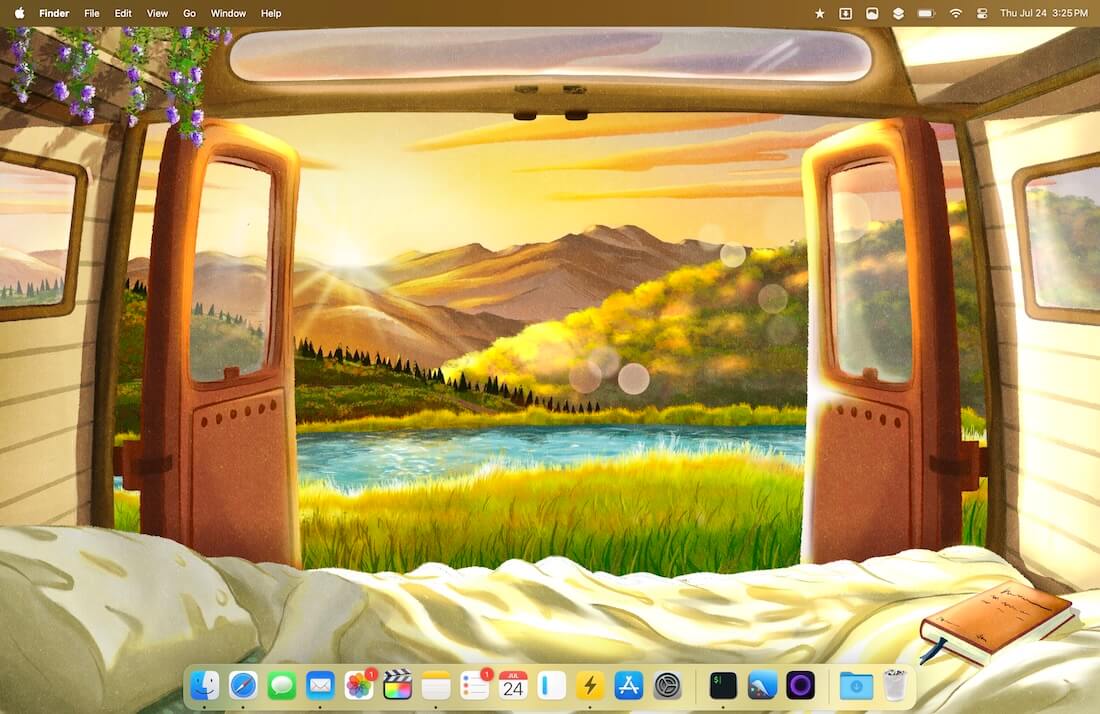
This is different from downloading a regular wallpaper and setting it as your desktop background.
Each scene has been designed with the principle of Shakkei in mind, and here's how it works:
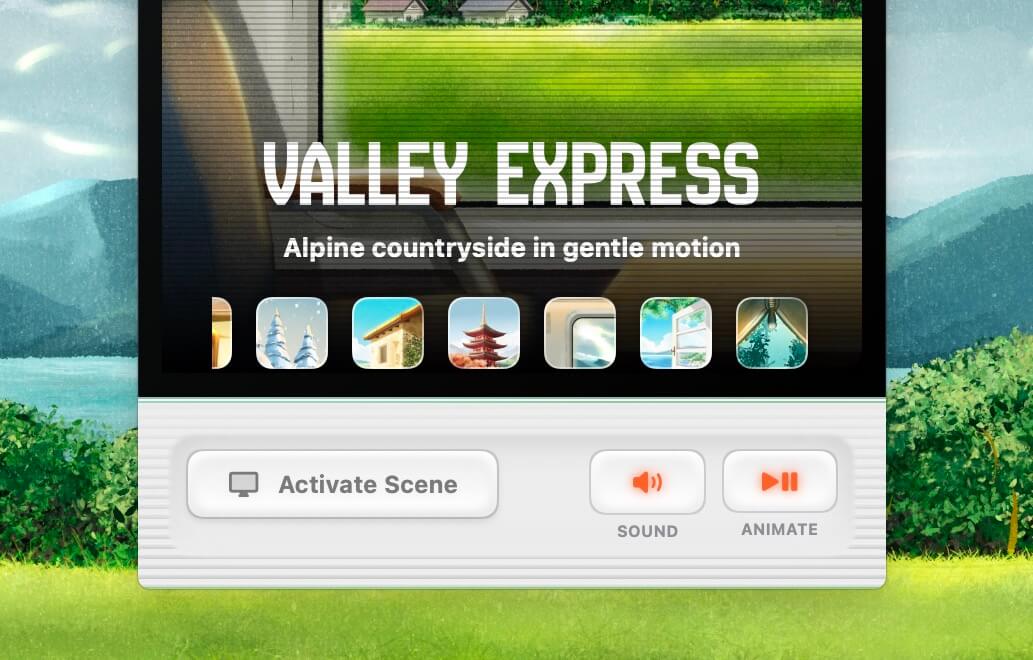
When you activate a scene, it sets your desktop wallpaper to the picked scene, animates it and plays a mindfully designed ambient sound for the scene (with or without music, based on your preference) that makes you feel like you’re there.
This helps you focus and get into a flow state, take a quick breather when you’re stuck in endless meetings, or use it as a fun ambience change.
For example, in a minute, you can switch your workspace to make it feel like you're sitting inside a European express train near a panoramic window, gazing at the passing landscape.
You can, of course, turn sound and animation on and off independently as you like:
The way I typically use this app is to activate a scene with animation and sound, and place an app window, such as Notes, iA Writer, Mail, etc., in the centre of the screen like this:
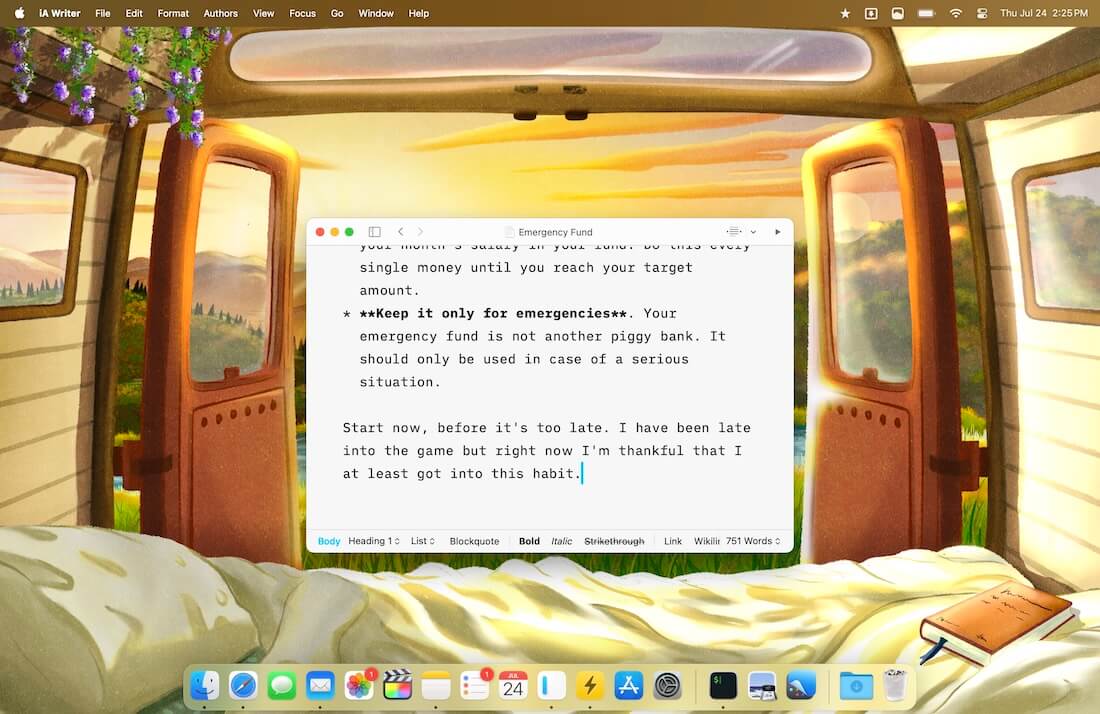
The animations and audio are crafted to be non-distracting and help me be focused on the work, while also having a sort of peripheral liveliness when I glance outside the app window.
Kind of recreates the feeling of lifting my head to see what’s around me after I’ve been heads down in work for a while.
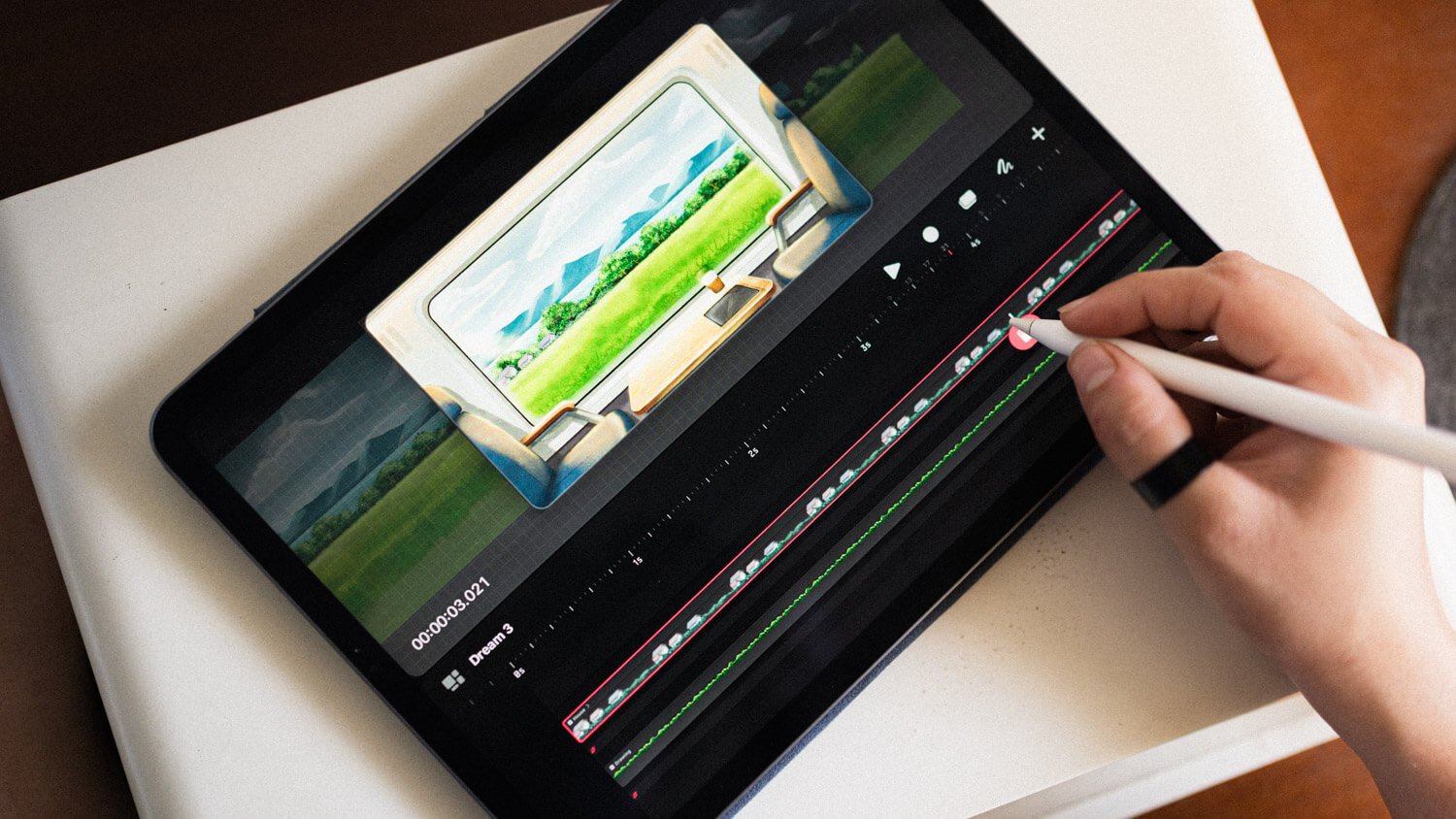
My wife hand-drew and animated every scene you’ll see in the app, and I built the native macOS app and mixed the ambient sounds:
I could go on about the benefits of the app, but the best way to witness the experience I'm talking about is to try the app firsthand.
The free trial version has one scene unlocked for you to use for as long as you want, and you can download it from the website.
When you’re ready to unlock all scenes, you can use the code THN20 at checkout to grab a license at a 20% discount (valid for the next 3 days).
The app's fun to use, and adds flair to your Mac's workspace.
If you're in the market to try an offbeat app, check Shakkei over here, and feel free to reply to this email if you have questions.
Now, before you move on to the rest of this newsletter issue, here are a few words from:
 This Week's Sponsor
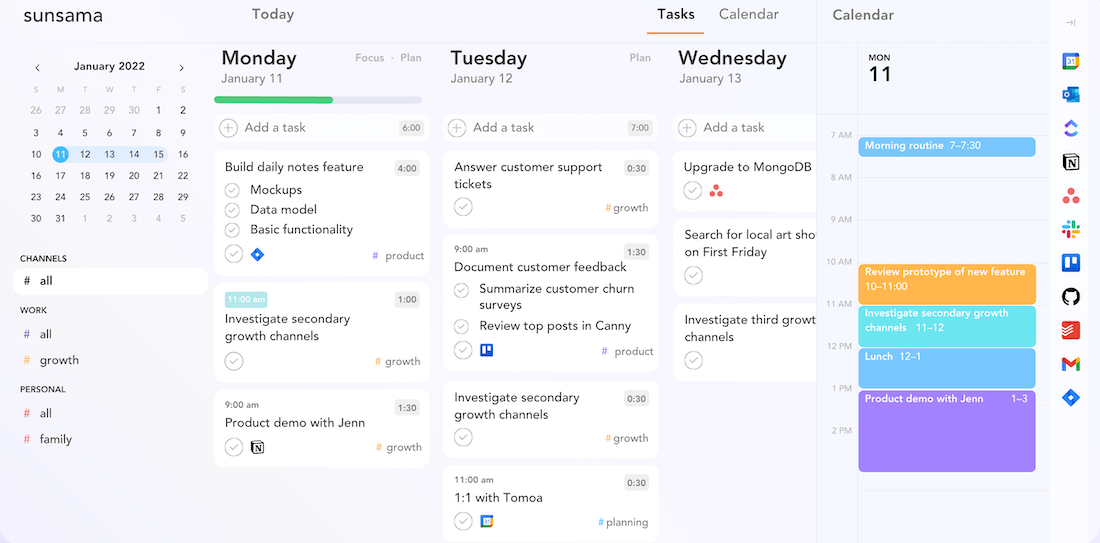
Modern work is overwhelming. With constant context switching and endless tasks, staying on top of everything is hard. Sunsama helps you stay calm, focused, and productive with guided planning, AI time estimates, and auto-scheduling.
Give it a try with a free 30-day trial.
Sponsorships are paid callouts seen by over 4,369 people every Friday. Promote your product or service.
 Your Next Read

Thriving
Not everything people say is the absolute truth. They're usually projecting their perspectives. When you embrace this, it liberates you from what others think is true and allows you to focus on your own perspectives.
 Apps & Services
Virtually transport yourself to a cosy workspace
Collect links, notes, images and more for later
Make animated travel routes
 Handy Shortcut
⌘
⌥
F
 Interesting Reads
 Watch Next
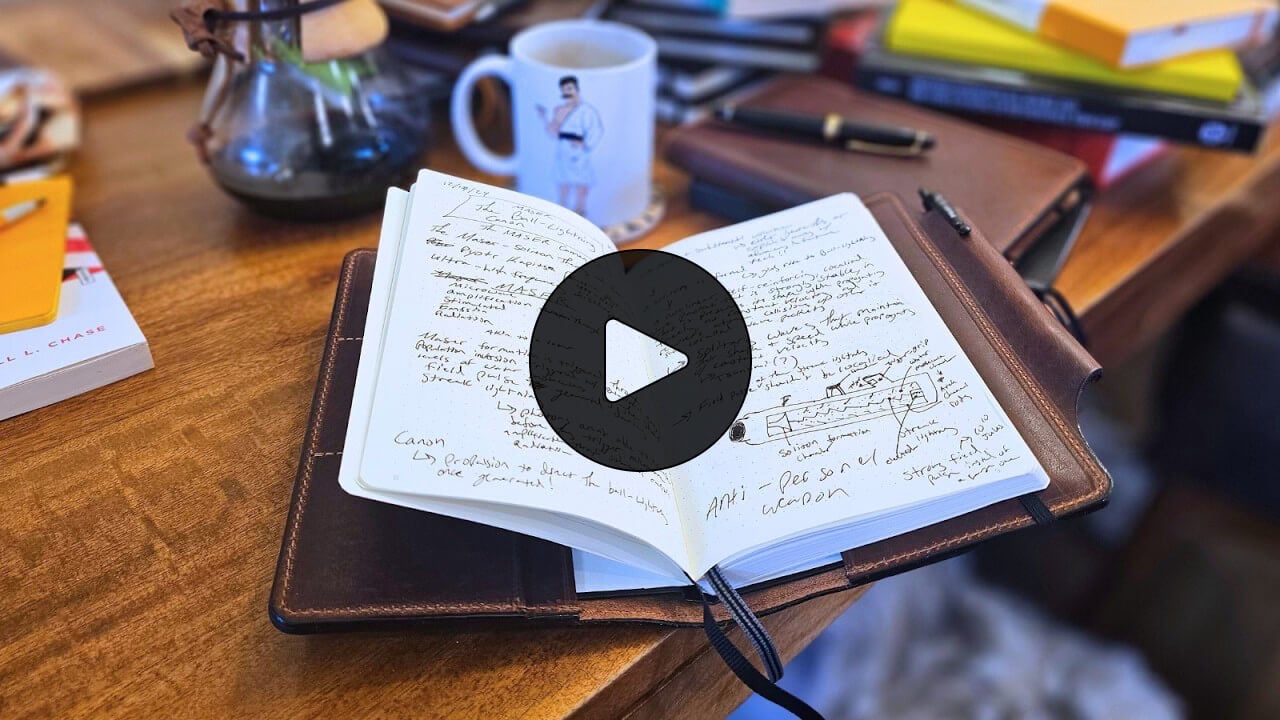
While this video leans into using notebooks for storytelling, I loved the idea clarification process shown here.
 Want to join my inner
circle?
Want to join my inner
circle?

Join a club that pays you back handsomely through knowledge and skills that help you get 1% better every day.
For a one-time fee, yes, not a subscription, you get:
- A growing collection of member-only series and guides
- 23 highly actionable book summaries
- Invite to a member-only Discord community
- 24 hand-picked app deals that save you good money
- Flat 50% off on other Hulry products like books and templates
- My eternal gratitude for funding my work ❤️

Hi! 👋 I'm Rahul, the person behind Hulry and the one who sent you this newsletter.
Thank you for reading this issue.
MADE WHILE LISTENING TO
 Close To You by Gracie Abrams
Kudlu Road, Hosapalya, Bangalore, India — 560068
Were you forwarded this newsletter? Get your own subscription here.