
Email subscriptions can quickly become overwhelming.
Especially when brands add you to their mailing list without your consent.
To help us deal with this subscription overload, Gmail is rolling out a new feature called Manage subscriptions, which you can access under More options in the sidebar:
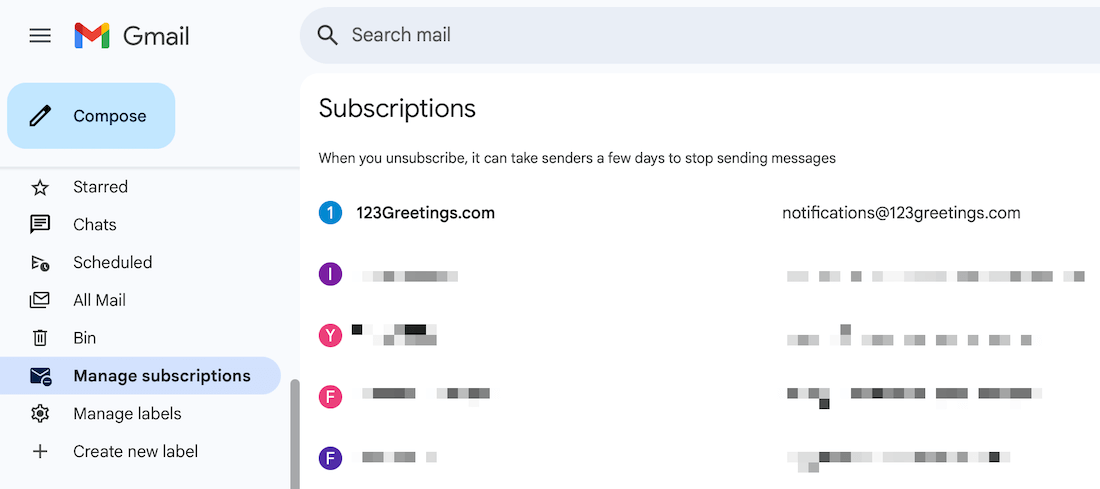
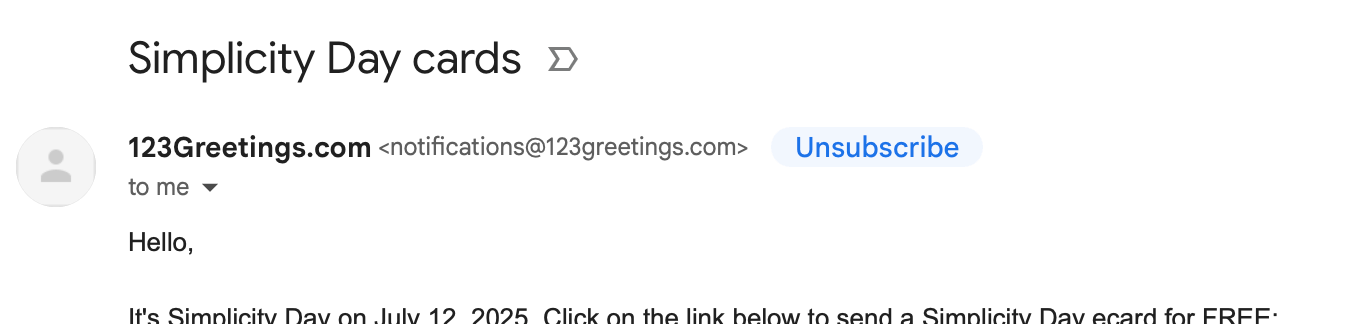
While Gmail has had an option to unsubscribe from emails from the email header, like this:
This feature gives us a dashboard to view all subscriptions in one place and understand the frequency of the subscribed emails:

You can then pick a sender from the list and unsubscribe from their emails by clicking the Unsubscribe button, which brings up a confirmation modal like this:
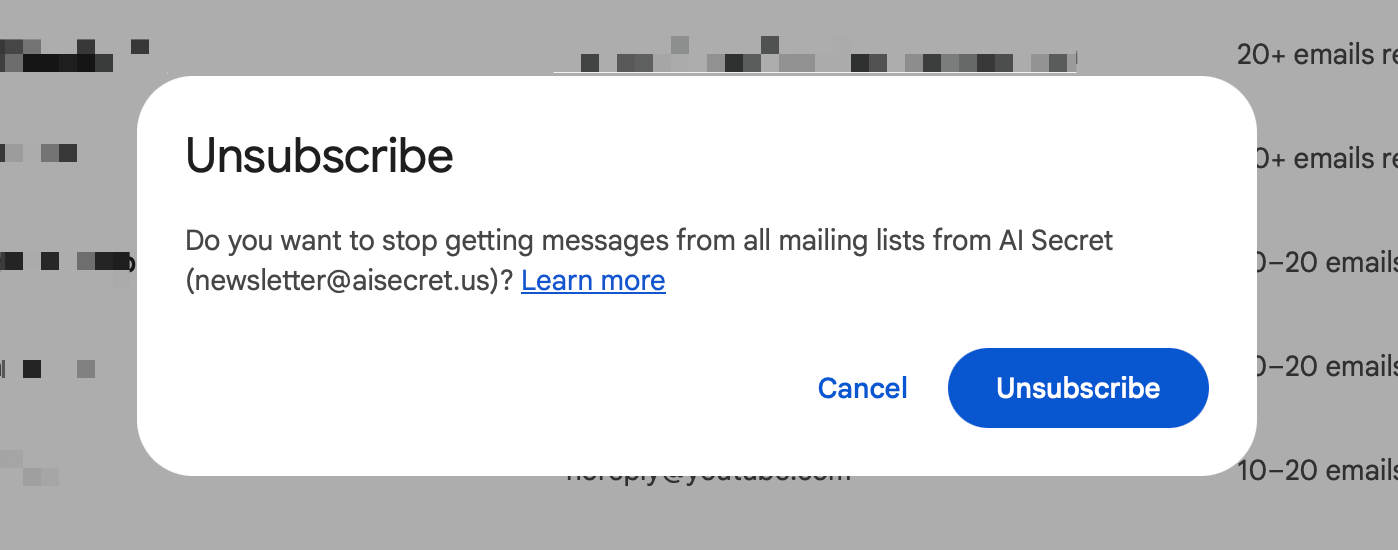
Once unsubscribed from here, you shouldn't receive further emails from this sender.
But even if you do, they'll skip your inbox and land directly in the spam folder.
Mass unsubscribing from emails isn't new. Tools like Leave Me Alone have been doing this for years.
But now, we have a built-in, free tool inside Gmail that does the job.
Try it out.
In other news, I'm finishing work on my macOS app, which I aim to reveal to you here next week, along with an early access discount.
I've been using it all the time on my MacBook, and I'm excited to share it with you soon.
Now, speaking of productive workflows, have you seen Sunsama?
Before you move on to the rest of this newsletter issue, here are a few words from:
 This Week's Sponsor
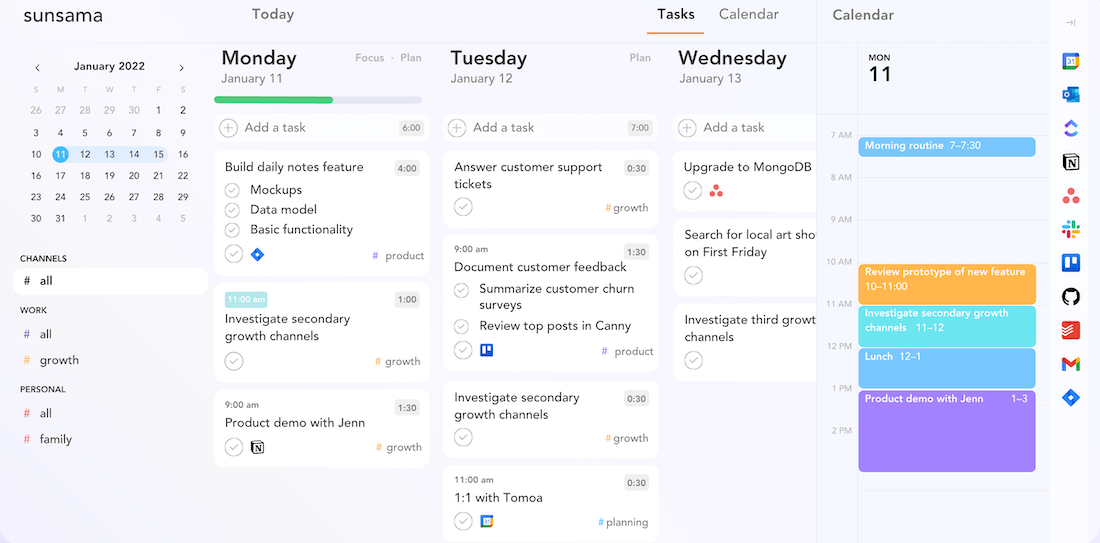
Staying productive can be tough with constant context switching and task overload. Sunsama makes it easy to plan your day, stay focused, and build a routine that works.
6000+ high-achievers swear by it. Their risk-free, 30-day trial will turn your cluttered, chaotic life into a streamlined, peaceful, productive powerhouse.
Sponsorships are paid callouts seen by over 4,375 people every Friday. Promote your product or service.
 Your Next Read
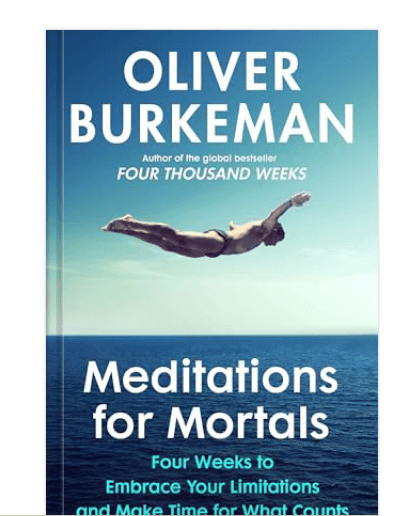
Thriving
There's only so much we can do in a day. In this book, Oliver Burkeman teaches us how to embrace this constraint through small exercises to try over a month.
 Apps & Services
Shared comments and highlights on any web page
Privately remember where you've been
A keyboard-first calendar app
 Handy Shortcut
⌘
Shift
.
 Interesting Reads
 Longform
15 min read
2 min read
 Watch Next

Joan explains how the best ideas and innovations are born not through goals, but through constraints.
 Want to join my inner
circle?
Want to join my inner
circle?

Join a club that pays you back handsomely through knowledge and skills that help you get 1% better every day.
For a one-time fee, yes, not a subscription, you get:
- A growing collection of member-only series and guides
- 23 highly actionable book summaries
- Invite to a member-only Discord community
- 24 hand-picked app deals that save you good money
- Flat 50% off on other Hulry products like books and templates
- My eternal gratitude for funding my work ❤️

Hi! 👋 I'm Rahul, the person behind Hulry and the one who sent you this newsletter.
Thank you for reading this issue.
MADE WHILE LISTENING TO
 Things I Can't Say by Spencer Crandall
Kudlu Road, Hosapalya, Bangalore, India — 560068
Were you forwarded this newsletter? Get your own subscription here.