
Even after using macOS for around a decade, I still discover new hidden interactions and shortcuts from time to time.
Here are a few that have been helpful to me recently:
1. Quick look items from the Downloads stack
I usually drag and drop items from the Downloads stack on the dock to upload or use them in other apps, and sometimes, the thumbnails are too small to identify the correct file.
Turns out, if you hover over a file from the stack and press Space, then it previews the file in a Quick Look window like this:
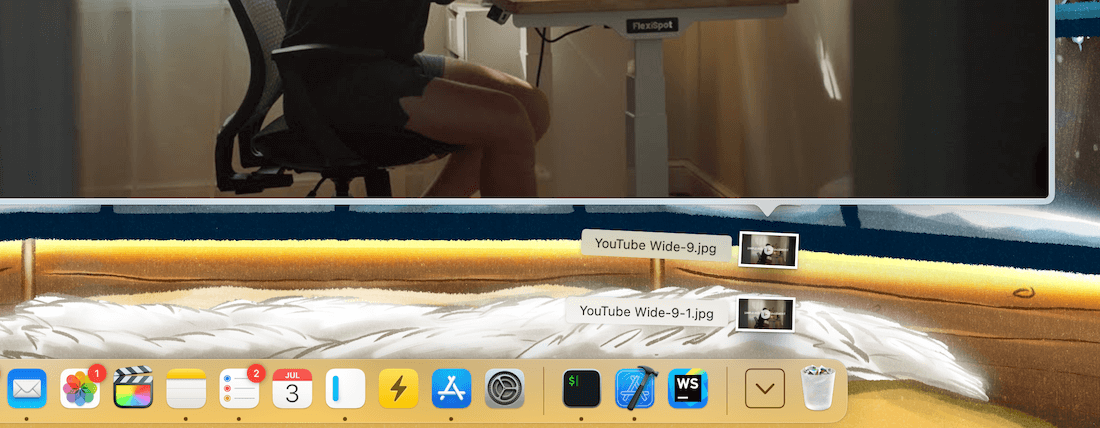
This is helpful because I can peek at files from the stack without opening them and choose the correct one for upload or use.
2. New folder from files
Whenever I need to move a few files in a folder to a subfolder, I select the files, right-click and choose New Folder from Selection:
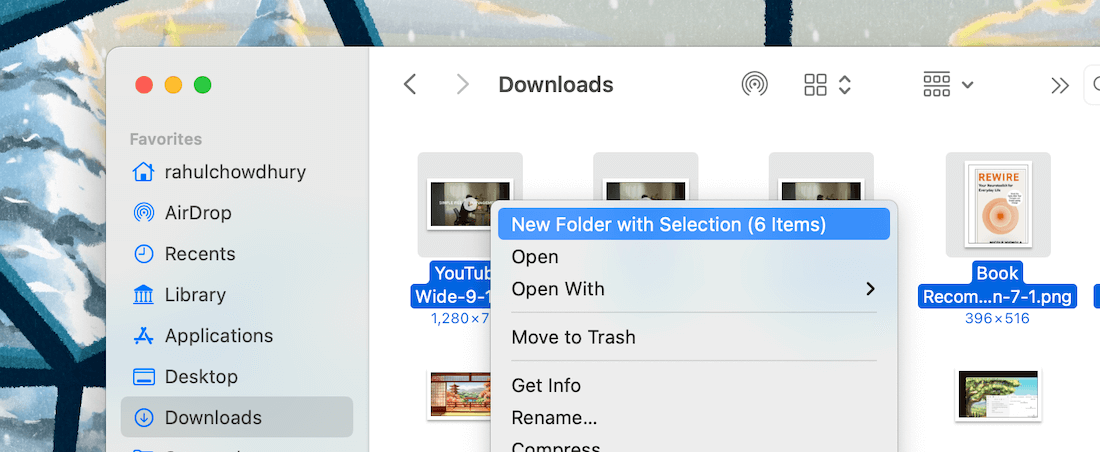
This creates a new folder with the selected files already moved inside from the parent folder.
I don't have to move the files myself after creating the new folder.
3. Preview's built-in redaction tool
The Preview app on macOS features a built-in redaction tool, which lets you permanently remove sensitive information from PDF documents.
After opening a PDF, open the Annotations toolbar and select the Redact option:
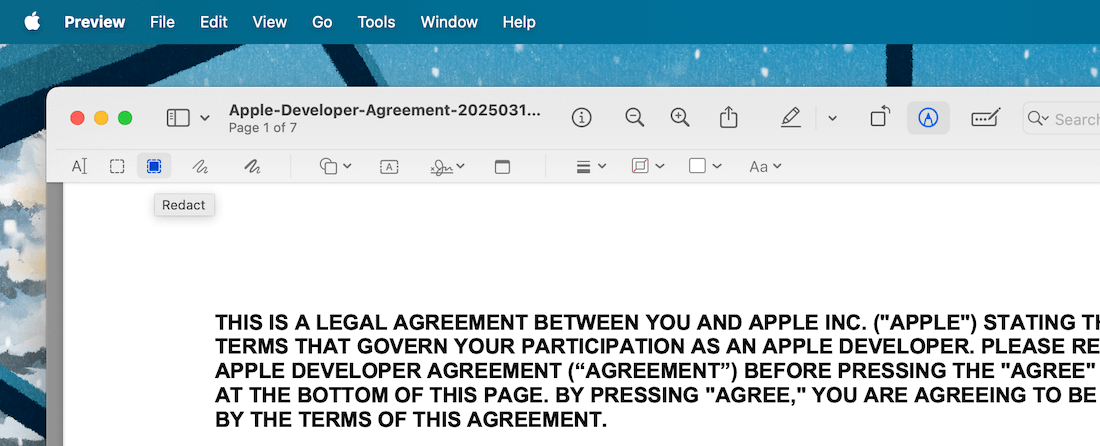
Then, click and swipe over some text in the PDF to redact it. This is helpful to hide personal and sensitive information before sending a PDF to someone else.
Try these out, and I'll return with more tips in a future issue.
Now, speaking of cool things on Apple devices, have you seen Timedash Widgets?
Before you move on to the rest of this newsletter issue, here are a few words from:
 This Week's Sponsor
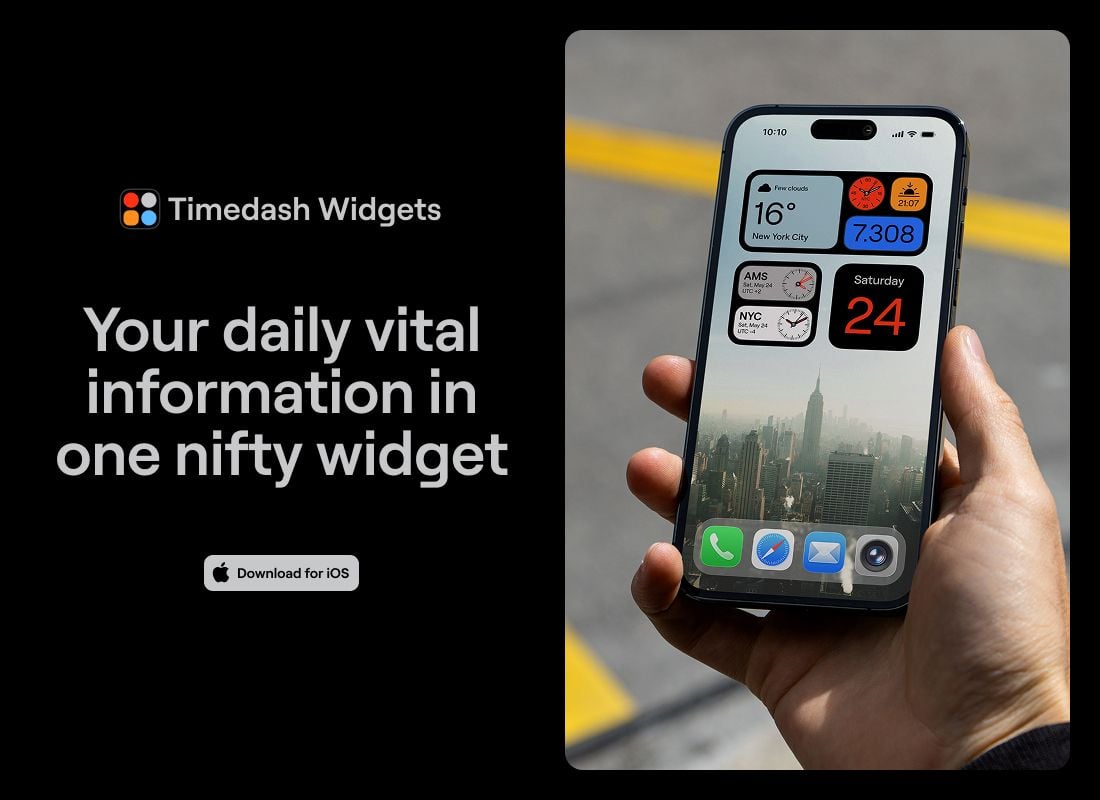
Displaying your daily vital information in one nifty, customizable widget.
Time, date, weather, steps and more, choose from dozens of different function and color combinations.
Carefully designed with lots of attention to detail, Timedash is a must-have widget for every Home Screen!
Sponsorships are paid callouts seen by over 4,363 people every Friday. Promote your product or service.
 Your Next Read
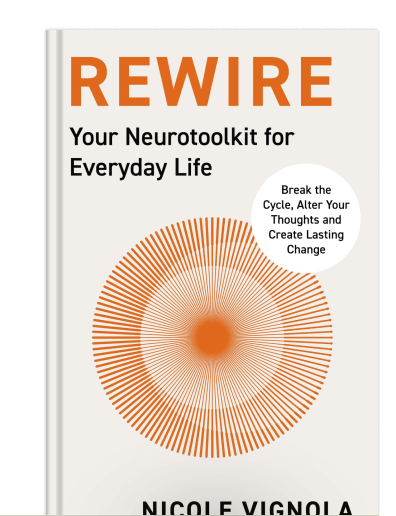
Thriving
Sometimes, we become so entrenched in a narrative that our actions and thoughts operate on autopilot, reinforcing the narrative. This book offers strategies for shaking things up and breaking free from negative beliefs.
 Apps & Services
Floating live timers for your Mac desktop
Open-source Grammarly alternative
A keyboard-first macOS app switcher
 Handy Shortcut
⌘
U
 Interesting Reads
7 min read
10 min read
2 min read
 Watch Next
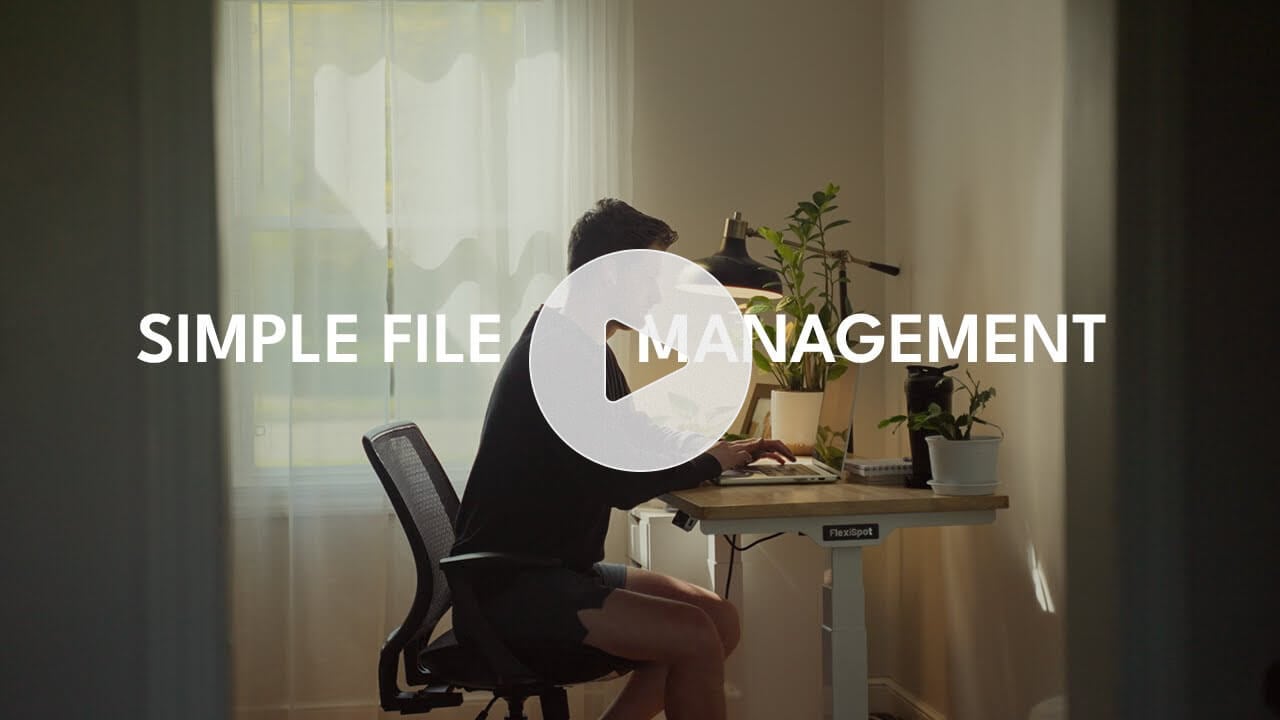
Nick shares his filing system, which has worked well for him for over seven years. I need to make an Inbox folder right away.
 Want to join my inner
circle?
Want to join my inner
circle?

Join a club that pays you back handsomely through knowledge and skills that help you get 1% better every day.
For a one-time fee, yes, not a subscription, you get:
- A growing collection of member-only series and guides
- 23 highly actionable book summaries
- Invite to a member-only Discord community
- 24 hand-picked app deals that save you good money
- Flat 50% off on other Hulry products like books and templates
- My eternal gratitude for funding my work ❤️

Hi! 👋 I'm Rahul, the person behind Hulry and the one who sent you this newsletter.
Thank you for reading this issue.
MADE WHILE LISTENING TO
 Bad As I Used To Be by Chris Stapleton
Kudlu Road, Hosapalya, Bangalore, India — 560068
Were you forwarded this newsletter? Get your own subscription here.