
It's that time of the year, and Apple's OS lineup is getting a fresh coat of paint — or rather, liquid glass.
The new design has received mixed reactions on social media, but I believe there are elements that enhance the user experience.
For example, Safari's compact tabs mode gives more space to the web page, and the floating controls look fantastic:
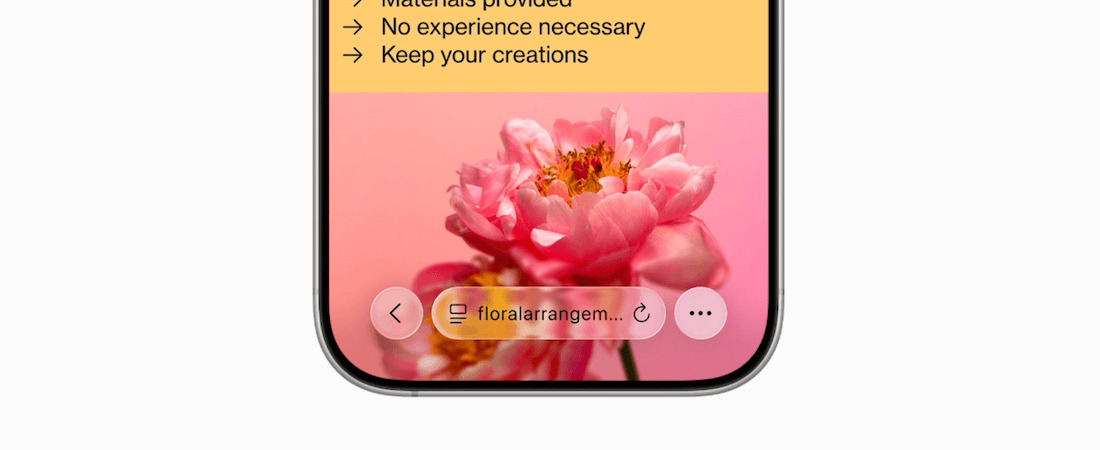 Image Credit: Apple
But what I'm most excited about these new releases are:
1. Shortcuts and Apple Intelligence
The Shortcuts app is already a powerful way to automate tasks on an Apple device, and the new Apple Intelligence action in the app will make connecting AI to our workflows easier.
I have built a shortcut that currently relies on ChatGPT to convert my dictated tasks for the day into actual to-do items in the Reminders app.
With this new Apple Intelligence action, I can swap out ChatGPT with on-device AI assistance that is much faster and doesn't require a stable internet connection.
Also, Automation support, i.e., running shortcuts automatically in response to app actions or at a time of the day, was missing from macOS. The new version adds that feature.
2. Spotlight is more powerful now
I switched to Raycast a few months ago to make certain parts of my newsletter and blog post workflow easier and faster, such as downloading the thumbnail of a YouTube video, converting article titles to Title case, and cleaning up links, among other tasks.
But Spotlight on macOS Tahoe can do many of the actions that Raycast does, and with Shortcuts, I could make my existing workflows work on Spotlight:
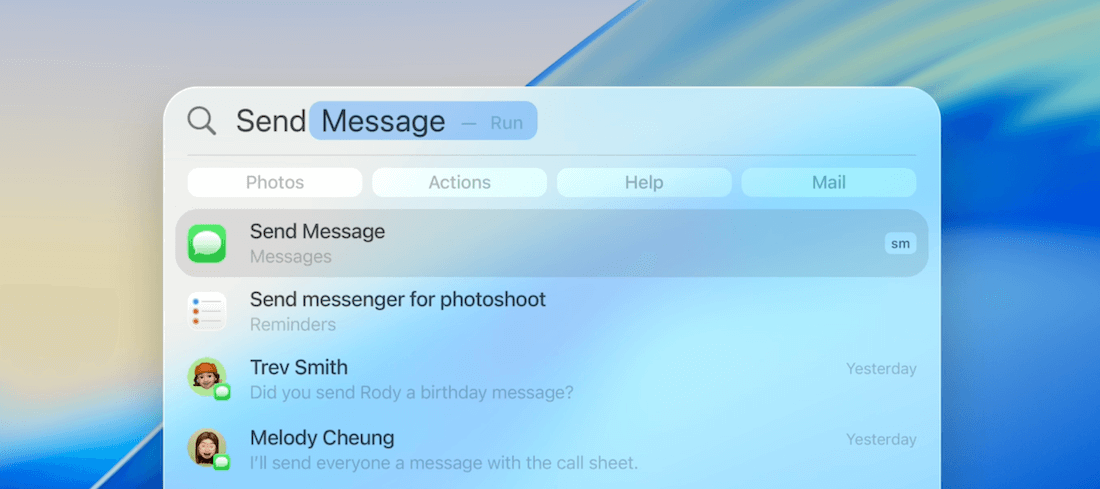 Image Credit: Apple
3. Apple Notes has Markdown support
On the new OSes, at least on macOS Tahoe and iPadOS 26, Apple Notes will allow importing and exporting notes in Markdown format.
This seems like a minor change, but it's great for note portability and long-term note safety — similar to what Obsidian promotes, the file-over app philosophy.
I use Apple Notes as my note-taking app for everything. Now, instead of my notes being locked inside the Apple Notes app, I can export them in a .md format, which I can back up on external storage or pass them through an AI app or automation step to make more use of my notes.
I'm excited to try these new OS updates.
How about you? Do you like the new updates?
By the way, I'm building a macOS app.
It's built on a Japanese philosophy that I've been fascinated by for a while, and I'll share more about it in next week's newsletter issue.
Now, speaking of good workflows, have you seen Forage Mail yet?
Before you move on to the rest of this newsletter issue, here are a few words from:
 This Week's Sponsor
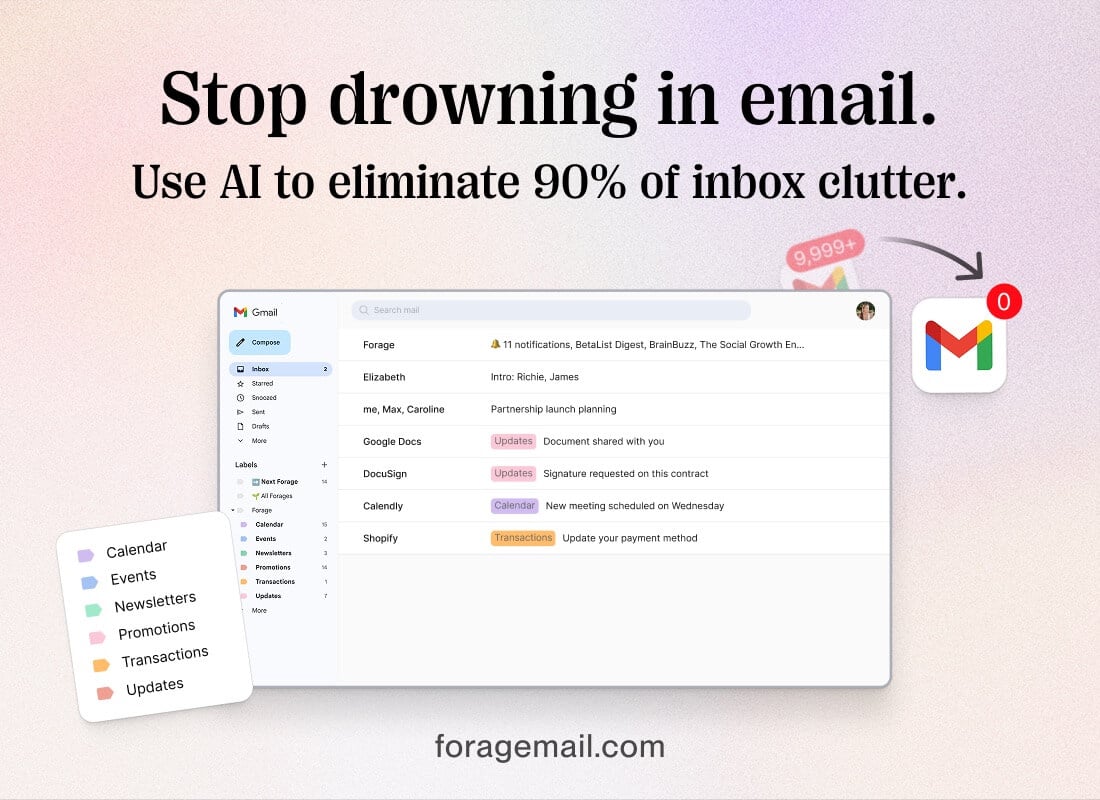
Forage is an invisible AI that filters incoming mail, surfaces priority messages, and sweeps the rest into a concise daily summary—right inside Gmail.
Forage is the easiest way to start using AI in your inbox. Simply connect your Gmail and it works 24/7 to streamline your inbox.
Takes just 30 seconds to install. Save 1–2 hours every day.
Sponsorships are paid callouts seen by over 4,371 people every Friday. Promote your product or service.
 Your Next Read
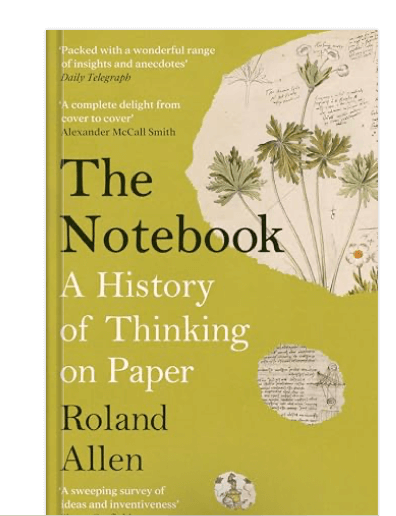
Thriving
I've been interested in using notebooks and notecards more often to write down ideas, tasks and other short notes. If you're in a similar stage, try this book.
 Apps & Services
A fun, 3D-ish camera app for iPhone
Plan task estimates with your team
Pixelate sensitive stuff on your photos
 Handy Shortcut
⌘
E
 Interesting Reads
 Making AI Work
7 min read
5 min read
13 min read
 Watch Next
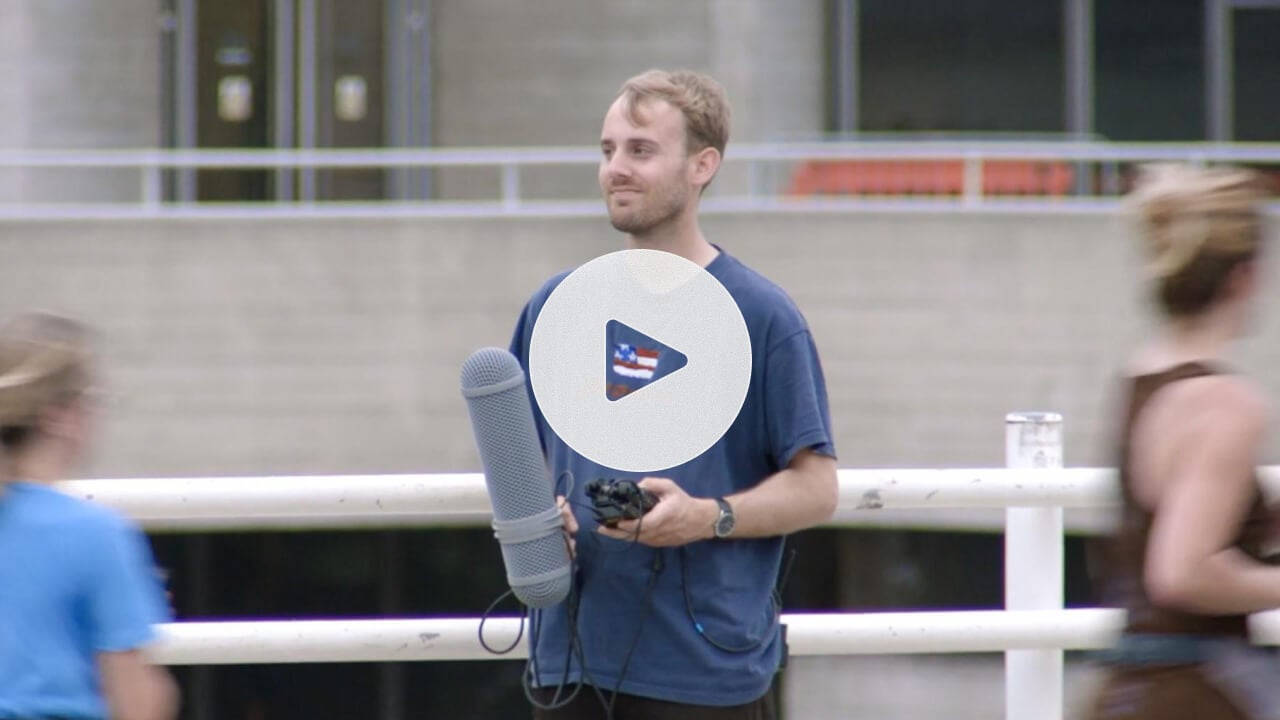
A short film by Hugh Clegg, where he wanders around London asking people, “Do you feel lonely?” to find answers to his feelings of loneliness.
 Want to join my inner
circle?
Want to join my inner
circle?

Join a club that pays you back handsomely through knowledge and skills that help you get 1% better every day.
For a one-time fee, yes, not a subscription, you get:
- A growing collection of member-only series and guides
- 23 highly actionable book summaries
- Invite to a member-only Discord community
- 25 hand-picked app deals that save you good money
- Flat 50% off on other Hulry products like books and templates
- My eternal gratitude for funding my work ❤️

Hi! 👋 I'm Rahul, the person behind Hulry and the one who sent you this newsletter.
Thank you for reading this issue.
MADE WHILE LISTENING TO
 Sapphire by Ed Sheeran
Kudlu Road, Hosapalya, Bangalore, India — 560068
Were you forwarded this newsletter? Get your own subscription here.