
One of the great enablers in my life has been to act on the good ideas I've spontaneously had.
But ideas vanish as fast as they come, and if we don't have a system to capture the good ones and regularly review and act on them, those ideas are only fiction.
And I knew that a complicated system to do this wouldn't work because I would give up on it after a while.
Instead, I put together a stupidly simple workflow using the stock apps on my devices that just works. Here's how:
First, I save random ideas, thoughts and article clippings in a new note on the Notes app.
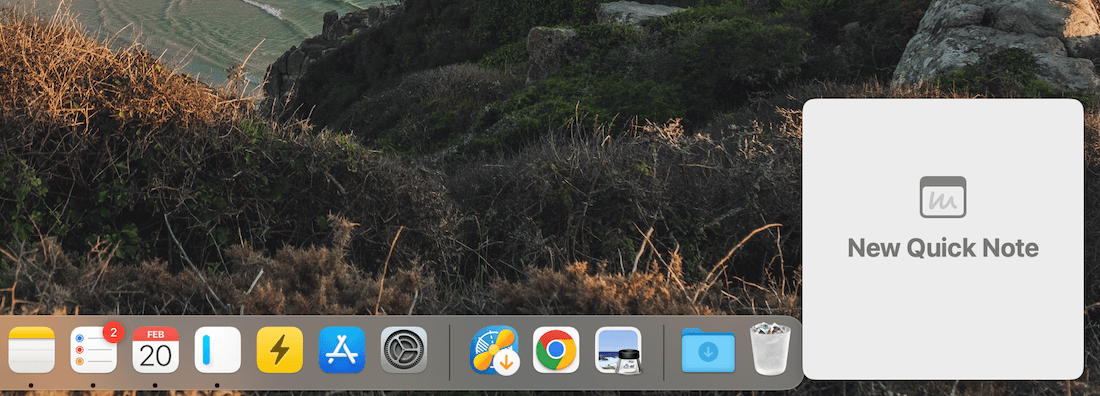
The Quick Note feature is handy for this, and I can start a new Quick Note by dropping my mouse cursor to the bottom right corner of the screen like this:
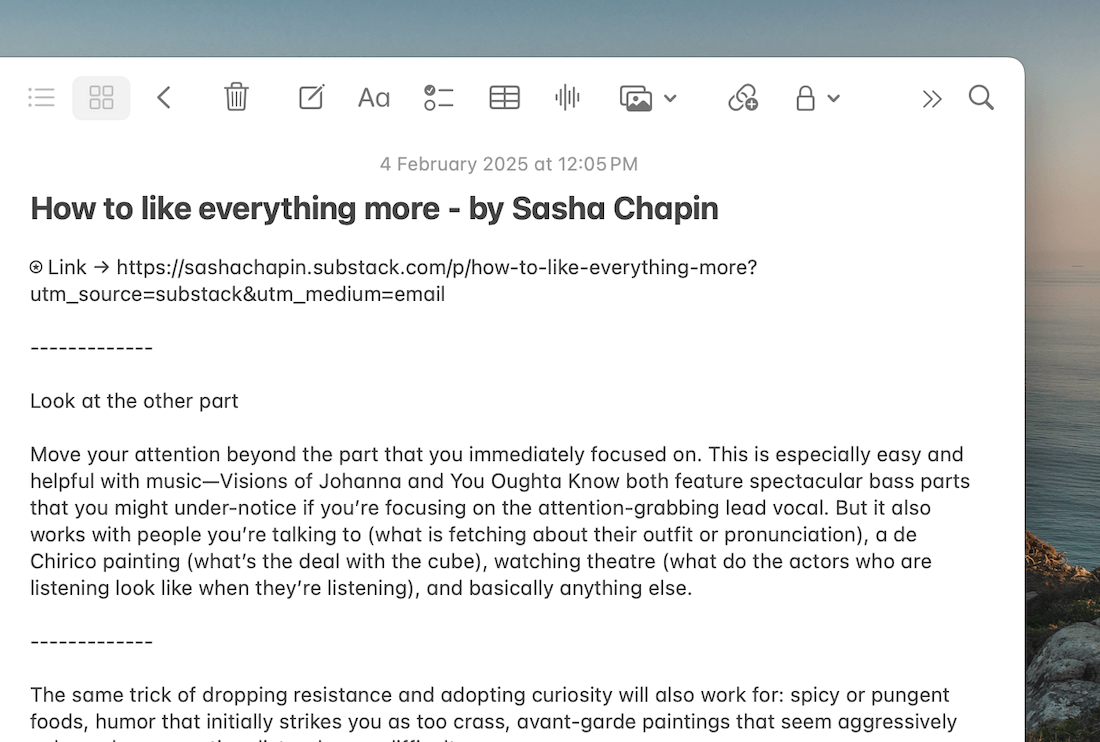
If I have an idea while reading an article, I use a custom Web Clipper that I built for Apple Notes using the Shortcuts app on my Mac to quickly save multiple highlights from an article into a single note:
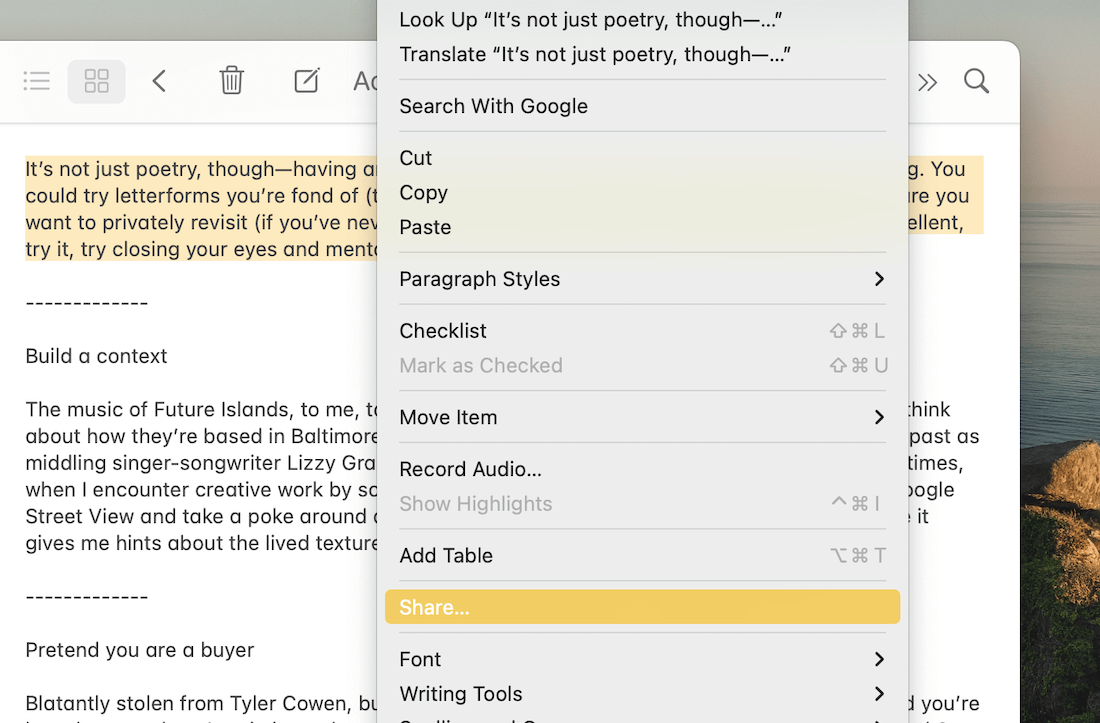
Once saved, I create a new reminder for the note by selecting a part of it, right-clicking the selection and sharing it with the Reminders app:
This is the crucial step which ensures I remember to follow up on an idea I saved for later.
Once a reminder for the note is added to my Inbox or another list in the Reminders app, I regularly revisit my Inbox and other lists, such as Article Ideas, Business, etc., to see if there's an idea I can work on now or schedule in the upcoming week.
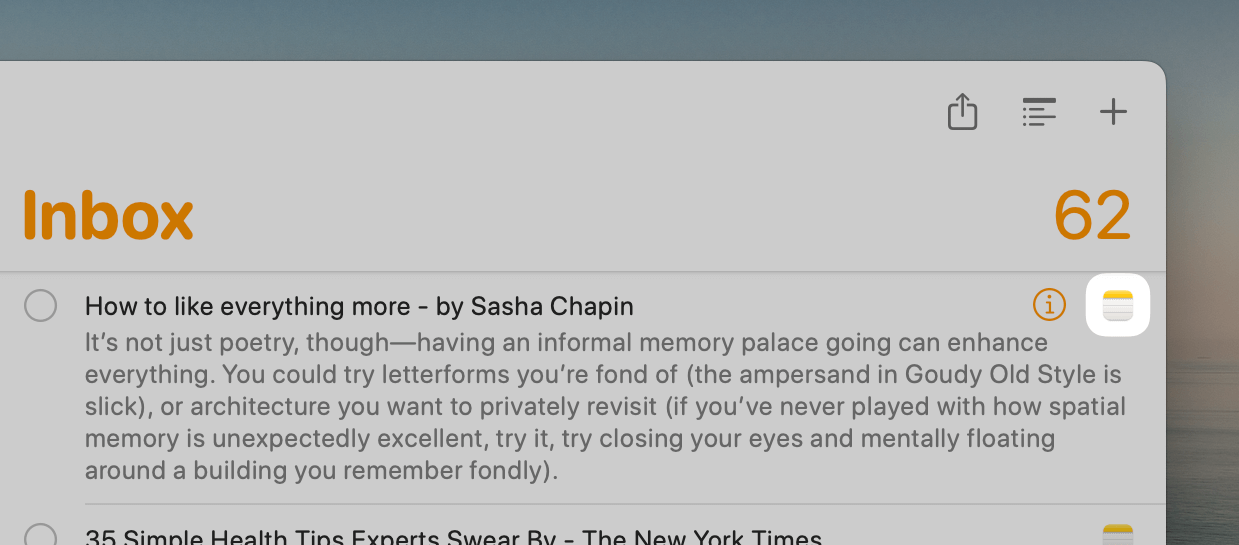
The convenience of creating a reminder from a note is that the reminder gets a Notes icon beside the task name, clicking on which directly opens the associated note:
But say, I know when I want to review a specific idea, plan or random thought.
In such cases, I set a deadline while creating the reminder, which automatically reminds me to revisit the note on that particular day.
That's it.
It's a simple but powerful setup that helps not only collect my ideas in a safe space but also be diligent in acting on them.
While this was barely the tip of the iceberg, I've written about many such practical and useful workflows using Apple Notes and Reminders in my Back to Basics series.
Check it out if you use Apple devices for work or personal use.
Now, speaking of personal growth, have you checked Nervous System Mastery?
To tell you more about it, here are a few words from:
 This Week's Sponsor
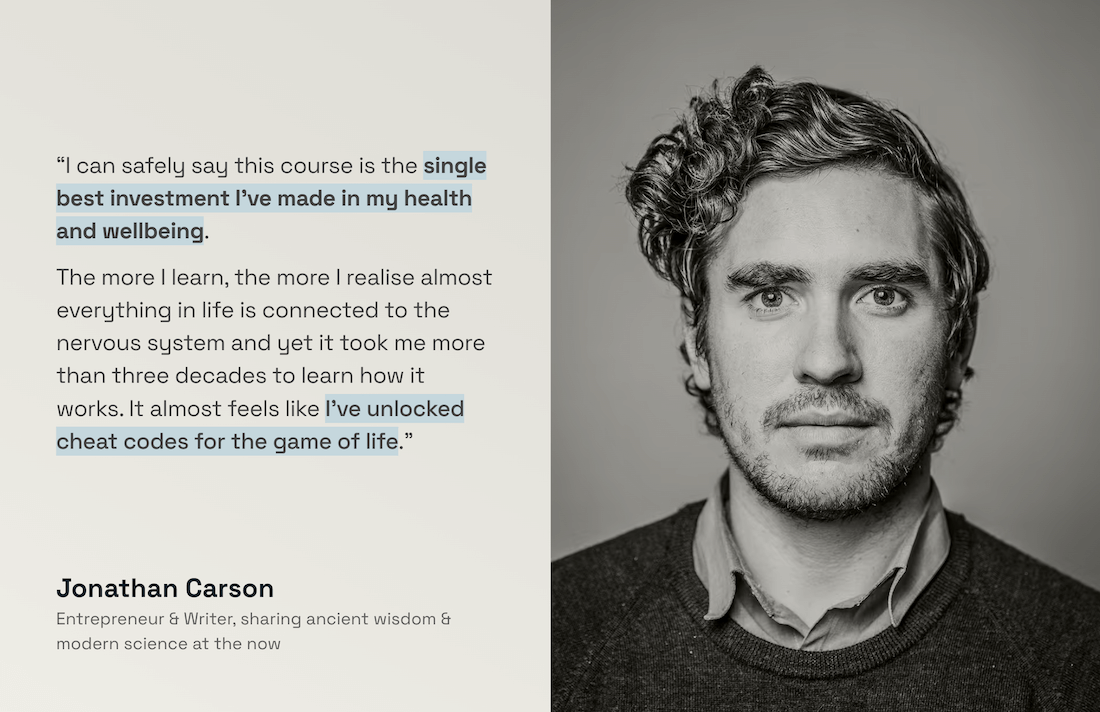
Learn evidence-backed protocols to create agency over your internal state in 45 days. Join 1100+ high performers who have transformed their relationship with stress, cultivated calm, and unlocked restful sleep.
Enrolment doors close Feb 28. Use code HULRY to save $250.
Sponsorships are paid callouts seen by over 4,184 people every Friday. Promote your product or service.
 Your Next Read

Biography
I'm a space nerd, so this book jumped at me the moment I saw it. Regardless, it's a good read, and the paperback version accompanies Kelly's story with real pictures from his mission.
 Apps & Services
Make your external mouse behave like a Mac trackpad
Extend your annual vacation days
Easily browse super-long ChatGPT threads
 Handy Shortcut
⌘
F
 Interesting Reads
 Longform
13 min read
9 min read
5 min read
 Watch Next

An inside peek into the space where Ryan Holiday transforms ideas into bestselling books. I loved how he thoughtfully decorated the place.
 Quick Feedback

If you've enjoyed reading this newsletter issue, you'll love the member-only articles, book summaries and community access that come with a Hulry Plus membership.
Become a MemberKudlu Road, Hosapalya, Bangalore, India — 560068
Were you forwarded this newsletter? Get your own subscription here.