
I've been dropping hints about this new series I'm working on since the last two issues of this newsletter. Now I can finally tell you more about it.
Ever since ChatGPT entered the market and started the ongoing generative AI boom, many companies and people have adopted, promoted and sometimes, overhyped these generative AI tools with unrealistic capabilities and non-practical use cases — remember those AI-generated "professional" headshots?
You may have already been using ChatGPT, Claude, Perplexity or one of the AI tools in the market to simplify your work.
Or you may have tried these tools a few times, and dismissed them because they didn't produce any meaningful results or you didn't find any use for them.
Through this new series — Making AI Work — I aim to share everything I've learned and am still learning about generative AI through practical use cases that will help you make these AI tools actually helpful in your daily life and work.
You'll learn to use AI to complement your skills and work, not replace them, and have more free time for yourself.
Part I of this series is about discussing how generative AI works underneath without going too technical and instead explaining the process through real-world examples, analogies and descriptive visuals like this:

This is helpful because once you understand how generative AI works and where it falters, you learn to use this tool better in your everyday tasks.
This series will be of 5–7 parts, with each article focused on a specific theme or goal.
For example, Part II will show you all the ways you can leverage AI to work with information easier and quicker, such as finding information, making sense of existing complicated resources and interactively visualising business or personal metrics.
Part III is planned to be around the theme of reducing your chores by delegating unwanted tedious tasks to ChatGPT or Claude, much like getting things done through a contractor.
I've already started working on Part II and will be publishing it in the coming weeks.
For now, strengthen your foundation and start with generative AI tools through Part I of this series.
Speaking of AI tools, how about one that converts articles into narrated podcast episodes?
To tell you more about it, here are a few words from:
 This Week's Sponsor
Turn Articles into Podcasts with Listen Later!
Email any article or blog post, and our AI transforms it into a podcast episode with human-like narration. Listen anytime, anywhere via your private podcast feed.
Try it free today and start enjoying content hands-free!
Sponsorships are paid callouts seen by over 4,190 people every Friday. Promote your product or service.
 Your Next Read
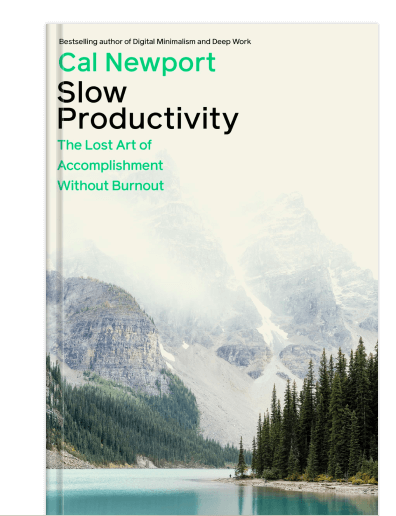
Thriving
The agricultural-era measure of productivity that we still use today doesn't work for knowledge work. Learn how to do your best work without getting burned out.
 Apps & Services
Do your work distraction-free
Visualise your long-term financial health
Voice notes for Gmail and Google Docs
 Handy Shortcut
/
 Interesting Reads
 Making AI Work
11 min read
5 min read
3 min read
 Watch Next
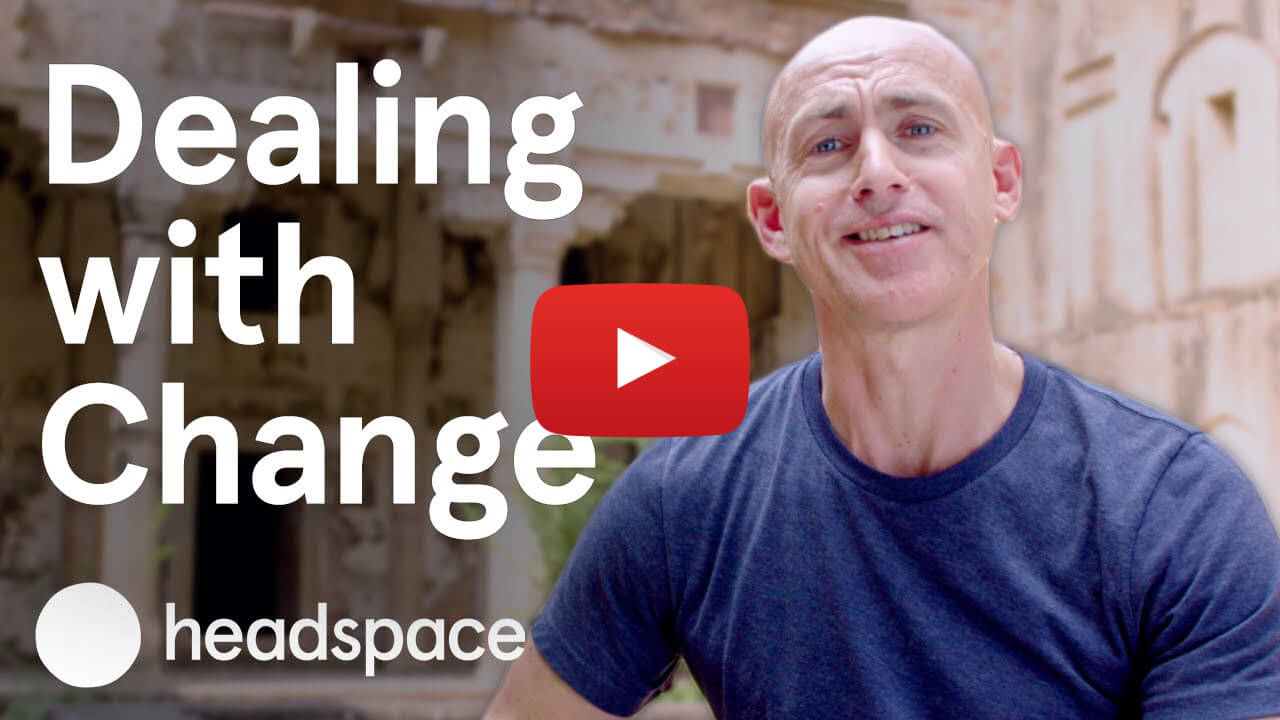
Changes in life are inevitable. Andy discusses a few approaches in this video that’ll help you deal and cope better with changes when they happen. Read Andy’s full story here.
 Quick Feedback

If you've enjoyed reading this newsletter issue, you'll love the member-only articles, book summaries and community access that come with a Hulry Plus membership.
Become a MemberKudlu Road, Hosapalya, Bangalore, India — 560068
Were you forwarded this newsletter? Get your own subscription here.