
Even after using a Mac for nearly a decade, I regularly find shortcuts and interactions I wasn't aware of earlier.
Here are a few that I stumbled upon lately, which have been pretty useful to my workflow:
1. Resize windows relative to their position
I usually work with app windows centred on my screen. So, if I wanted to resize a window, I had to re-centre it after I was done resizing.
Turns out, there's an easier way to do this.
If you hold down the ⌥ key and then drag any corner of a window to resize, the window spreads out or shrinks relative to its current position:
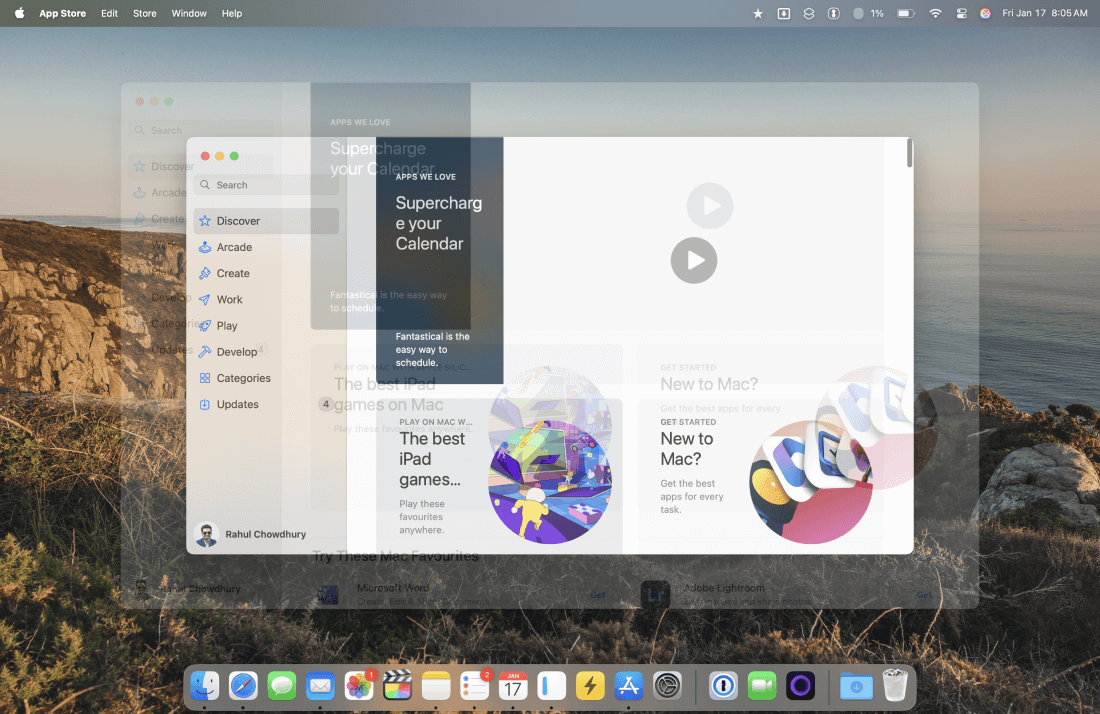
This means that if the app window is already centred, it'll stay centred as you resize.
If you want to preserve the current aspect ratio of the window while resizing this way, you can hold down the ⇧ key as well.
2. Have more window tiling options
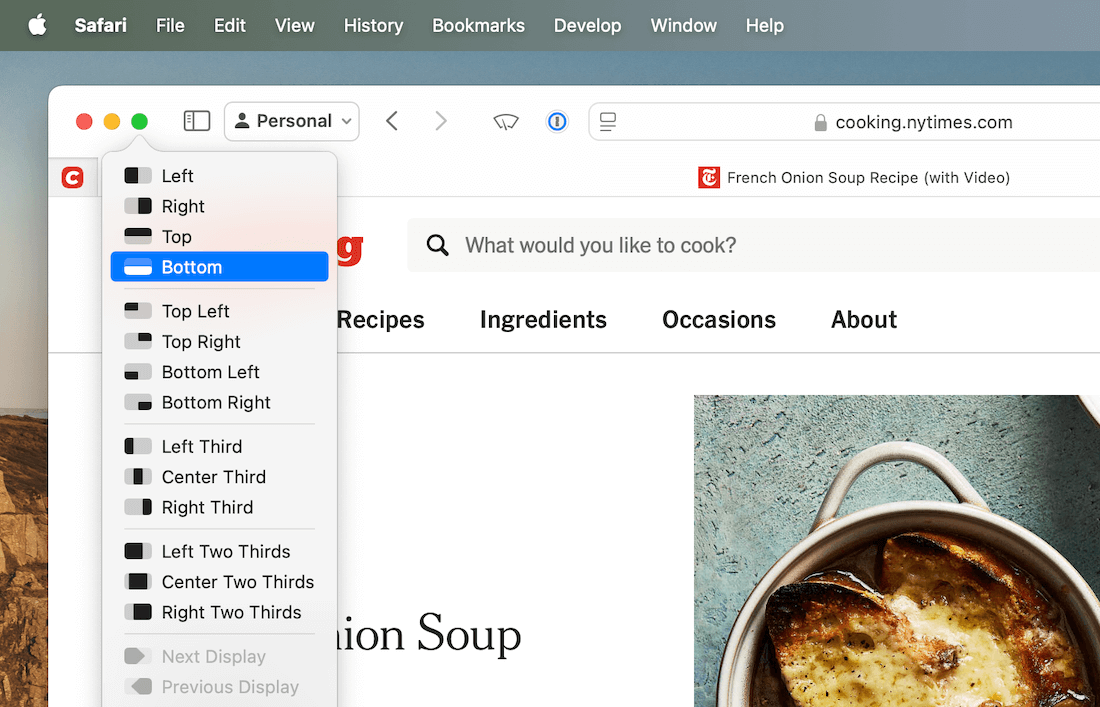
While macOS Sequoia offers many built-in window tiling options, you can add more to the list by installing and running an app called Magnet.
While Magnet is running, it adds all possible tiling options directly onto the green traffic light button:
3. Group selected tabs in Safari
Tab groups are handy for collecting all opened browser tabs related to a theme or a topic in a dedicated workspace.
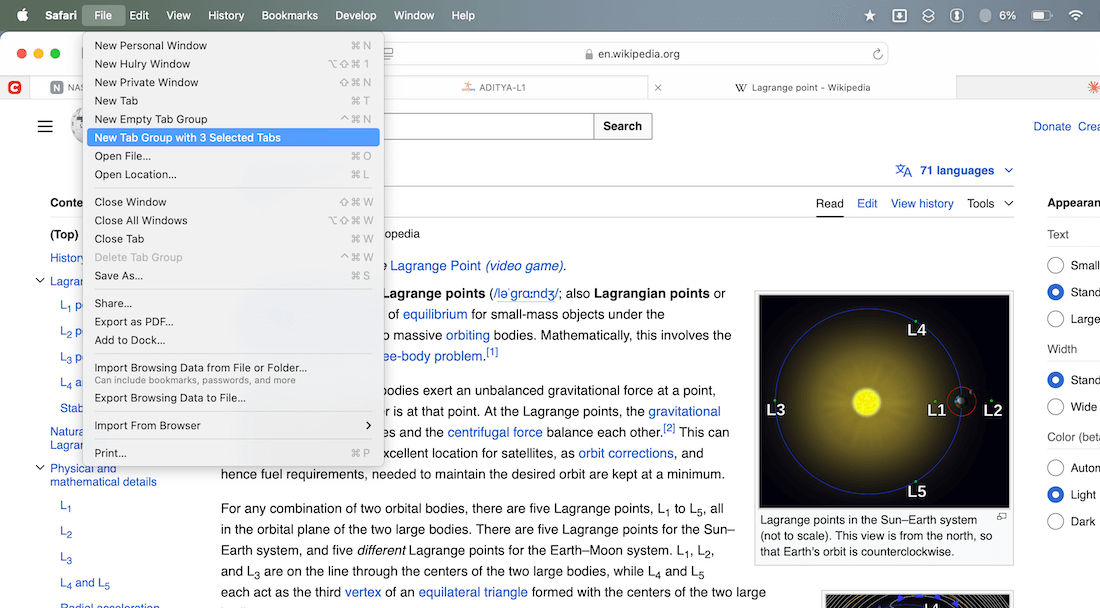
And on Safari, you can do this easily by holding the ⇧ key, selecting the tabs you want to move to a group and moving them to a new group from File → New Tab Group with N Selected Tabs:
That concludes the list.
I hope these tiny tips will be helpful in your workflow. Feel free to reply to this email and share some macOS tips you know.
Speaking of tips, I'm working on a new Hulry series on understanding generative AI, their strengths and weaknesses, and how you can practically incorporate AI tools, such as ChatGPT, Claude, etc, in your workflow to help you save time and effort.
More on this in next week's newsletter issue.
Now, before you move on to the rest of this newsletter issue, here are a few words from:
 This Week's Sponsor
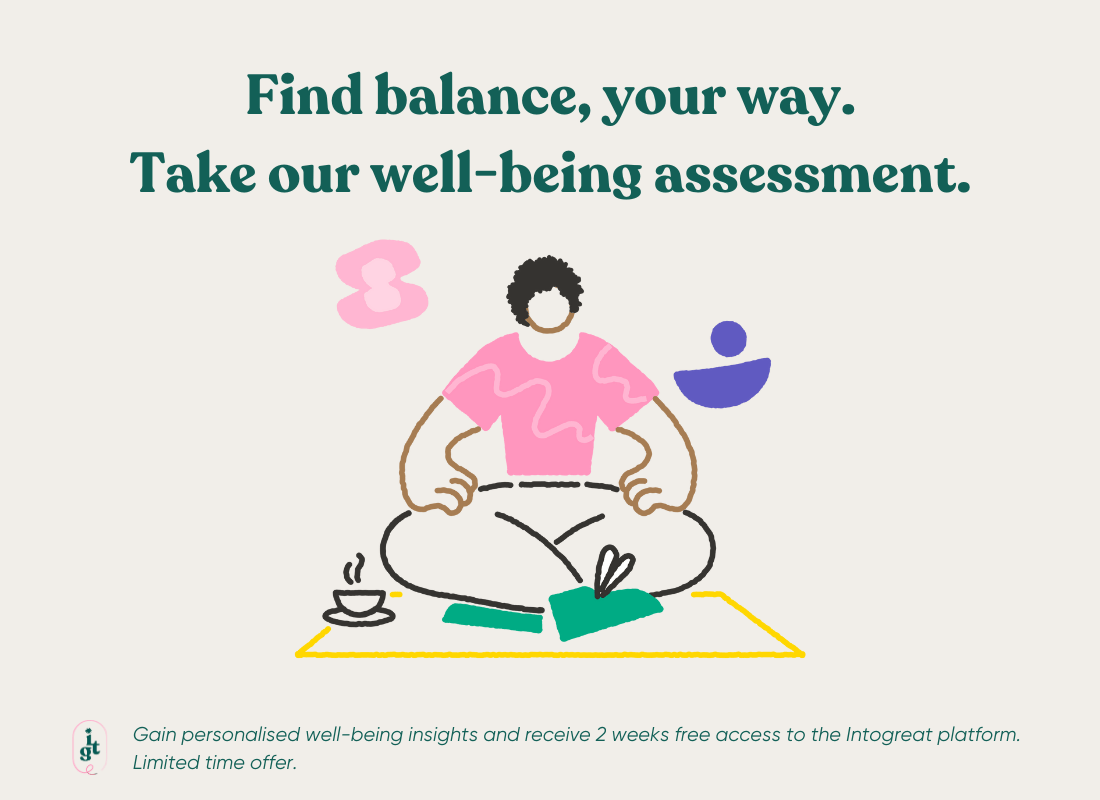
Feeling overwhelmed? Take control with Intogreat.
In just 5 minutes, unlock personalised insights with our proven 8-factor framework. Enjoy 14 days of free access to tools designed to reduce stress, build resilience, and create balance.
"The assessment was eye-opening! It helped me understand what areas of my life were draining me and how to create more balance. I feel more in control now." – Bianca M, Cape Town
Your journey to thriving starts today!
Sponsorships are paid callouts seen by over 4,199 people every Friday. Promote your product or service.
 Your Next Read
Thriving
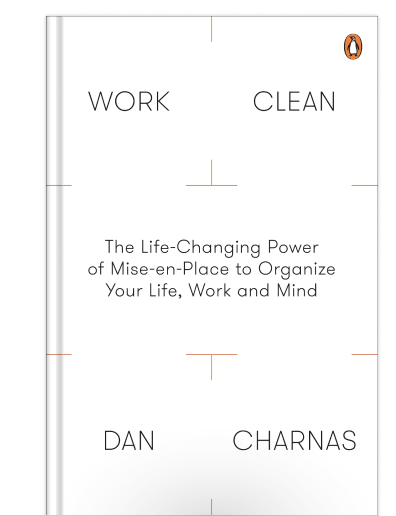
Professional chefs use an organisational technique called mise-en-place to keep their workbench primed for productive work in the kitchen. This book will show you how to use that in your daily life.
 Apps & Services
Make your digital devices less distracting
Read articles like eBooks
Easily work with multiple timezones
 Handy Shortcut
⌘
⇧
J
 Interesting Reads
 Firesides
 Watch Next

Humans have been using drawings to communicate since the early days, so why don’t we start using them more in our modern communication?
 Quick Feedback

If you've enjoyed reading this newsletter issue, you'll love the member-only articles, book summaries and community access that come with a Hulry Plus membership.
Become a MemberKudlu Road, Hosapalya, Bangalore, India — 560068
Were you forwarded this newsletter? Get your own subscription here.