
The new macOS, iOS and iPadOS updates are here.
There are plenty of new additions and changes in these new updates, which I'll share in the coming months, but here are some changes that have been pretty helpful so far:
1. Math in Apple Notes
The Notes app can now understand equations and mathematical problems and calculate results for you.
This is fantastic for those napkin math moments, such as calculating budgets, expense breakdowns, and more.
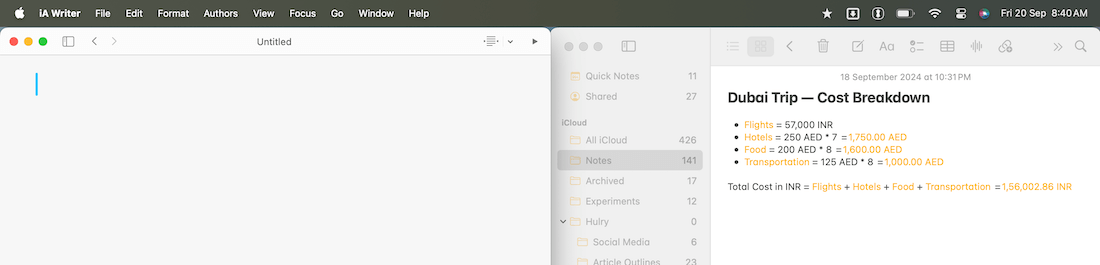
I used it to calculate a quick cost breakdown of a past trip, and it seamlessly calculated the entire cost across multiple currencies:

The natural language comprehension is not as advanced as Soulver's, but having this feature in the Notes app makes it wildly accessible.
2. Tiling windows in macOS
Many of us have been using third-party apps like Magnet or Rectangle to arrange windows on a Mac, but this is now natively built.
On macOS Sequoia, you can drag and drop windows across the screen to tile them to a side or a corner, or use keyboard shortcuts for quick tiling.
Holding down the ⌥ key while dragging a window highlights a tile placement region based on your cursor position.
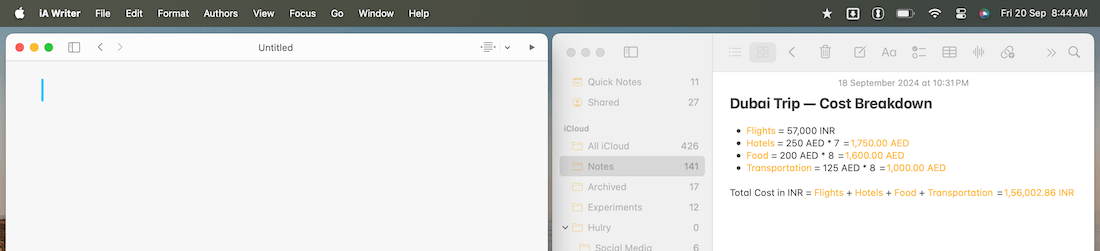
Out of the box, macOS adds spacing around the tiled windows, which looks weird to me:
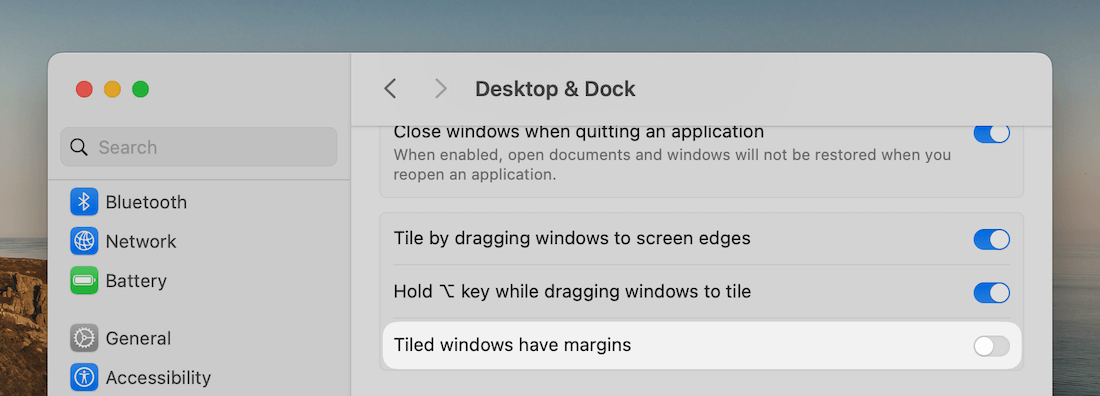
If, like me, you prefer windows tiled edge-to-edge, you can remove the spacing around windows via System Settings → Desktop & Dock → Tiled windows have margins:
3. Custom lockscreen actions
iOS 18 introduced the ability to swap out the default actions at the bottom of an iPhone lockscreen with actions you'd use more frequently.
I rarely used the flashlight option, and I swipe left on the lock screen to open the camera app. So, none of the default actions, flashlight and camera, were helpful to me.
I swapped them out for an action to start a quick note and one to launch the calculator:
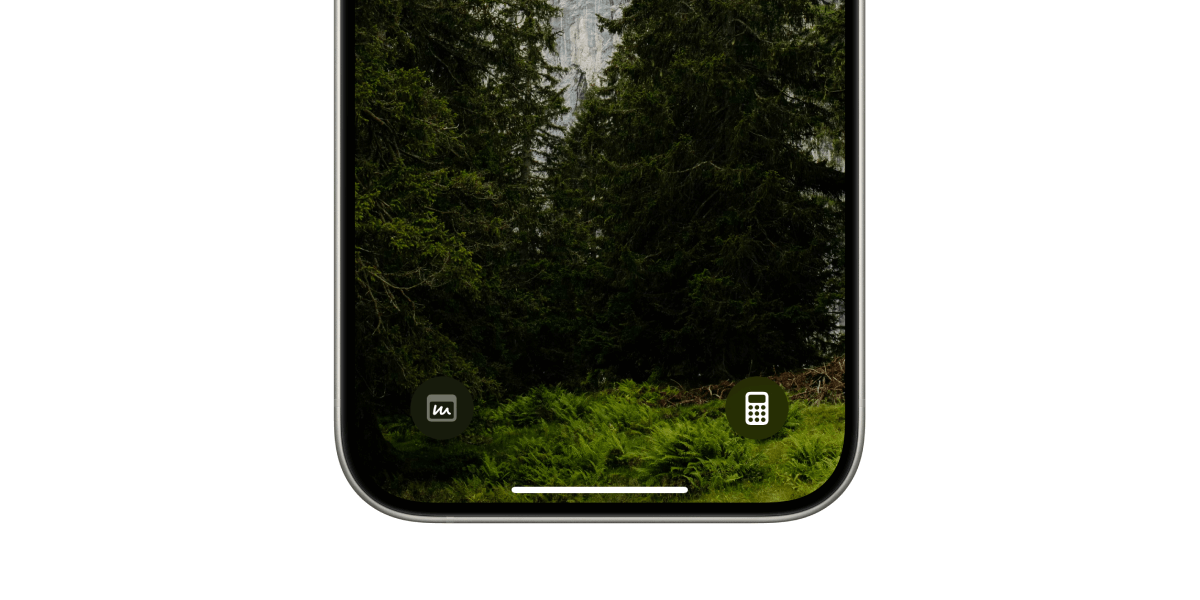
The current version of iOS 18 doesn't have a direct quick note action to place on the lockscreen, so I made this workaround by creating a shortcut and launching the shortcut from the lockscreen.
That's it for now.
I'm still exploring these updates, so expect to see more tips and tricks here and on my Threads profile in the coming months.
I'll also update the existing Back to Basics guides for Apple stock apps with new features from these updates shortly.
Speaking of member-only guides, I've added a new comprehensive guide for the Apple Mail app, along with book summaries and new app deals in the Hulry Plus membership.
I have more member-only guides, workflows and summaries to share in the coming months, so if you haven't had a chance yet, consider becoming a member.
I'm confident you'll find the existing content and the ones to come helpful.
Now, before you move on to the rest of this newsletter issue, here are a few words from:
 This Week's Sponsor
Humanistic & Interpersonal Coaching
Did you know feeling disconnected or burned out is your body’s way of asking for a reset?
As a former therapist turned coach, I guide professionals to reclaim their purpose, build resilience, and reconnect with what truly matters.
Curious how it works? Let’s explore together. Learn more
Sponsorships are paid callouts seen by over 3,977 people every Friday. Promote your product or service.
 Your Next Read
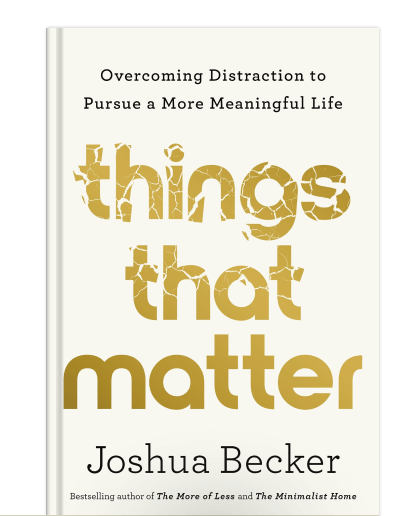
Thriving
Learn how to eliminate fear and distractions and craft a life that brings you joy and satisfaction through this practical book.
★Read summary & notes for this book
 Apps & Services
Paperlike minimal weekly planner
Wipe your MacBook keyboard in peace
Visually capture your memorable moments
 Handy Shortcut
⌃
Fn
C
 Interesting Reads
 Back to Basics
11 min read
5 min read
 Watch Next
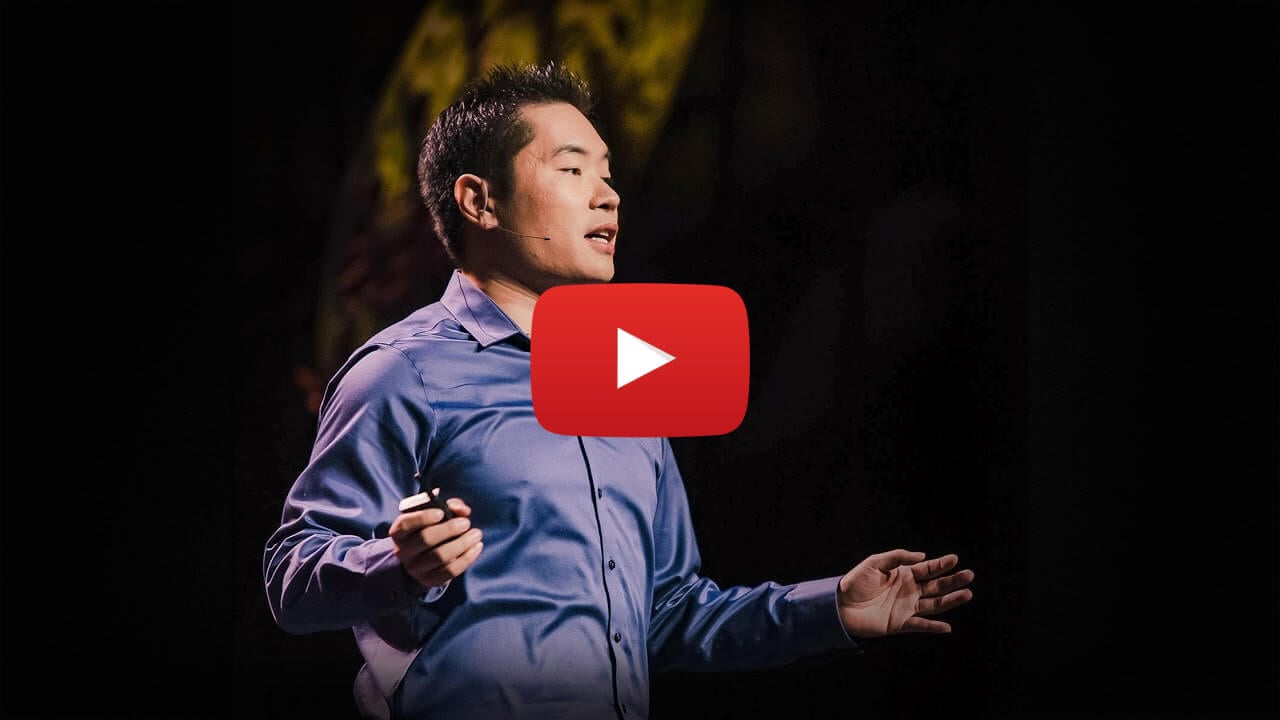
A splendid talk on developing a thick skin against rejections and turning them into opportunities.
 Quick Feedback

If you've enjoyed reading this newsletter issue, you'll love the member-only articles, book summaries and community access that come with a Hulry Plus membership.
Become a MemberKudlu Road, Hosapalya, Bangalore, India — 560068
Were you forwarded this newsletter? Get your own subscription here.