
While Apple products are known for privacy, if you use an iPhone, it regularly records your location changes.
So, your iPhone knows where you've been in the past few weeks, how long you've been at home, and so on.
Apple calls this system Significant Locations, and the location data is fed into apps like Maps, Calendar and Photos to power their various location-based functionalities:
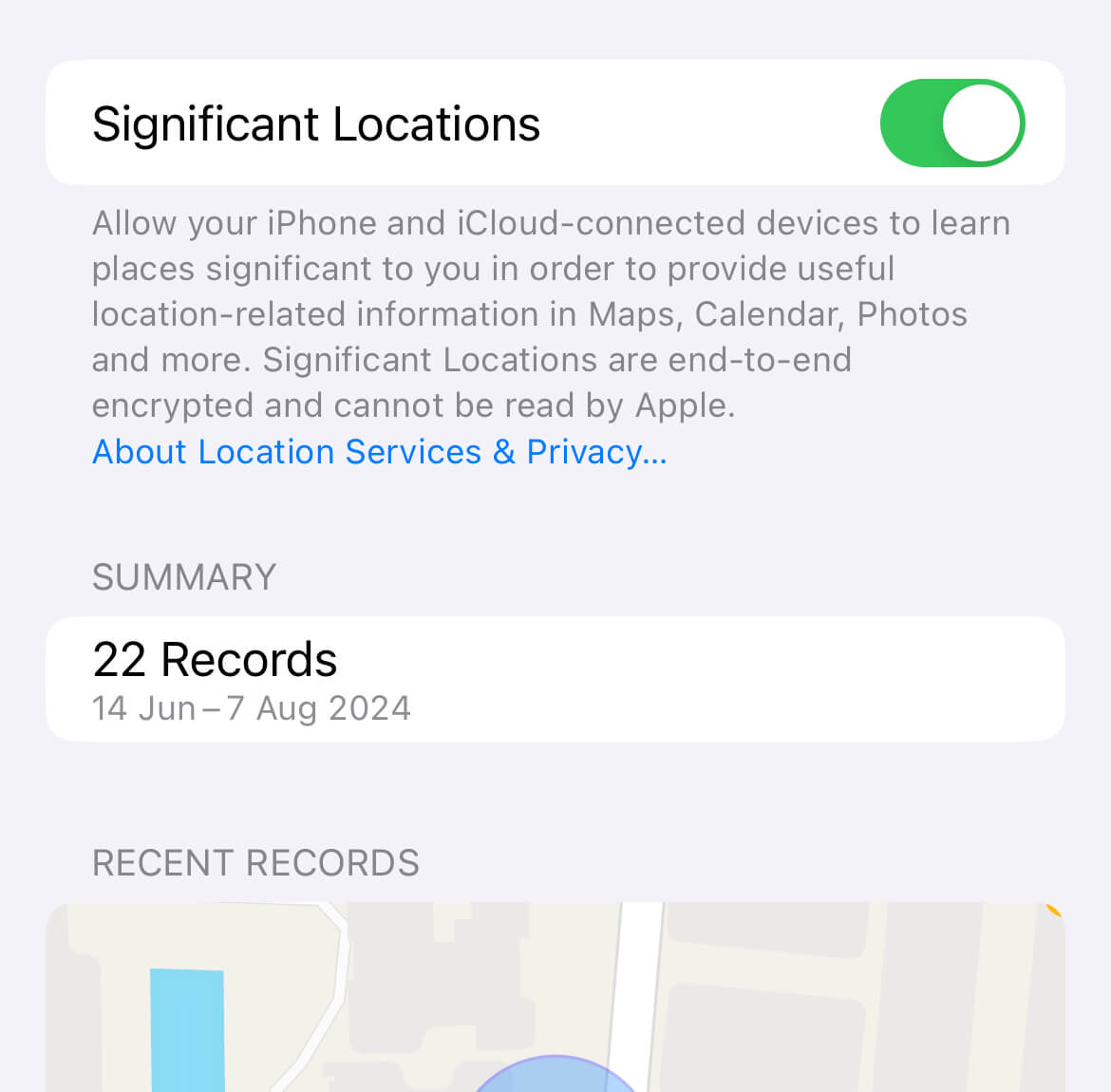
All captured location data remains end-to-end encrypted, which means Apple can't track your movements, but if you'd prefer your phone not tracking your moves, you can turn it off here:
Settings → Privacy & Security → Location Services → System Services → Significant Locations
I chose to leave this setting toggled on since none of my location data was visible on the phone or to any third party, but if you're conscious about your privacy, this hidden setting might give you extra peace of mind.
Now, before you move on to the rest of this newsletter issue, here are a few words from:
 This Week's Sponsor

Feeling overwhelmed by life's constant shifts?
Your big ideas deserve a clear path. Let's unlock your potential together.
As an Integral Coach, I blend creativity with strategic thinking to help you navigate change, silence inner critics, and build effective systems.
Ready to turn your dreams into reality? Book your free discovery call today.
Sponsorships are paid callouts that keep Hulry running and are seen by over 3,896 people every Friday. Promote your product or service.
 Your Next Read

Thriving
A short and beautiful story about the power of now. Limit your frequent mental time travels and learn to do your best work with The Present.
★New Summary: Gift of Imperfection
 Apps & Services
Create flexible outlines for your projects
Turn a list of articles into an eBook
Minimalistic focus mode for your iPhone
 Handy Shortcut
⌘
⇧
N
 Interesting Reads
10 min read
9 min read
2 min read
 Watch Next
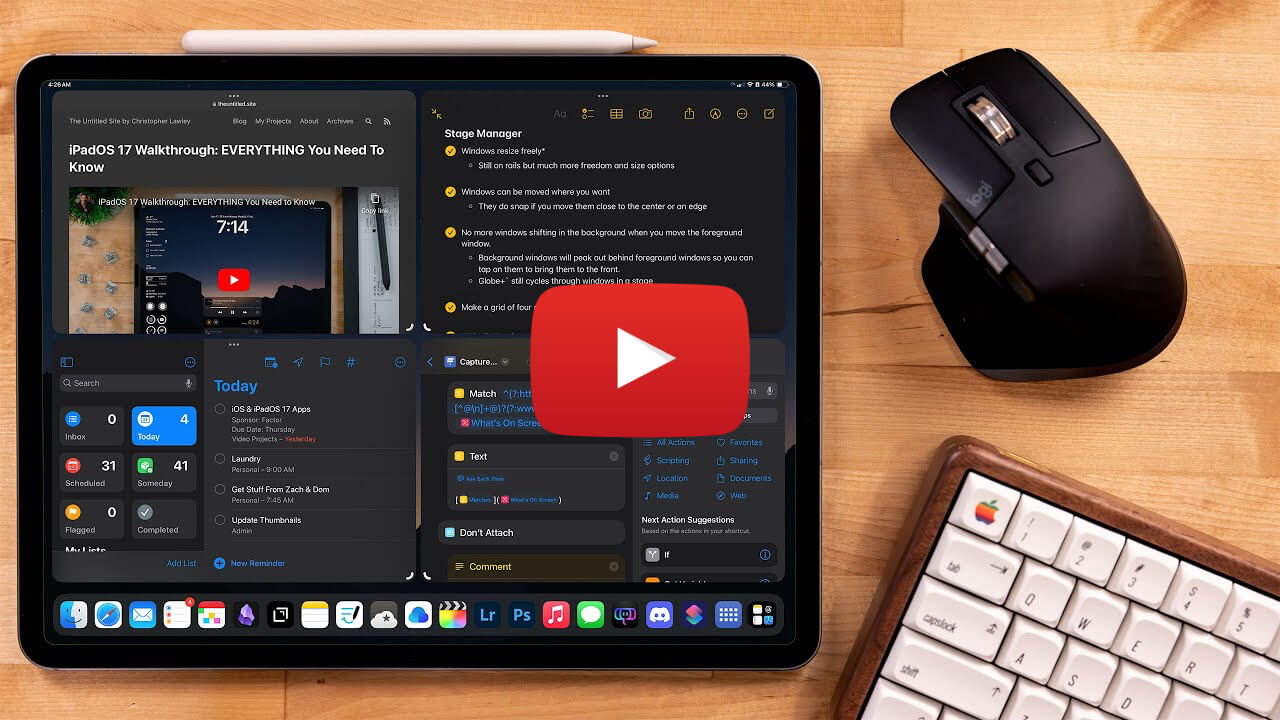
If you have an iPad, this comprehensive video on stage manager will help you use it more efficiently.
 Quick Feedback

If you've enjoyed reading this newsletter issue, you'll love the member-only articles, book summaries and community access that come with a Hulry Plus membership.
Become a MemberKudlu Road, Hosapalya, Bangalore, India — 560068
Were you forwarded this newsletter? Get your own subscription here.