
Between formatting this newsletter email in HTML and sending emails to business prospects, reusable snippets help me save time and manual effort every week.
This is why I love macOS's built-in text substitutions and text expanders like Rocket Typist (featured in Issue #120).
However, Rocket Typist's free version only allows for a single active template, and I wasn't sure whether the cost paid for the Pro version would be a good value for money for a couple of times a week I need to paste a snippet.
Thinking of alternatives, my mind stumbled upon the built-in Shortcuts app in macOS.
I could build a shortcut that replaces highlighted text with a template.
One excellent candidate for this experiment was wrapping text in hyperlink HTML tags for this newsletter without having to type the full syntax.
After a few minutes of tinkering with the various actions available in the Shortcuts app, I had my homegrown text expander ready:
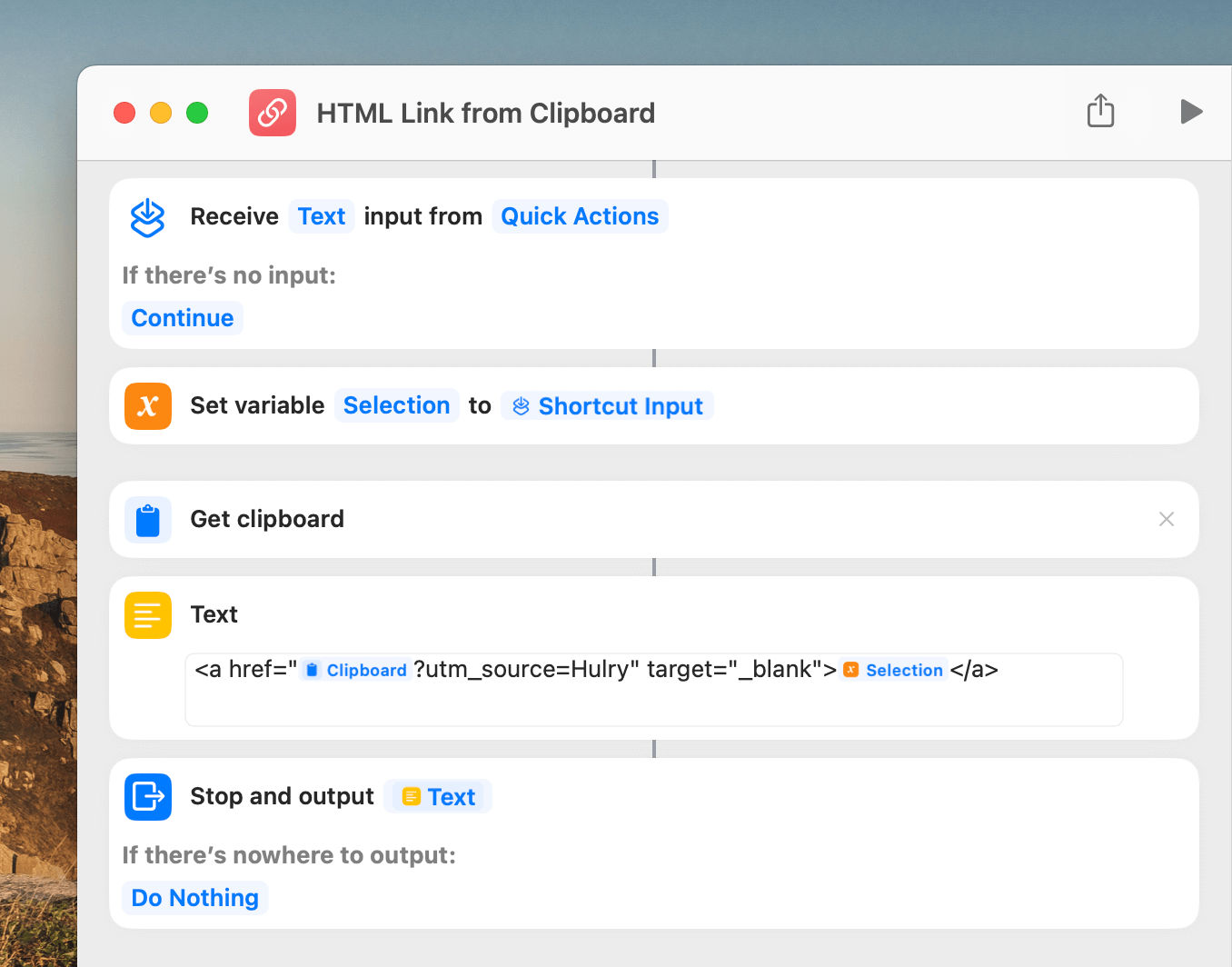
With this shortcut, I can select text in any app, right-click to show the contextual menu, and run my shortcut from the Services menu like this:
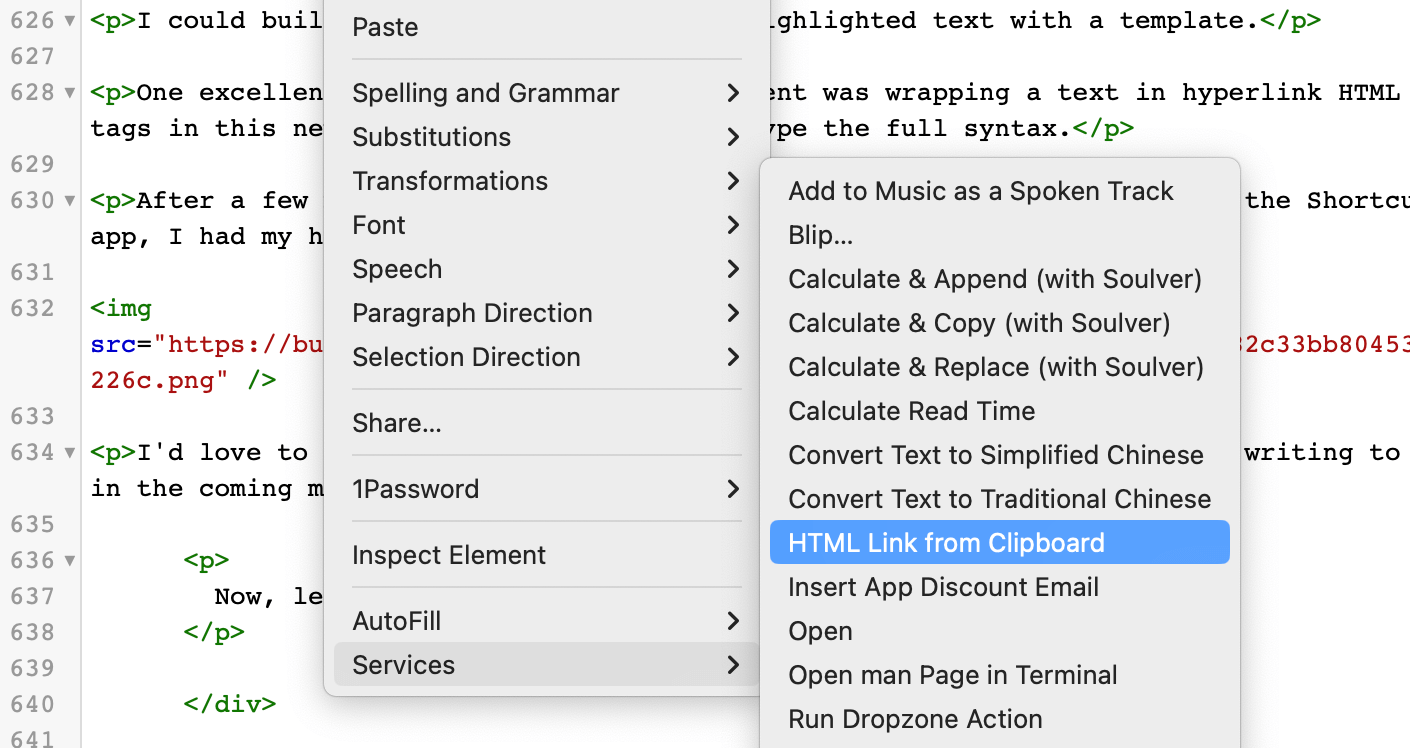
It gets the job done accurately, 100% of the time, and didn't cost me any extra money to get this workflow running.
You can tweak this shortcut to paste any text you prefer, anywhere in the macOS system, and can even ask for input from the user before formatting and pasting your template.
The crucial part of this shortcut that makes it available anywhere in the system and gives it the ability to paste formatted text are these two options in the shortcut details:
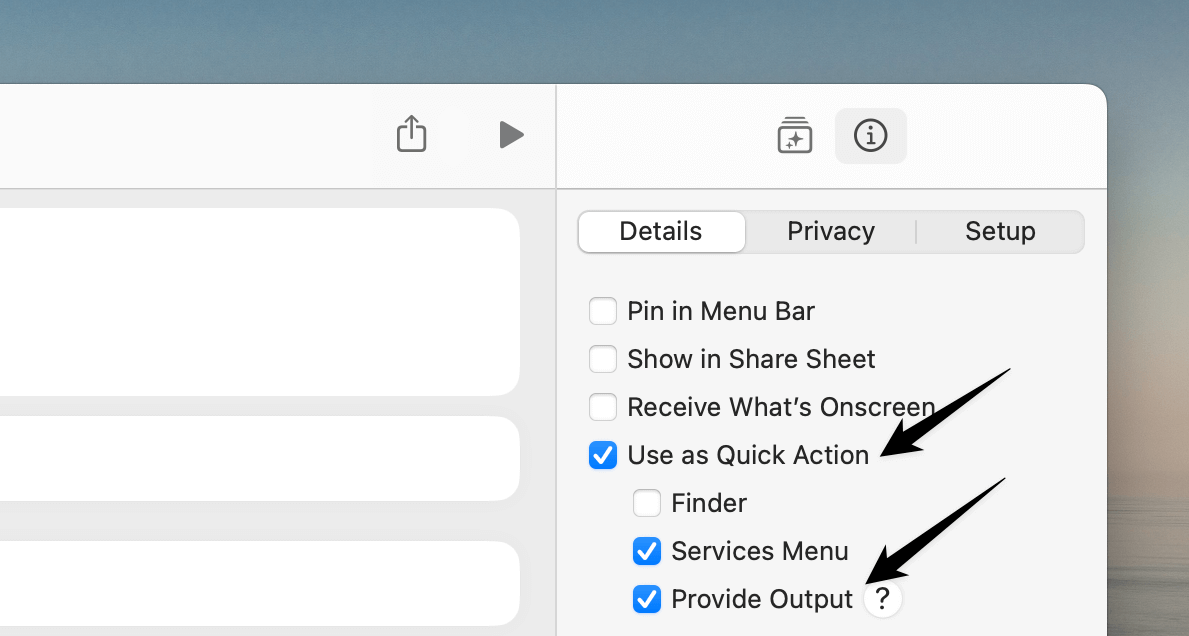
If you have a Mac and need to replace text with your custom formatting or even insert an email template, try setting up a shortcut like the one above.
You'll save plenty of time and effort, without having to pay anything extra.
Before we move on, I have some family members coming from the US. If you're from the US and can suggest some collectables, card games or other cool things from your country, send me your suggestions.
I currently have these Harry Potter themed playing cards from Theory11 on my list.
Now, let's move on to the rest of this newsletter issue:
 Your Next Read
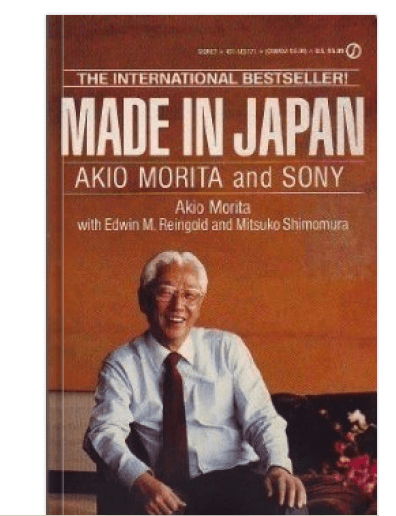
Autobiography
You probably have a Sony product, or have interacted with one. Peek into the inner world of Sony through the lens of one of its co-founders, Akio Morita, in this book.
 Apps & Services
Beautifully highlight your cursor in recordings
Find words you can't seem to recall
Run LLMs locally, hassle-free
 Handy Shortcut
⌃
Down
 Interesting Reads
 Longform
9 min read
4 min read
 Watch Next
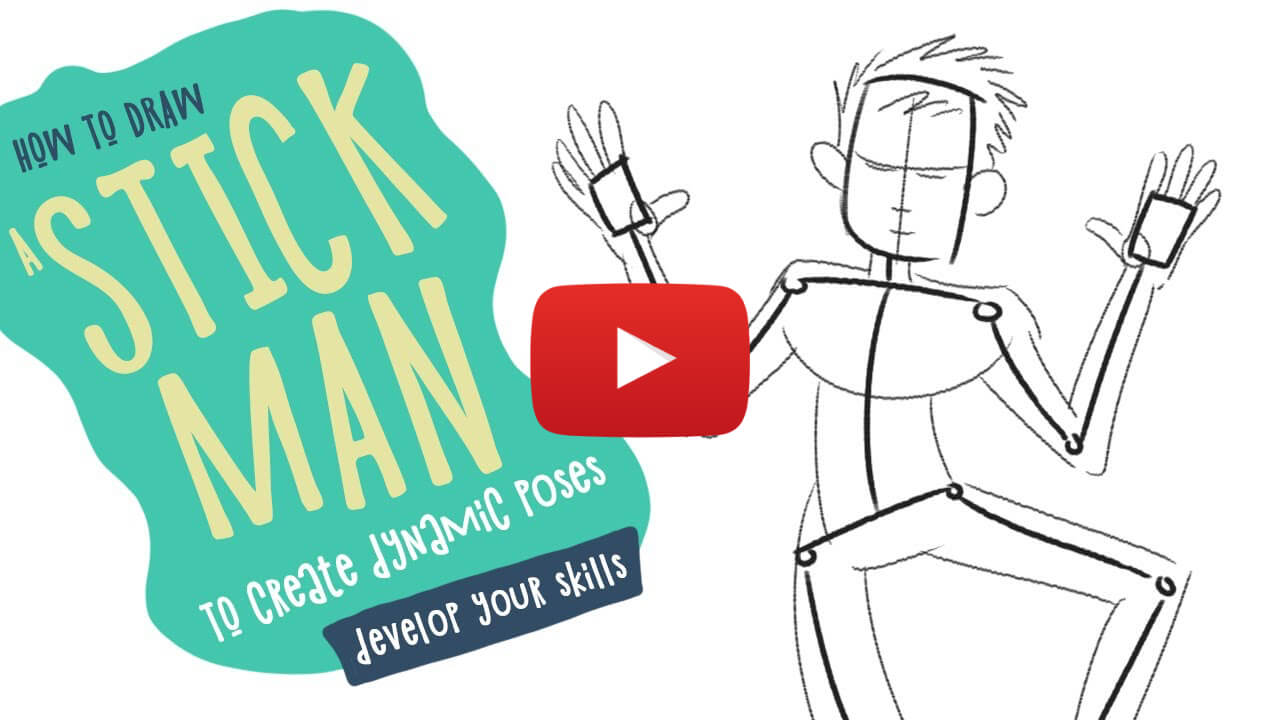
If you've ever wanted to learn how to draw decent human stick figures, this is a fantastic beginner's tutorial.
 Other Good Newsletters
 Quick Feedback

A significant amount of effort and time goes into bringing this newsletter and the articles over at hulry.com. Support me on this journey by buying me some coffee.
Buy me a CoffeeKudlu Road, Hosapalya, Bangalore, India — 560068
Were you forwarded this newsletter? Get your own subscription here.