
This week’s introduction section is a bit different.
I have Jeremy Caplan with me, who will teach you some nifty Google Docs tricks that will help you leverage some of the app's lesser-known features.
Jeremy Caplan is the director of teaching and learning at CUNY’s Newmark Graduate School of Journalism and the writer of the weekly newsletter Wonder Tools.
Jeremy: Google Docs is a contemporary classic. It’s less powerful than Notion, Coda or Craft and less streamlined than Bear, Ulysses, Drafts, or iA Writer.
But it’s so reliable — and has so many capabilities — that I still use it regularly.
Read on for useful features to try:
1. Add email drafts and project trackers inside your doc
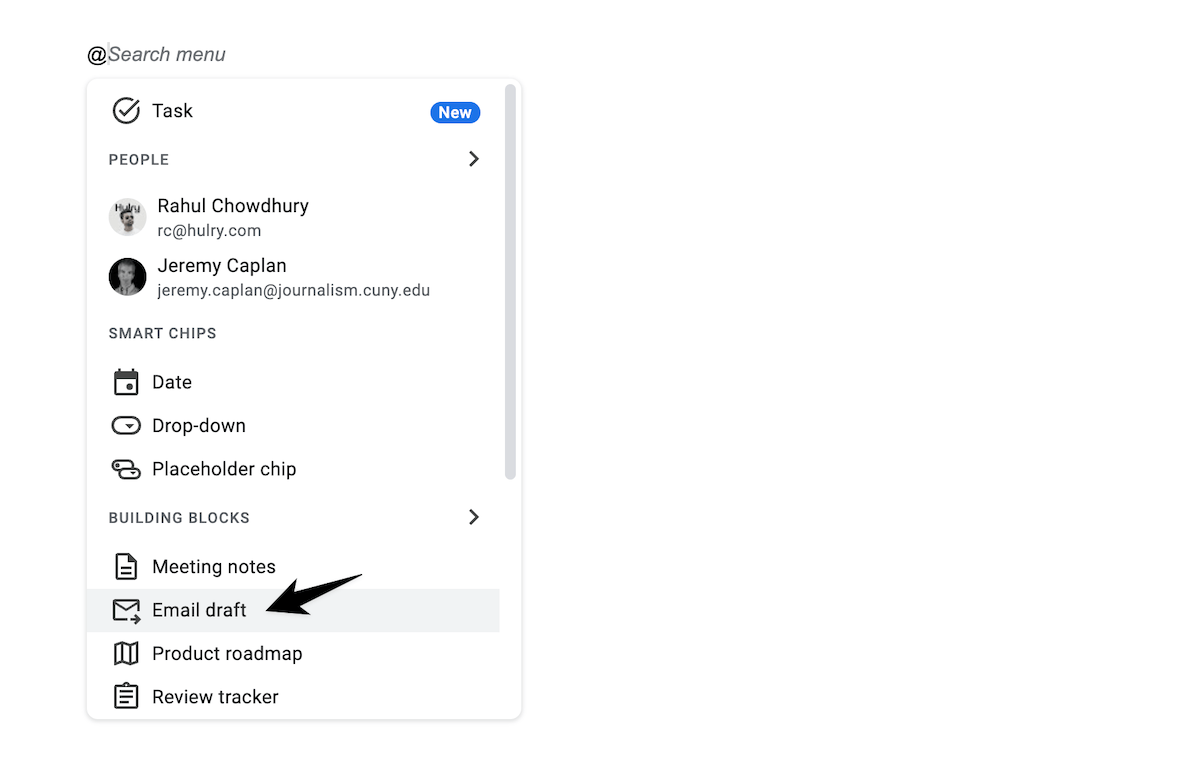
Inspired by Notion & Coda, GDocs now lets you insert “building blocks.”
These include mini-templates for meeting notes and tracking content. One block lets you create an email draft. You can collaborate on it in a doc, then send in Gmail.
Type @ and choose the block you want:
2. Translate your text automatically
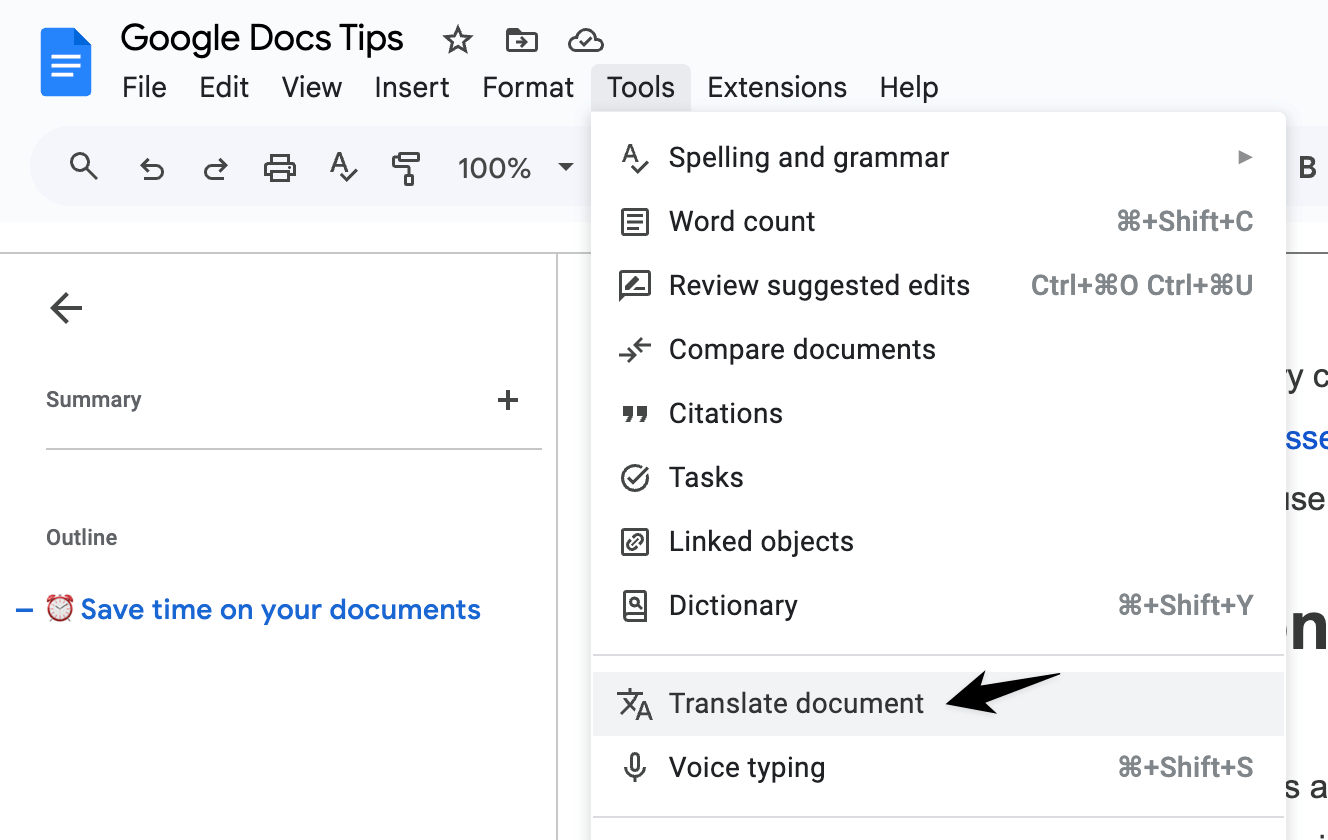
Share your doc in another language. Your original is preserved — GDocs creates a translated copy.
It’s not human quality, but it’s enough for the gist.
Go to Tools > Translate document:
3. Display a live word count
Show a persistent count at the bottom left of your editing window.
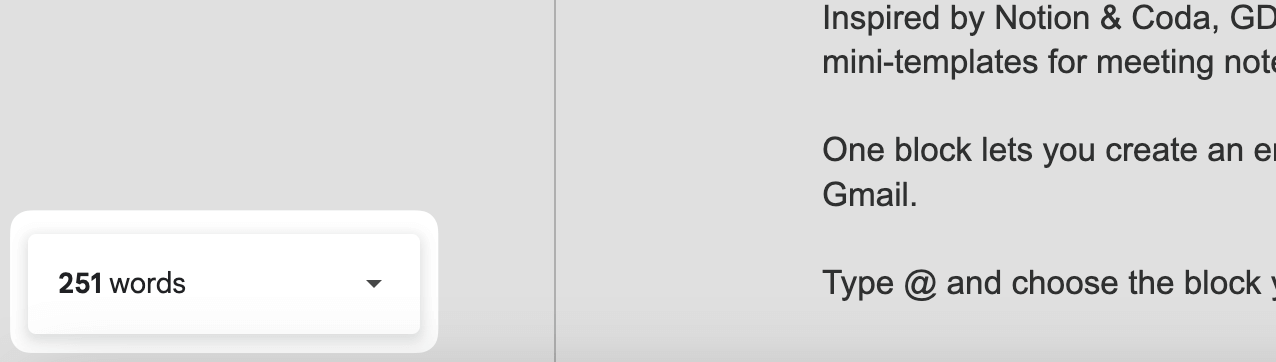
Go to Tools > Word count— or Command-Shift-C — and check the box for “Display word count while typing.”
If you’ve enjoyed these quick tips, you’ll like Jeremy’s newsletter, Wonder Tools, which focuses on making the most of the best sites and apps to simplify your workflow. More than 38,000 subscribers rely on the free weekly email by Jeremy, who used to write for Time Magazine.
In 5 weekly minutes, you'll catch-up on what's most useful.
A well-known reader recently tweeted, "One of the most useful weekly newsletters I get." Get it now free.
Now, let's move on to the rest of this newsletter issue:
 Your Next Read
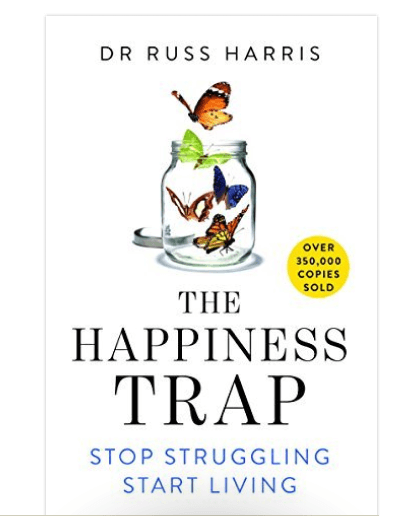
Personal Growth
This book delves into the program of ACT (Acceptance and Commitment Therapy) and teaches us helpful ways to deal with our big feelings — stress, anxiety, depression and loss.
 Apps & Services
Private and local photo compression
Create beautiful, AI-generated maps
Search through voice notes using AI
 Handy Shortcut
⌥
⌘
Esc
 Interesting Reads
10 min read
19 min read
8 min read
6 min read
 Watch Next
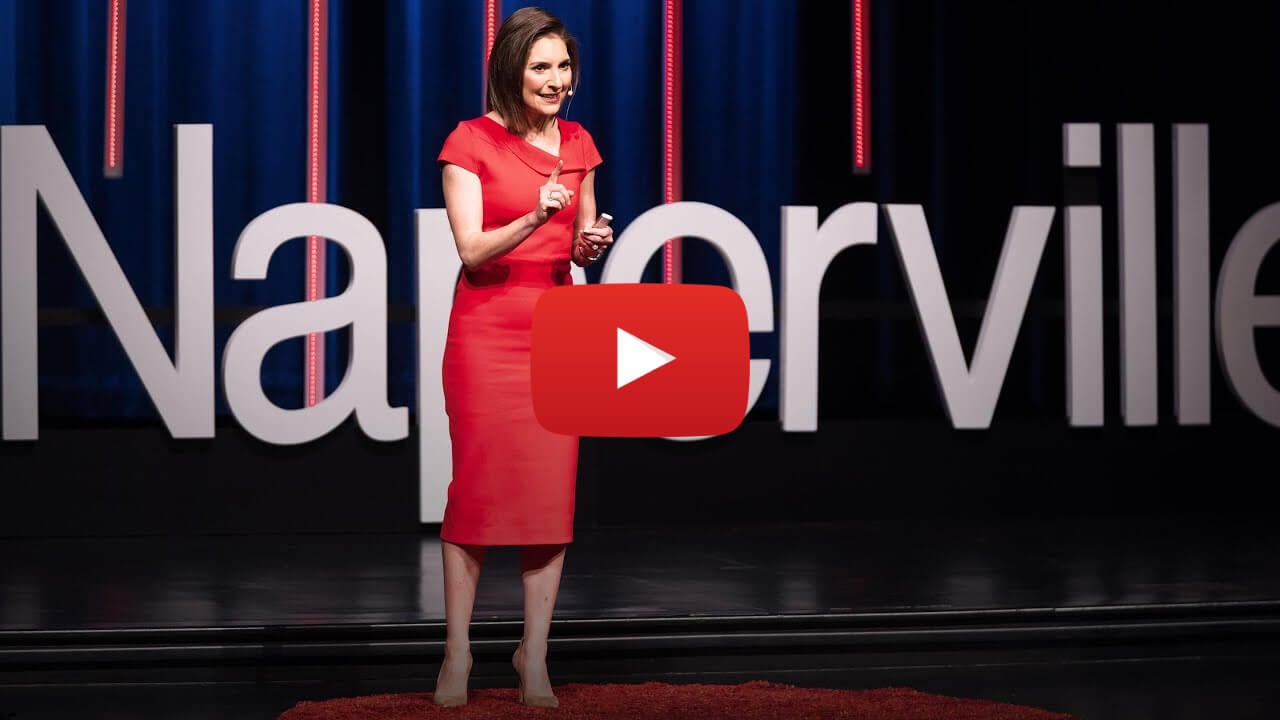
Dr Darria offers practical tips on getting a hold of things when life seems "crazy busy".
 Quick Feedback
What do you think about this week's newsletter?
Loving the Hulry newsletter? Please forward this issue to a friend who might enjoy it too.

A significant amount of effort and time goes into bringing this newsletter and the articles over at hulry.com. Support me on this journey by buying me some coffee.
Buy me a CoffeeKudlu Road, Hosapalya, Bangalore, India — 560068
Were you forwarded this newsletter? Get your own subscription here.