

Happy Diwali. 🪔 Generated using Midjourney v5.2.
One of the most used features on my phone lately has been the State of Mind tracker on iOS.
At any time of the day, I could track the state of my mind with a handful of taps on my phone.
The questions are straightforward, and a neat slider helps quickly track how I'm feeling at the moment like this:
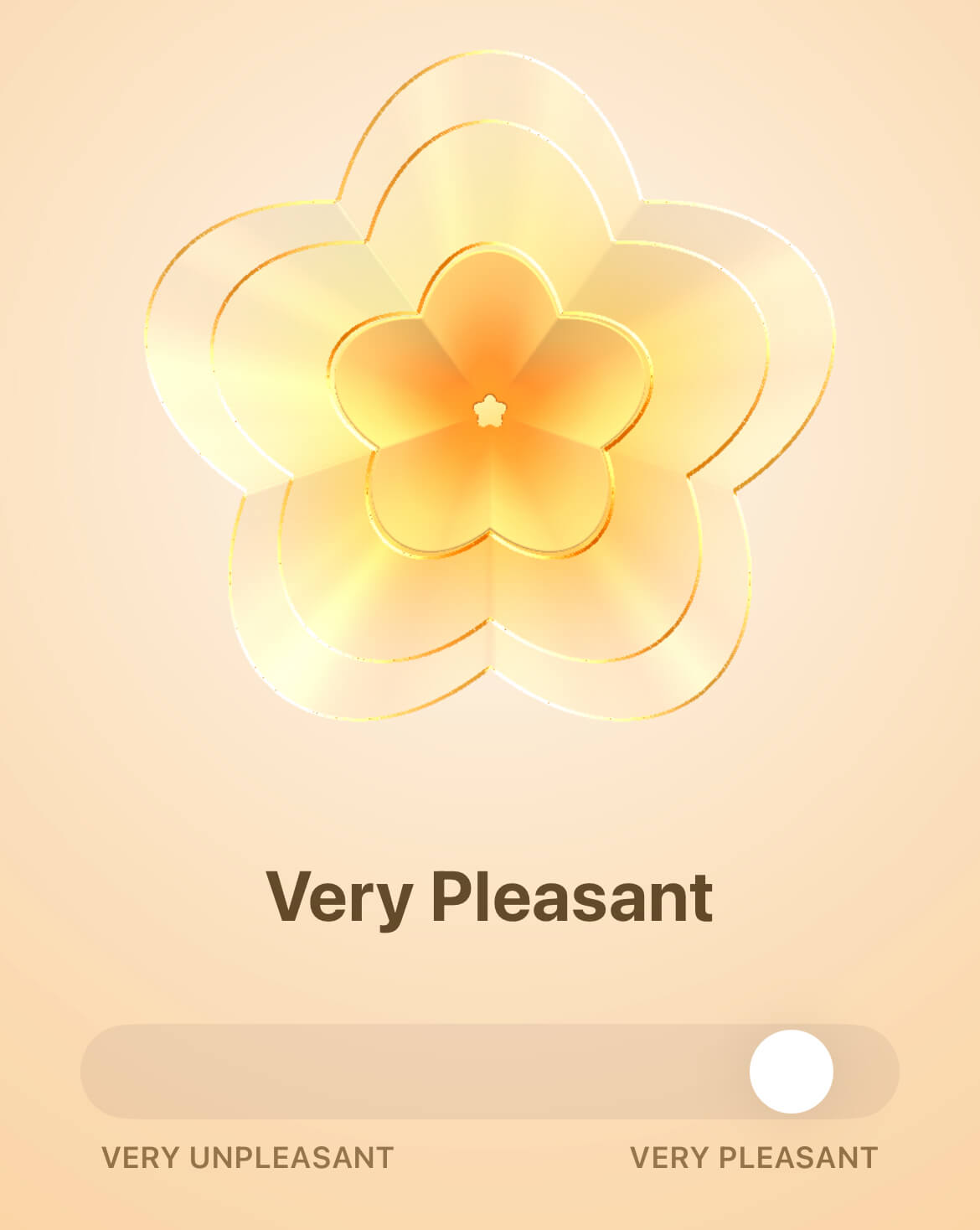
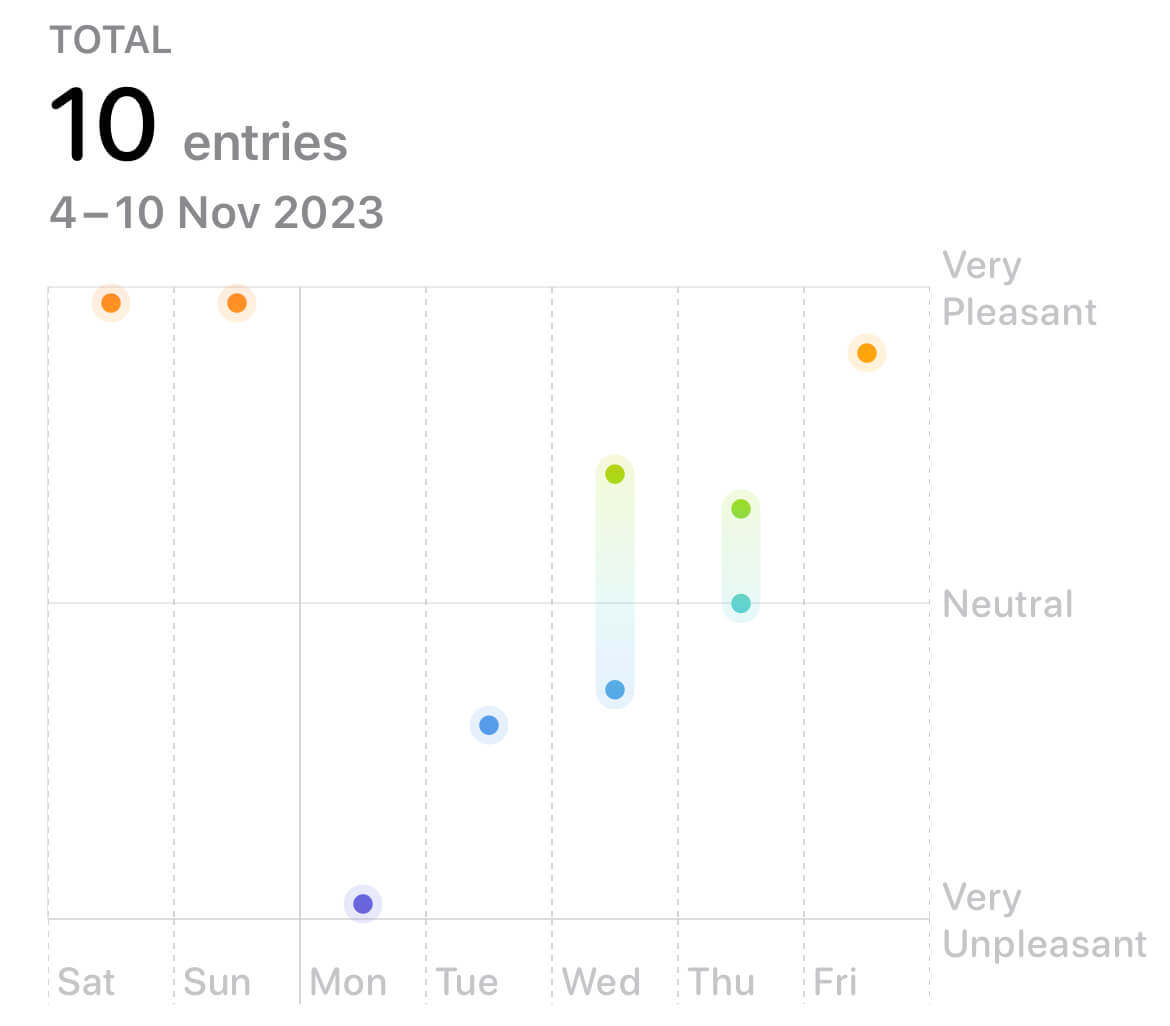
What this has been doing for me is acting like a lightweight journal. I don’t have to write anything and still track my daily moods in a format that could also be plotted on a graph for retrospection:
And if I dig deeper, I could also see a breakdown of what factors contribute to how I’ve been feeling over, say, a month:
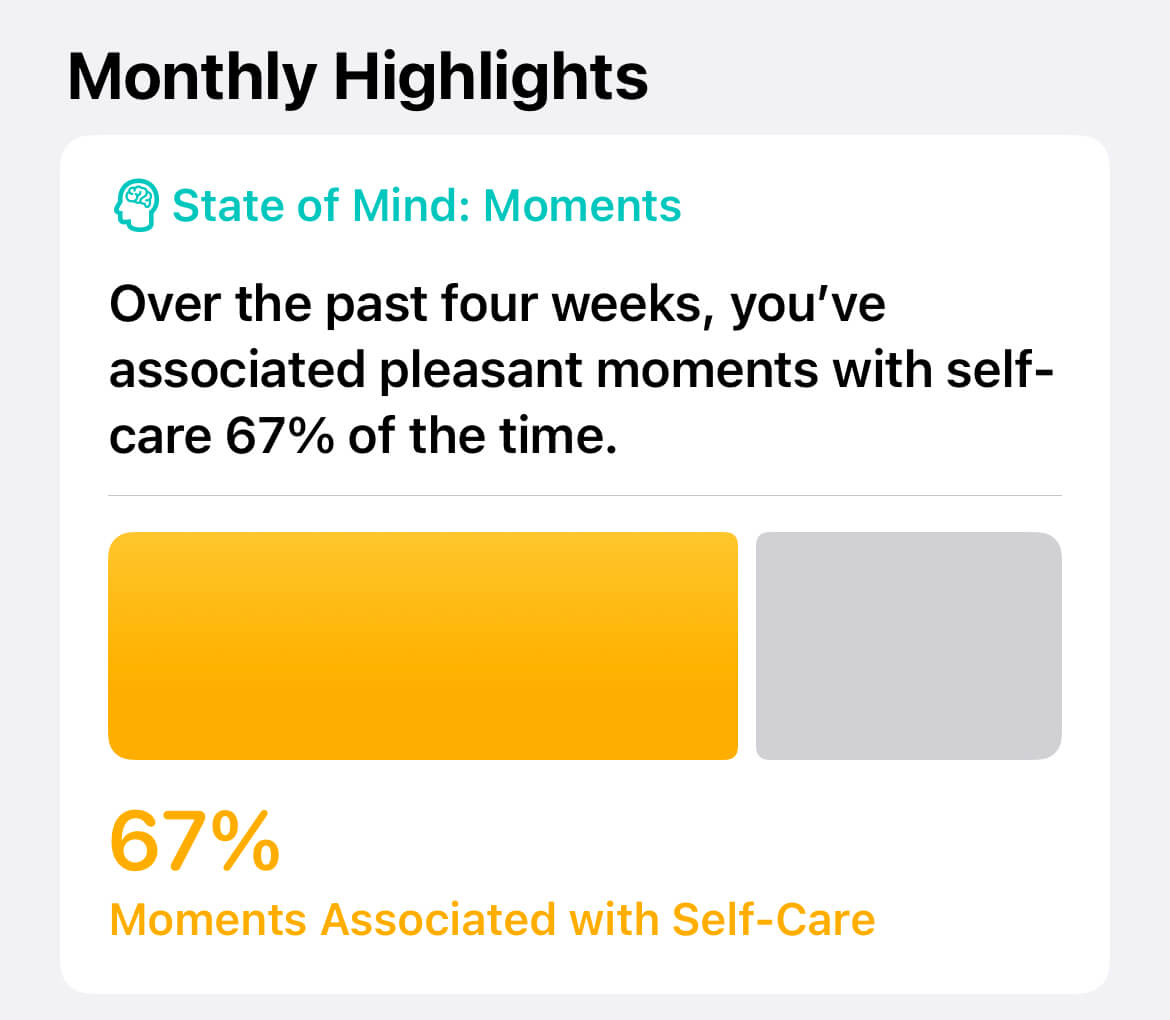
It is a simple but effective feature that helps identify ongoing life issues and make positive changes.
If you're using an iPhone, try this feature on the Health app. It could be a soothing and rewarding experience for you, too.
And here’s a tip:
You can also add a shortcut to this feature on your lock screen by adding the State of Mind widget like this:
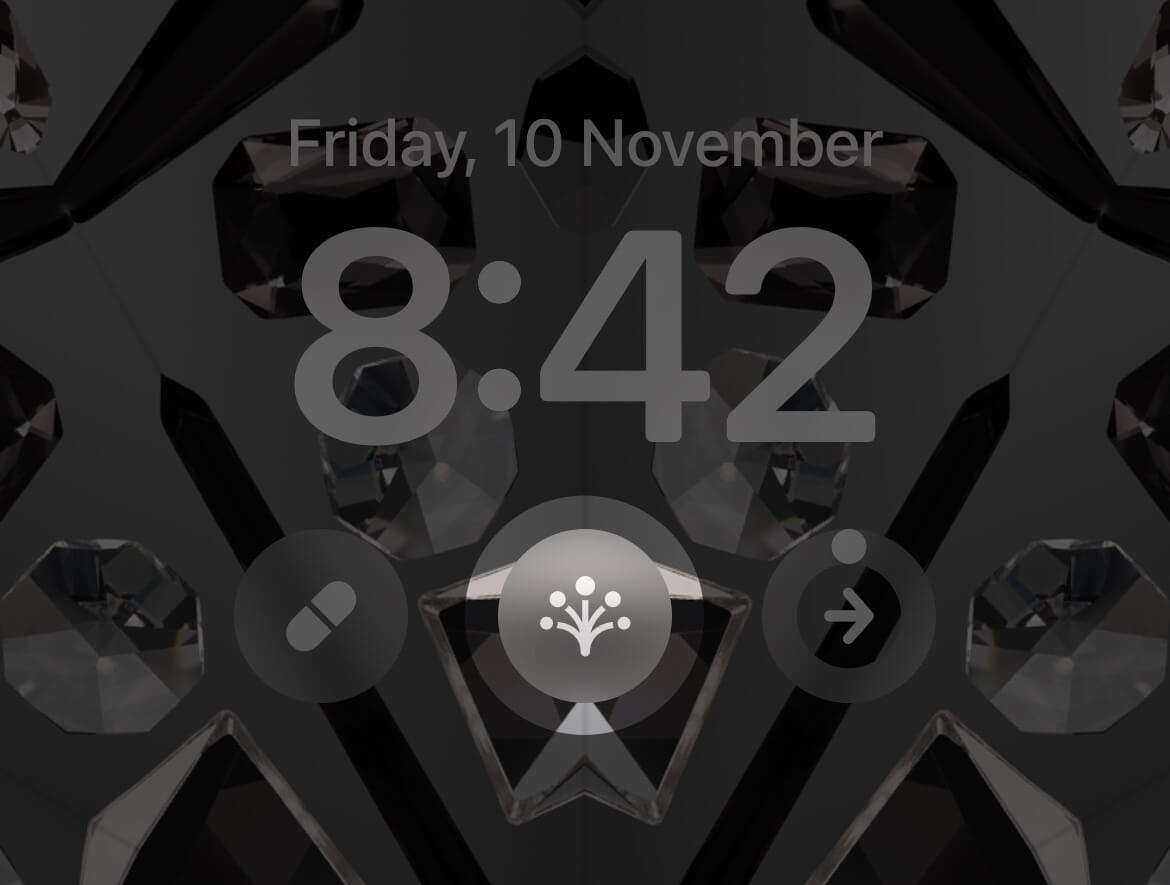
This helps quickly capture moments of mental state during the day right from the lock screen.
Before moving on, I wanted to wish you a Happy Diwali. May your life and home be filled with a glowing warmth of happiness and prosperity. 🪔
Now, on to the rest of this week's newsletter issue:
 Your Next Read

An intriguing read on probabilities and the randomness and volatility in life if you can bear some of the author's excessive bragging and people-bashing.
Personal Growth
 Apps & Services
Journal in short bursts
A beautiful scratchpad for calculations
Turn messy web pages into clean, printable documents
 Handy Shortcut
⌥
Up/Down
 Interesting Reads
 Longform
4 min read
5 min read
4 min read
 Videos
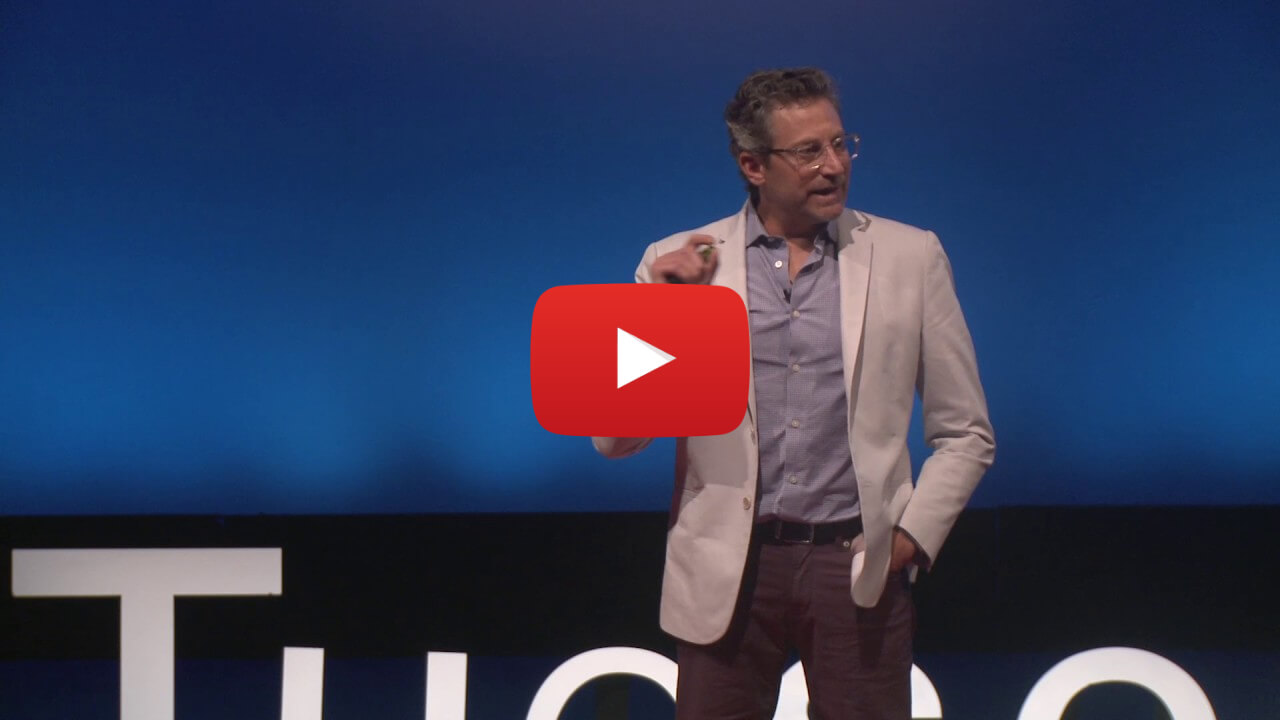
A fantastic talk on how you can achieve your wildest goals with micro changes in your daily routine. I might resume learning how to play the guitar after this.
 Quick Feedback
What do you think about this week's newsletter?
Loving the Hulry newsletter? Please forward this issue to a friend who might enjoy it too.

A significant amount of effort and time goes into bringing this newsletter and the articles over at hulry.com. Support me on this journey by buying me some coffee.
Buy me a Coffee187/1 Kudlu Road, Hosapalya, Bangalore, India — 560068
Were you forwarded this newsletter? Get your own subscription here.